
USB SHARE 2.0 Switch 2-Way 1A-2B
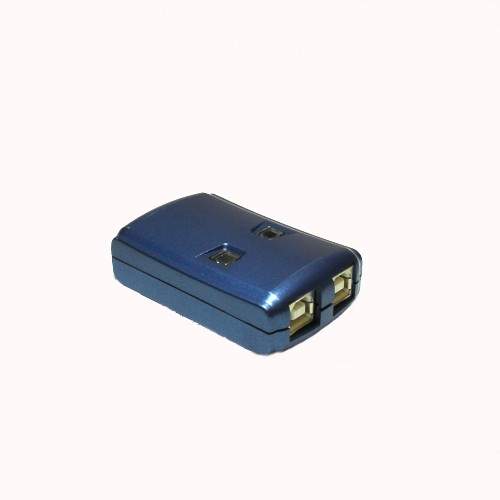
USB 2-Port Auto Share Switch. USB Auto Share Switch allows multiple PCs to share one USB devices. It provides you a great solution to share USB devices between two PCs to save the limited budgets on USB devices and the effort on doing hot-plug process.
Easy Software Switching Via a Small Tool Bar Icon
Features:
-
Two PCs share a USB devices
-
Conform to USB revision 2.0 and 1.1 Standard Specifications
-
Supports both UHCI and OHCI USB interface
-
Supports USB Self-Power for more USB hub expansion
-
Using intelligent software to switch USB device ports and easy operation
-
The cable length from PC to USB share box or USB share box to USB device is 5 meters
-
Easy to share other expensive USB peripherals like USB docking station, USB Zip drive, USB card reader, USB to USB Bridge, USB to Ethernet or other USB adapters
-
Easy extend USB down stream ports or add a 4 or 7 port USB
-
Hub to USB share switch downstream port for more USB devices connected to your PC
Installation:
Install Software from CDROM
Plug in Switch Via Standard USB A-B Cable
Operation:
Computer Selection of Device: Right Click on Yellow Circle Icon and Select "Switch"
Also you can Use the [Ctrl]-[F11] on PC and [Alt]-[F11] on the MAC.
SW221A -Manual