
A Practical History of Motherboard Connectors: From Serial Ports to USB4
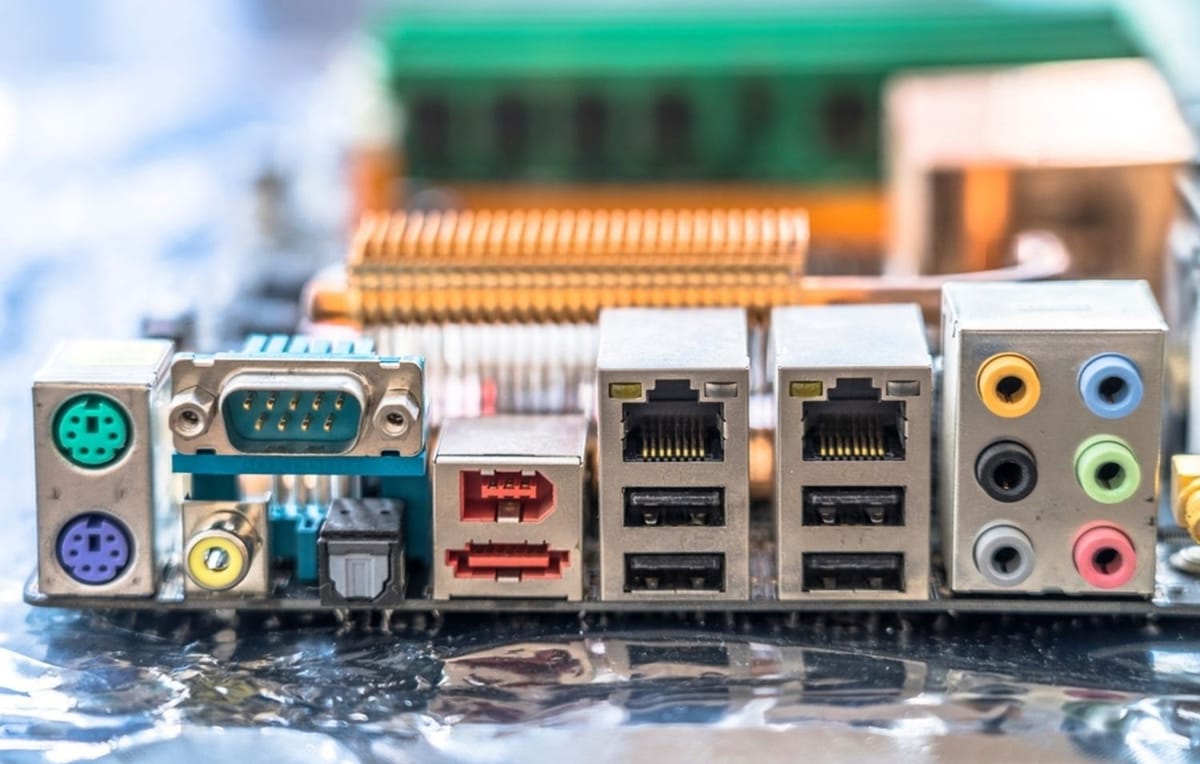
Motherboard connectors tell the true story of PC evolution. Long before high-speed USB and multi-lane protocols, system designers relied on simple, robust interfaces to move data in and out of a computer. At PCCables.com, we’ve engineered cable assemblies through every major transition—often before standards were fully settled.
This article walks through the order in which key motherboard I/O ports and internal header-to-bracket solutions evolved in practice: Serial (DB25-M then DB9-M), Parallel (DB25-F), USB 1.1, VGA, then USB 2.0 through USB4.
See our motherboard cable selection here!
1) Serial Ports: The Original Motherboard Interface (DB25-M First, Then DB9-M)
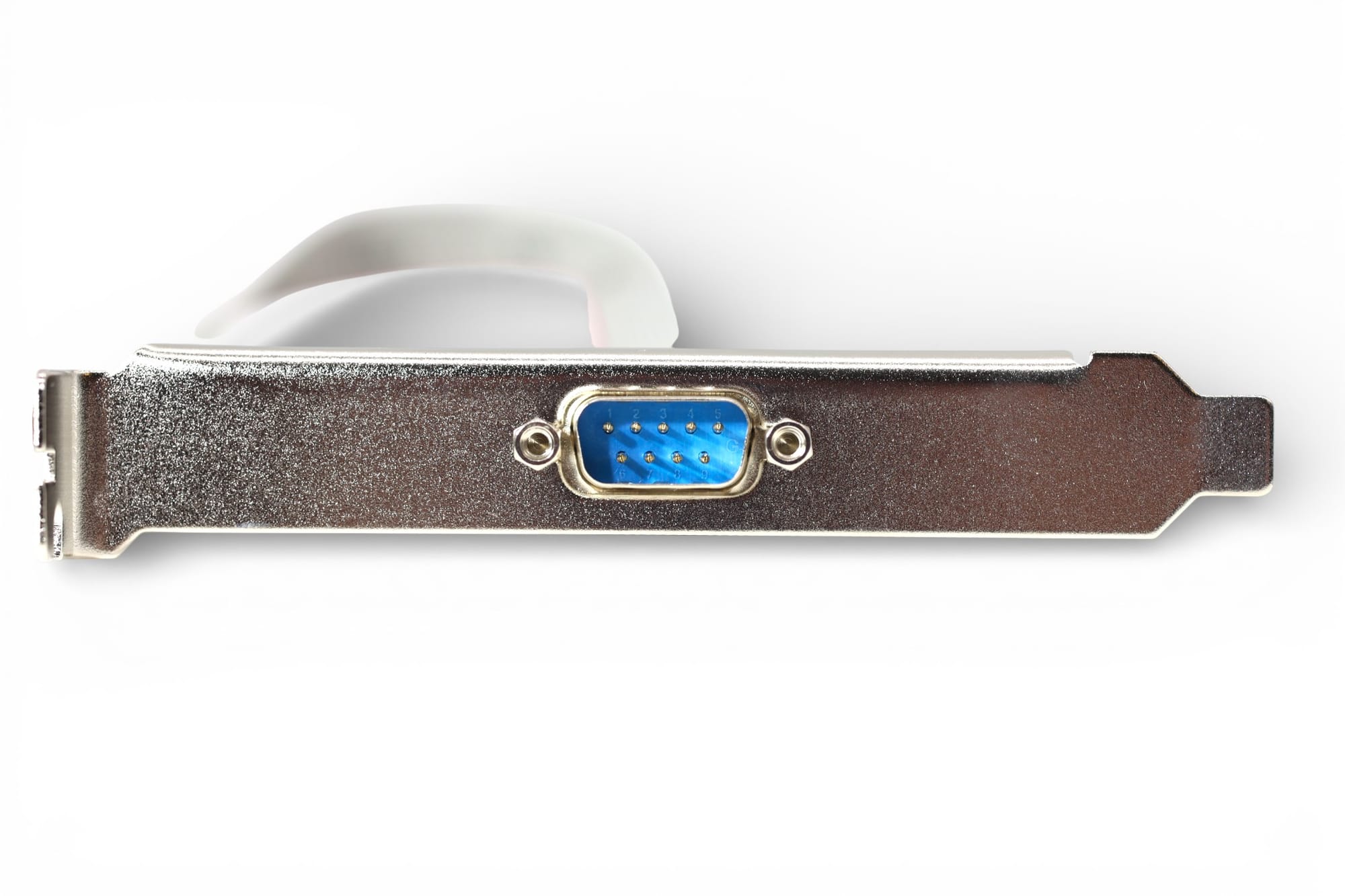
The earliest widely deployed motherboard communication interface was the serial port, originally implemented as a DB25 male (DB25-M) connector. These ports supported RS-232 signaling and were used for terminals, modems, printers, and early peripherals.
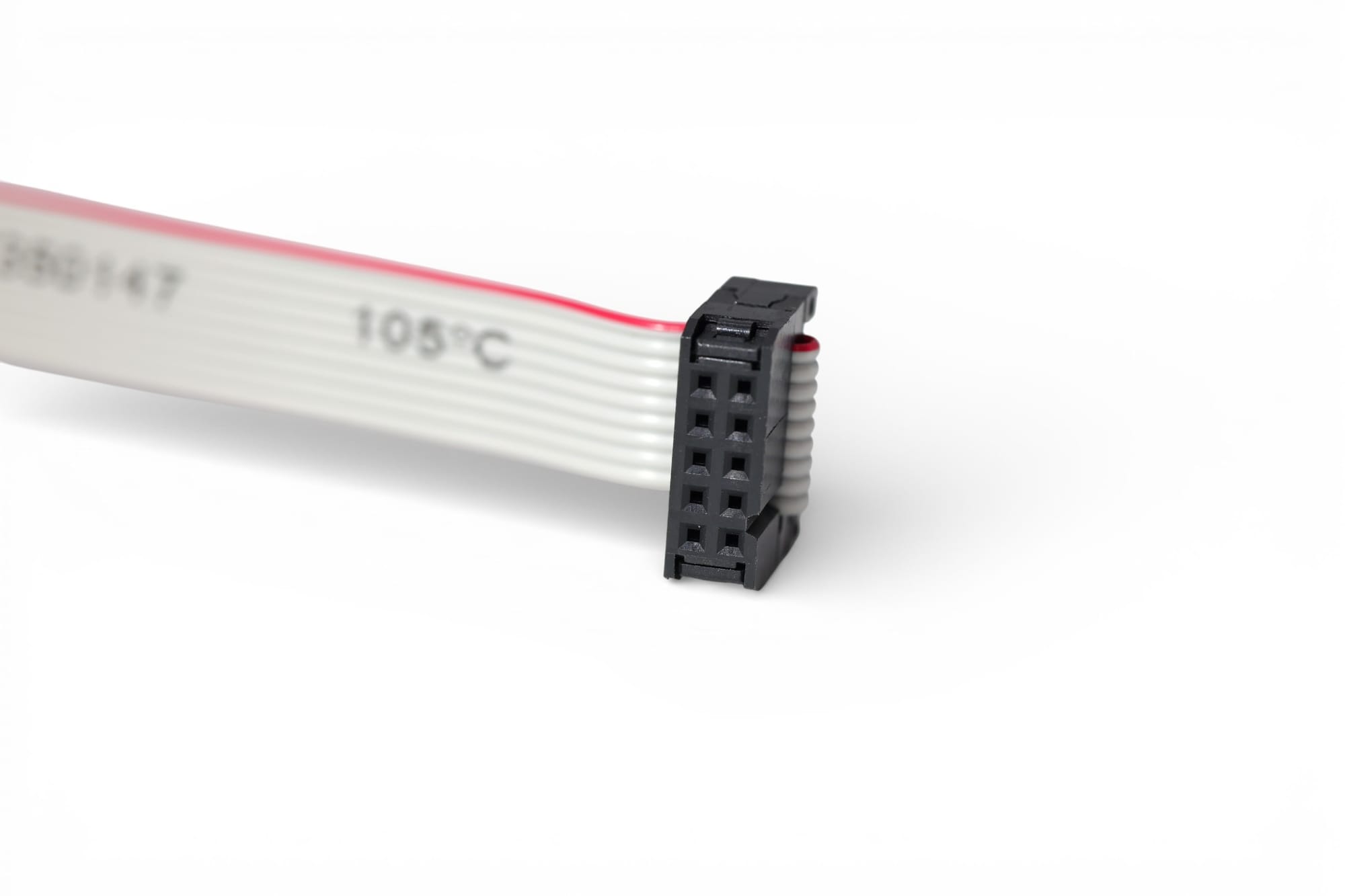
As PC designs matured, the industry moved toward the more compact DB9 male (DB9-M) connector, which carried the same essential signals in a smaller footprint. Internally, however, many motherboards exposed serial connectivity only through IDC headers, requiring cable assemblies to convert internal signals to external ports.
PCCables developed multiple serial port solutions to address this need—many of which are still in service today:
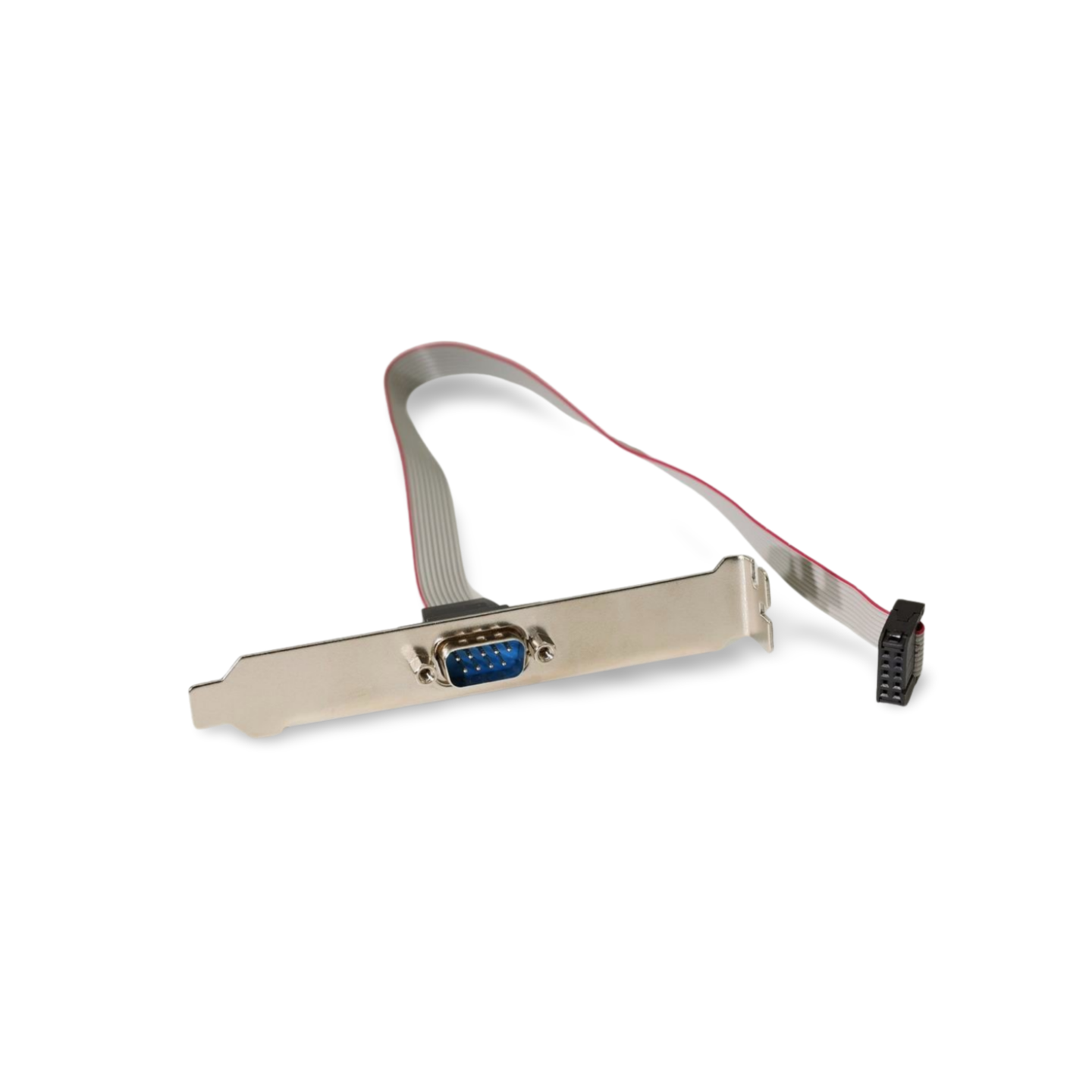
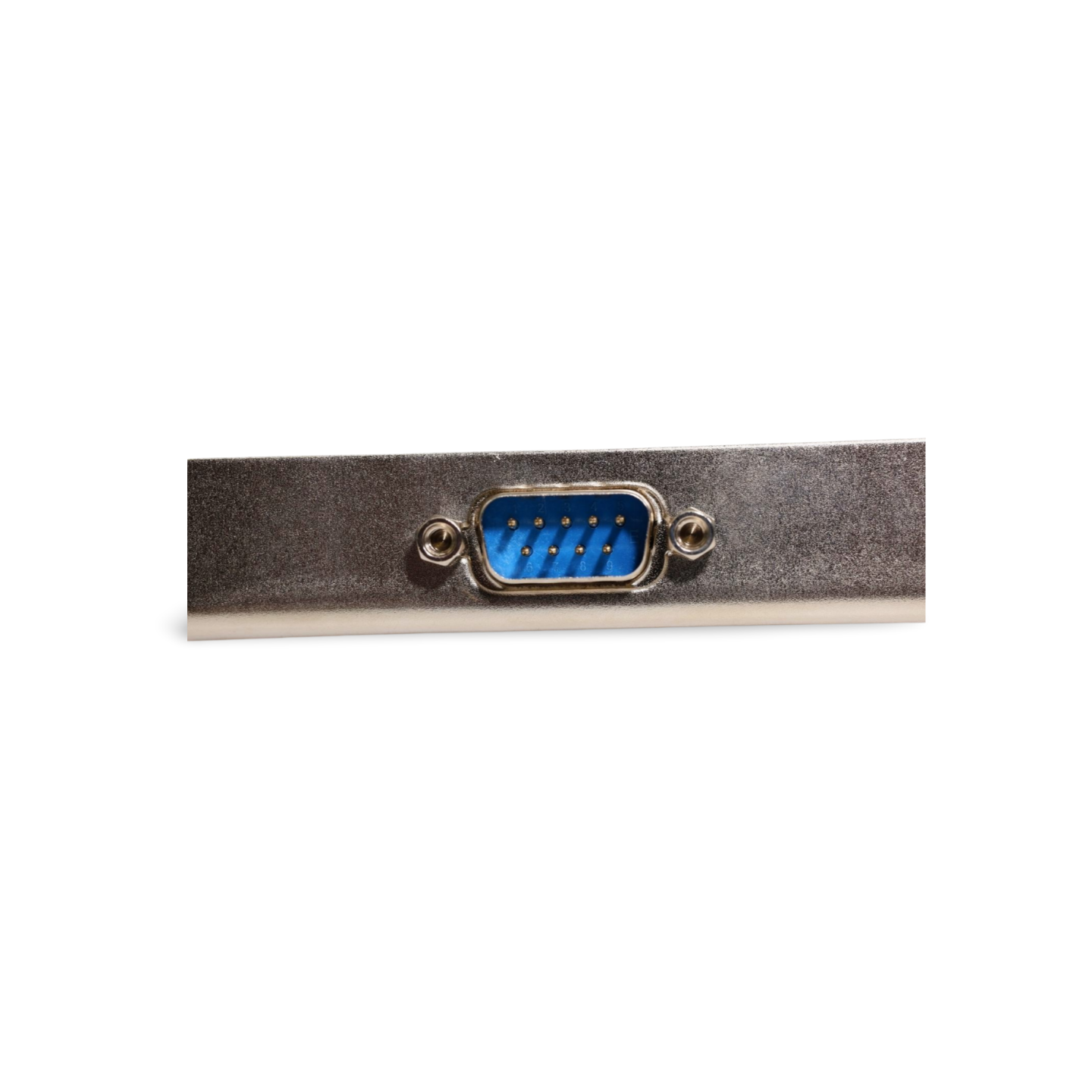
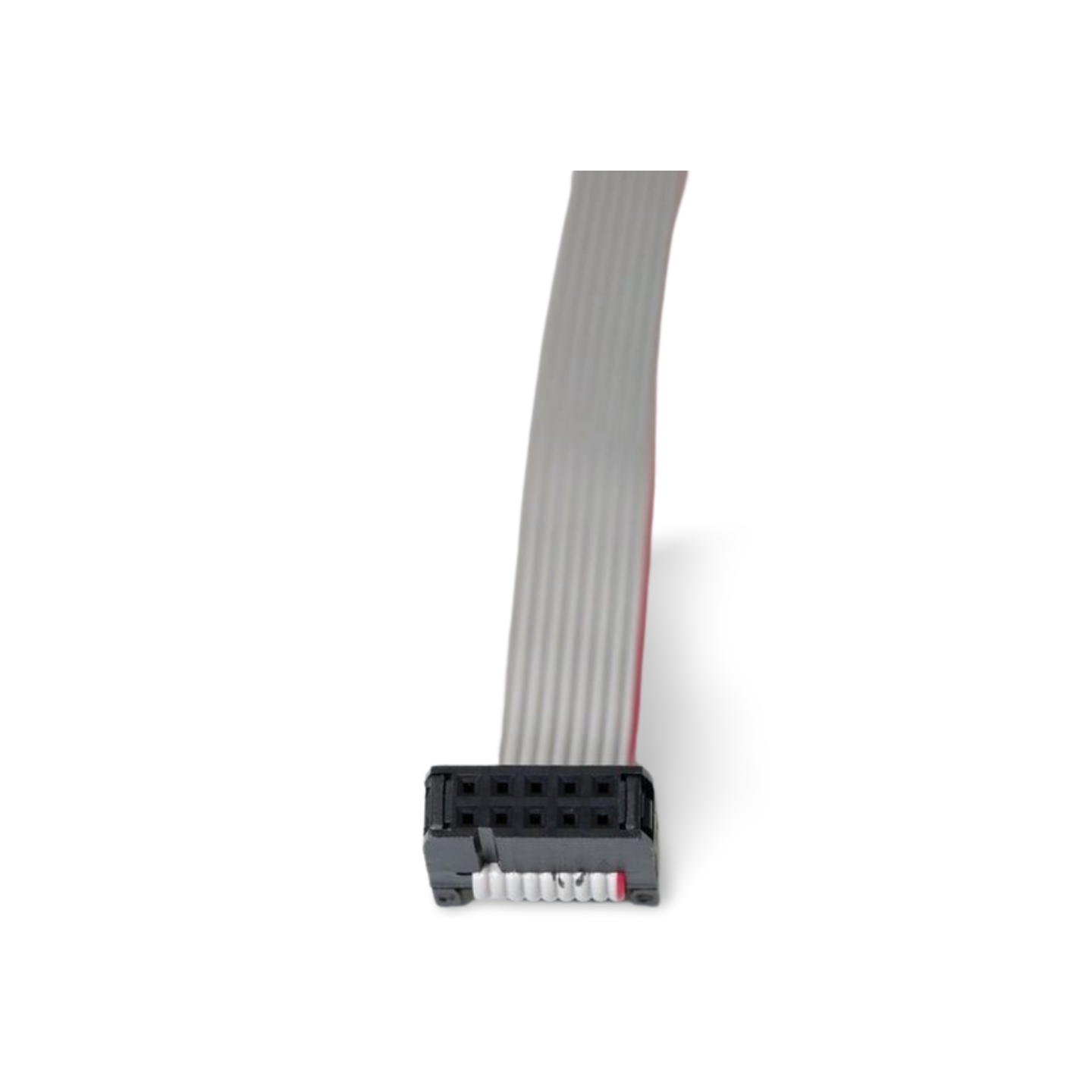
These early serial cable designs established the groundwork for reliable motherboard interconnect engineering: correct pin mapping, mechanical stability, and long-term durability.
2) Parallel Ports: High-Pin-Count, High-Reliability Interfaces (DB25-F)
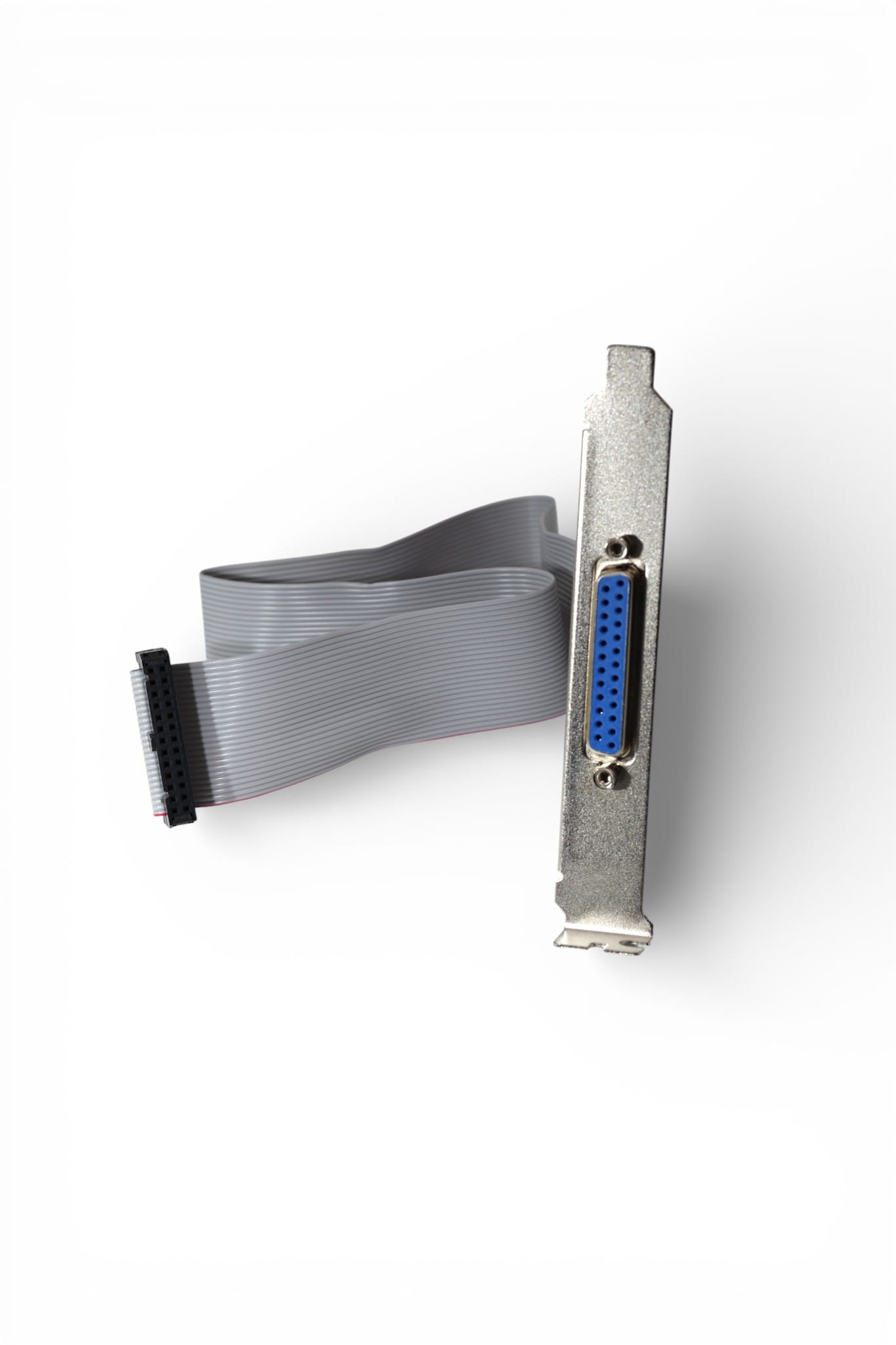
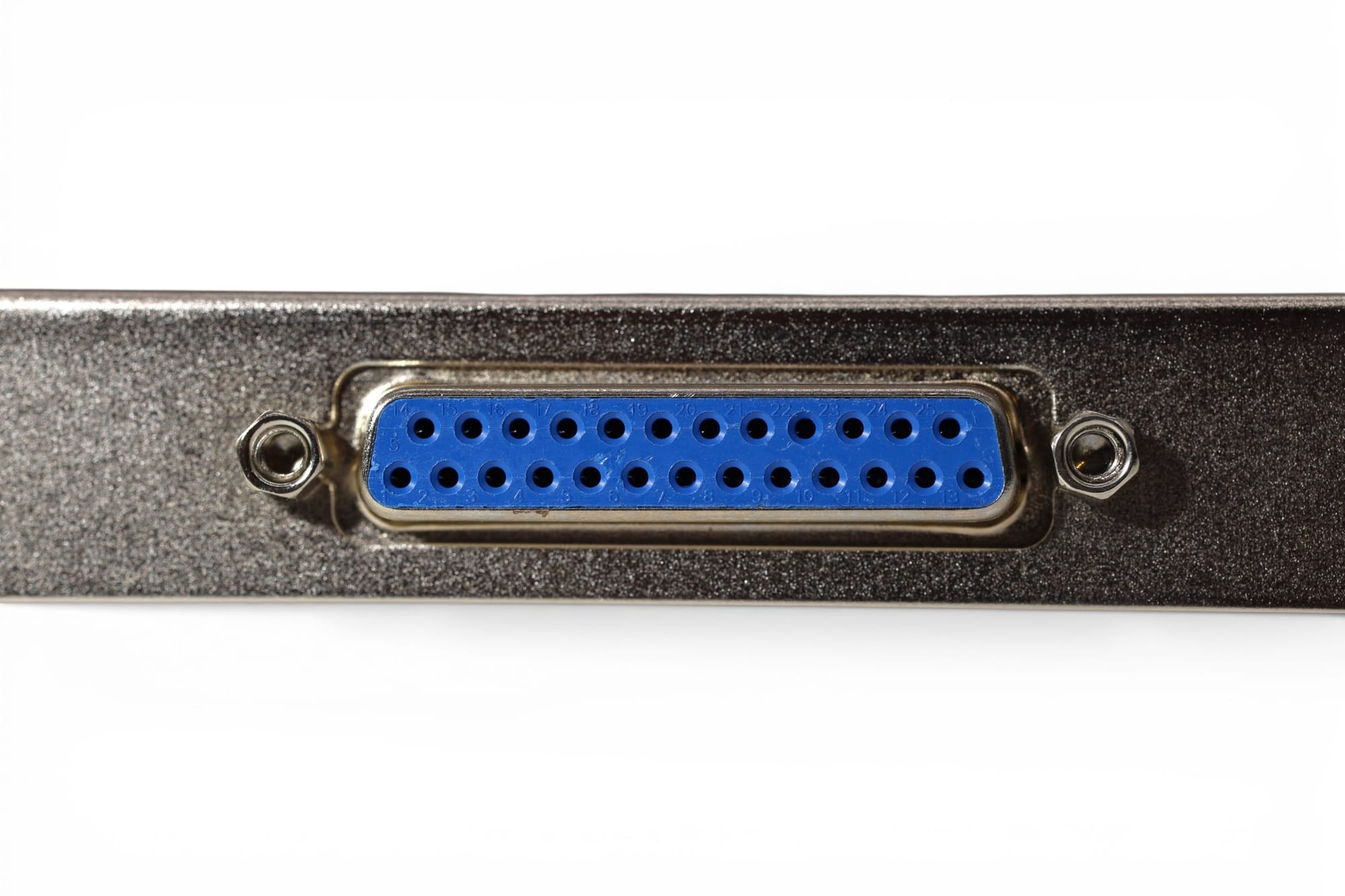
Following serial, the parallel port (DB25 female) became standard for printers and data acquisition devices that required higher throughput and deterministic signaling.
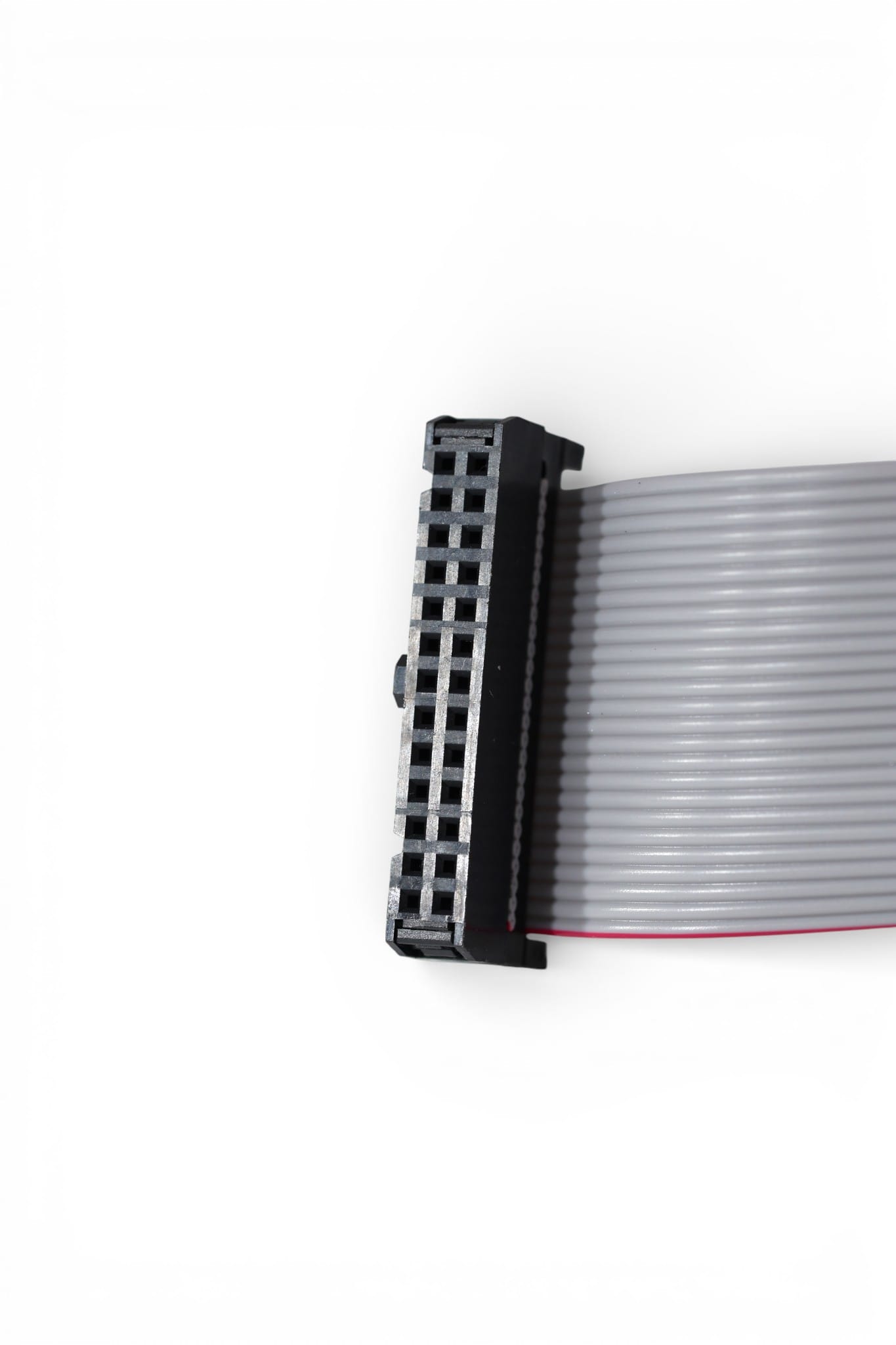
Parallel ports introduced higher pin counts and more complex ribbon cable routing—raising the importance of cable quality, connector alignment, and strain relief. Many motherboards exposed parallel interfaces through internal headers, requiring bracket-mounted cable assemblies.
PCCables still supports legacy systems because parallel ports remain common in industrial, laboratory, and embedded systems where legacy equipment must be maintained. One of are most popular solutions is:
3) USB 1.1: The Beginning of Universal Connectivity
In early 1996, Intel contacted me with a new challenge: designing custom cable assemblies to connect USB 1.1 motherboard headers to externally mounted brackets. USB was intended to replace both serial and parallel interfaces, but early implementations were far from standardized.
Motherboard USB headers varied by pin count, layout, inline vs. split configurations, keying, missing pins, and shared grounds for dual ports. Most were based on 2.54 mm (0.100") header spacing, but electrical and mechanical differences required careful design.
The goal was always the same: make installation predictable and performance reliable across multiple motherboard designs.
4) VGA Video Ports: Bridging Internal Graphics to External Displays
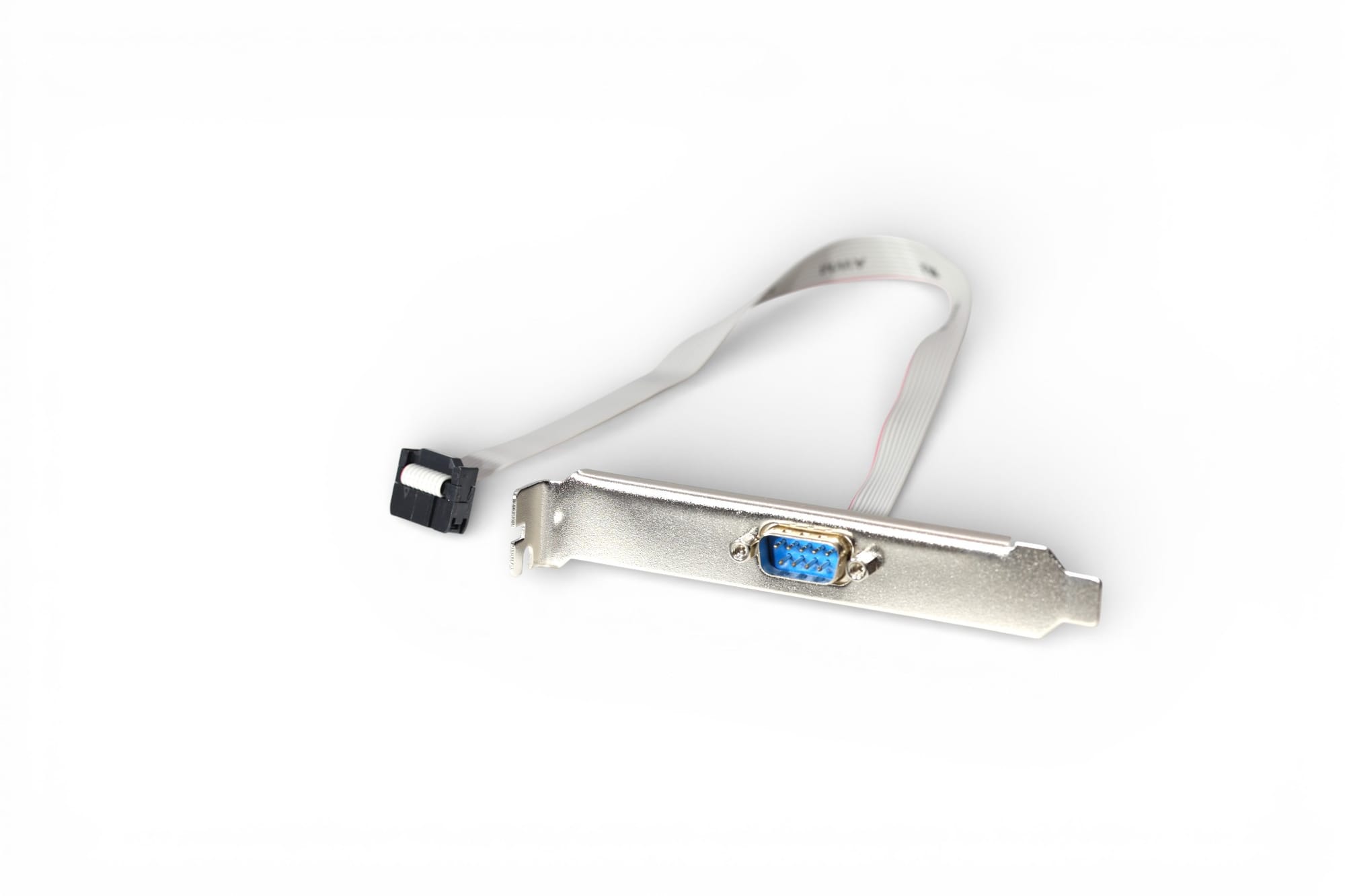
As integrated graphics became common, many systems needed VGA video ports brought out from internal headers rather than soldered rear-panel connectors. These designs demand precise pin alignment and robust bracket mounting to reduce strain over time.
PCCables addressed this with bracket-mounted VGA assemblies such as:
5) USB 2.0: Mainstream Adoption and Universal Header Solutions
USB 2.0 marked USB’s full mainstream adoption, increasing speeds to 480 Mbps and raising expectations around grounding, cable quality, and consistent pinouts for internal header assemblies.
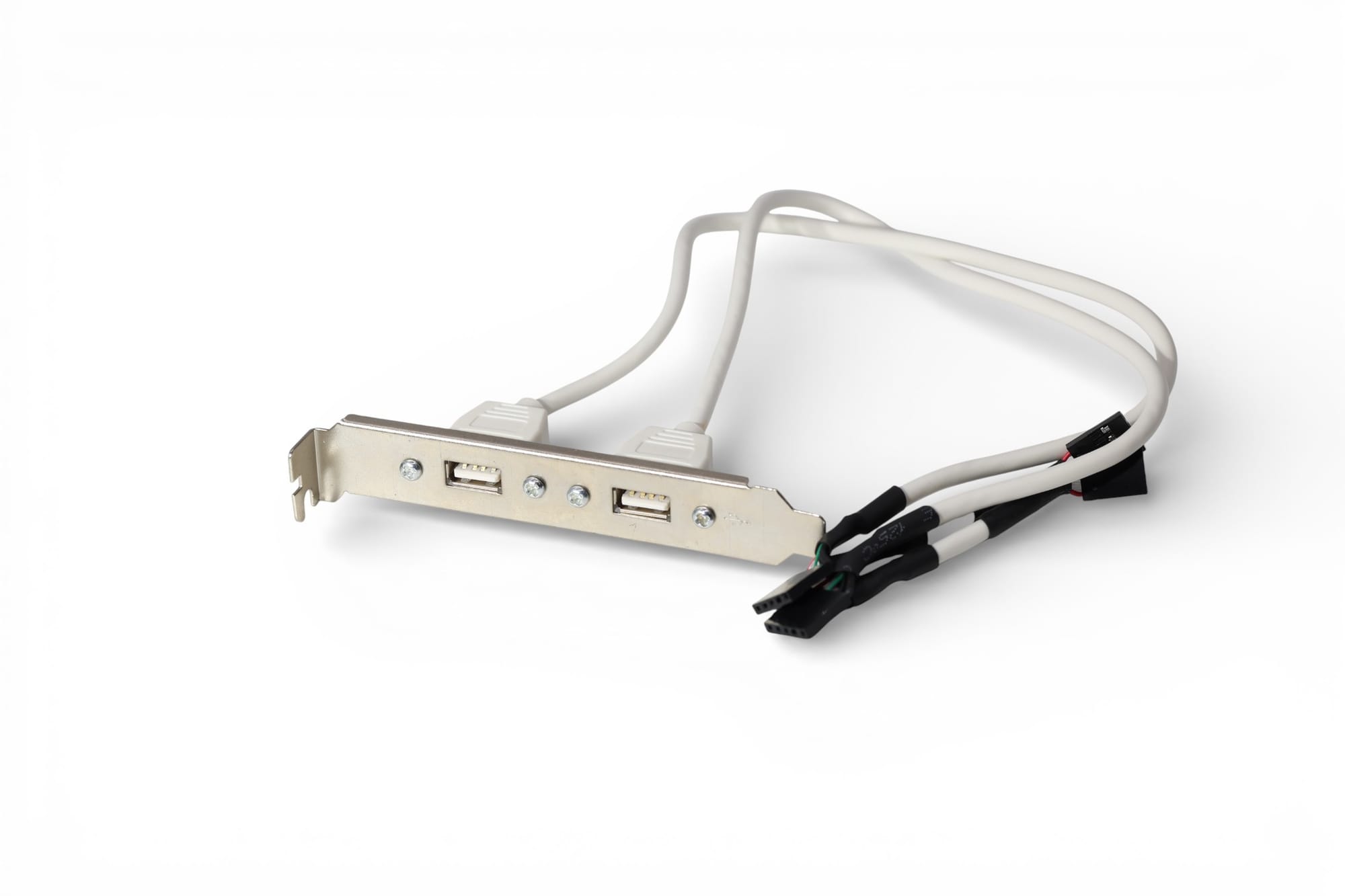
PCCables developed universal USB header assemblies to support multiple motherboard layouts, including dual-port solutions:
6) USB 3.0, USB 3.1, and USB 3.2: High-Speed Internal Interconnects
With USB 3.x, motherboard connectors transitioned from forgiving electrical designs to high-speed differential signaling. Internal cabling became as critical as PCB layout—especially in compact enclosures and high-noise environments.
Practical engineering considerations increasingly included controlled impedance, improved shielding, strict cable length management, and better strain relief.
7) USB4: Multi-Lane, Multi-Protocol Connectivity
USB4 represents the most complex internal connector challenge to date, supporting up to 40 Gbps data rates, multi-lane operation, and protocol tunneling. At this level, internal cabling must be engineered with precision—often closer to backplane-grade thinking than traditional “PC internal cable” assumptions.


Check out our website for all your cable needs!
Why Motherboard Connector Engineering Still Matters
Despite decades of advancement, internal motherboard connectors remain non-uniform across vendors, form factors, and markets. Engineers still rely on correctly designed cable assemblies to bridge mechanical and electrical gaps safely and reliably.
At PCCables, our approach remains grounded in experience: understand the electrical interface, respect the mechanical environment, and engineer for manufacturability and long service life.
From DB25 serial ports to USB4, reliable systems begin with reliable connectors.

See more of our blog posts here!
Check out our website for all your cable needs!