
HDMI Cables & Why Your 4K Monitor Might Not Actually Be Showing 4K
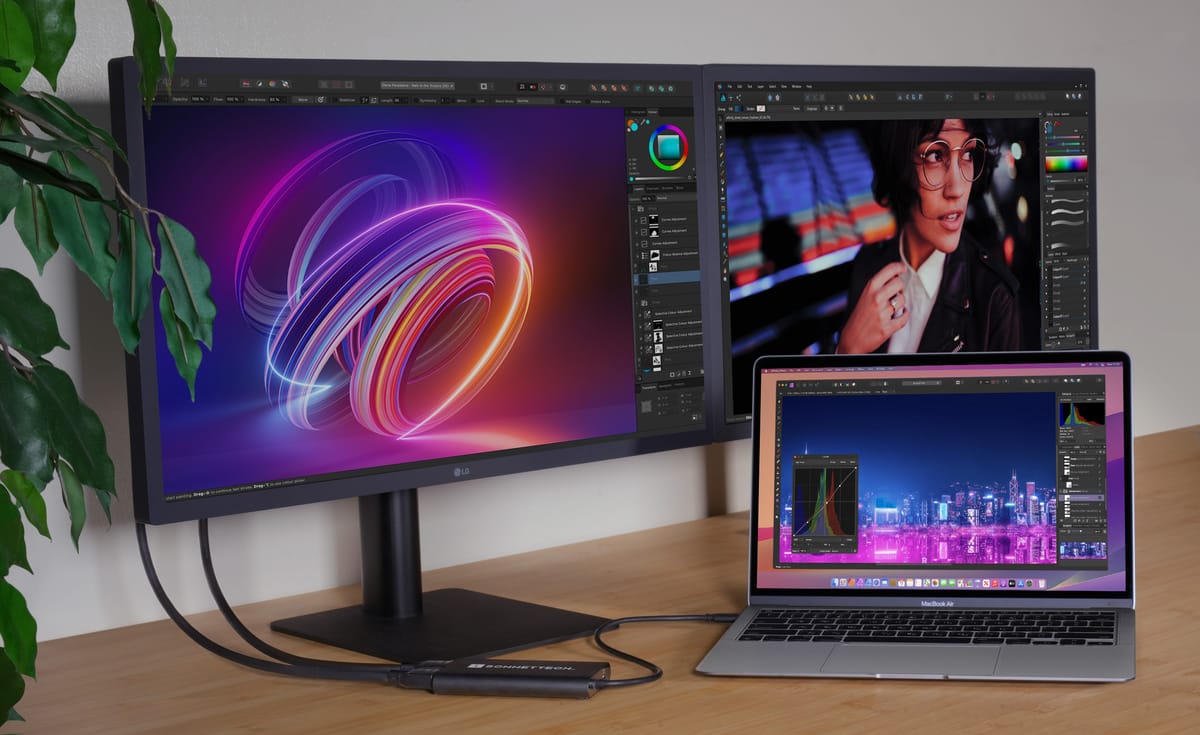
Picture this: You just bought a 4K TV or monitor, and the box says “Ultra HD.” Even the streaming app says “4K.” Your graphics card supports it. Yet the image still looks soft, blurry, washed out, or strangely limited.
The reason is simple: many systems silently fall back to lower-quality video modes because of cable limitations, incorrect settings, or incompatible hardware.
At PCCables.com, we help customers solve these hidden bottlenecks every day with the right HDMI cables, DisplayPort adapters, switchers, and 4K-ready accessories.


Check out our website for all your cable needs!
The Biggest Problem: Bandwidth Limits
4K resolution requires significantly more bandwidth than 1080p. Older cables and adapters often cannot handle the data rate needed for modern refresh rates and HDR features.
Common Symptoms of a Bandwidth Bottleneck
- TV says “4K” but only runs at 30Hz
- HDR option is unavailable
- Screen flickers or cuts out
- Colors look washed out
- Console or PC falls back to 1080p
- Streaming services downgrade quality automatically
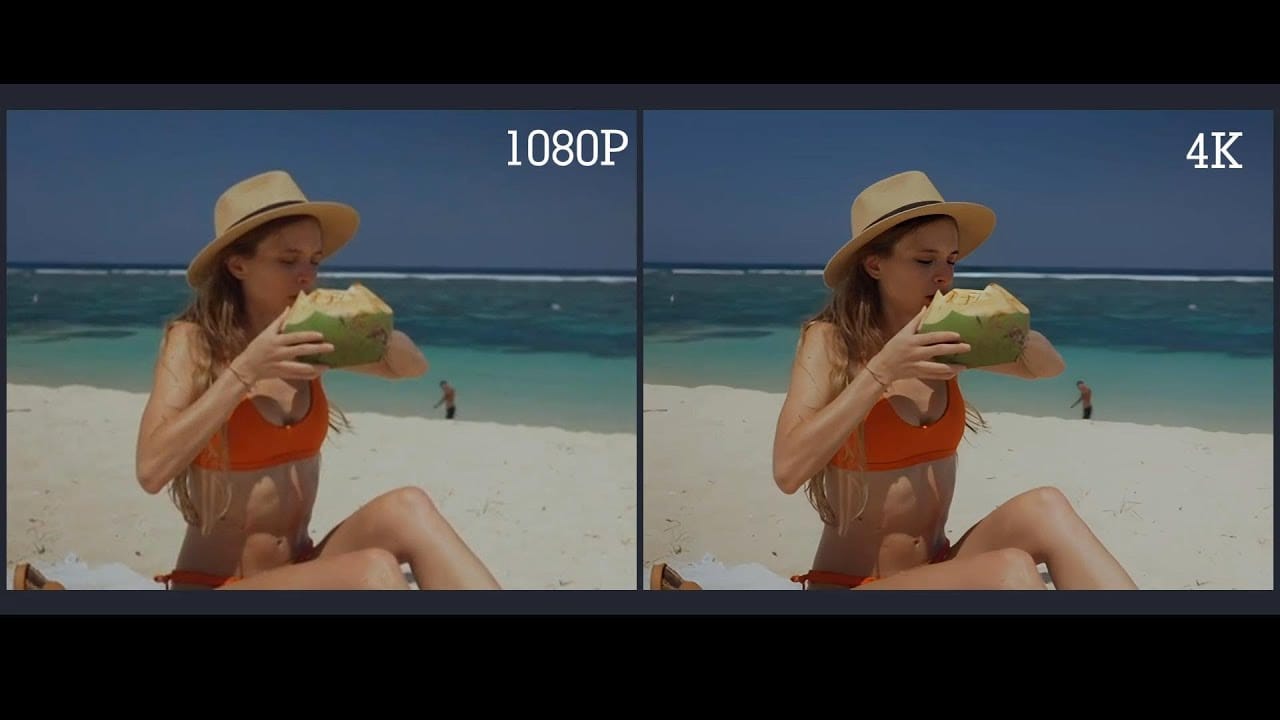
HDMI Versions Matter More Than Most People Realize
Not all HDMI cables are equal. Many older “High Speed” cables were designed before today’s bandwidth demands existed.
| HDMI Standard | Maximum Bandwidth | Typical Use |
|---|---|---|
| HDMI 1.4 | 10.2 Gbps | 4K at 30Hz |
| HDMI 2.0 | 18 Gbps | 4K at 60Hz |
| HDMI 2.1 | 48 Gbps | 4K 120Hz, 8K, VRR |
A common issue occurs when someone connects a modern gaming console or PC using an older, outdated HDMI 1.4 cable. The display may technically output 4K, but only at 30Hz, creating laggy motion and poor responsiveness.
The Solution:
Use a certified:
- HDMI 2.0 cable for standard 4K 60Hz
- HDMI 2.1 cable for gaming, HDR, VRR, and high refresh rates
At PCCables.com, we carry a wide selection of HDMI and 4K-ready connectivity products designed for everything from gaming setups to commercial AV installations:
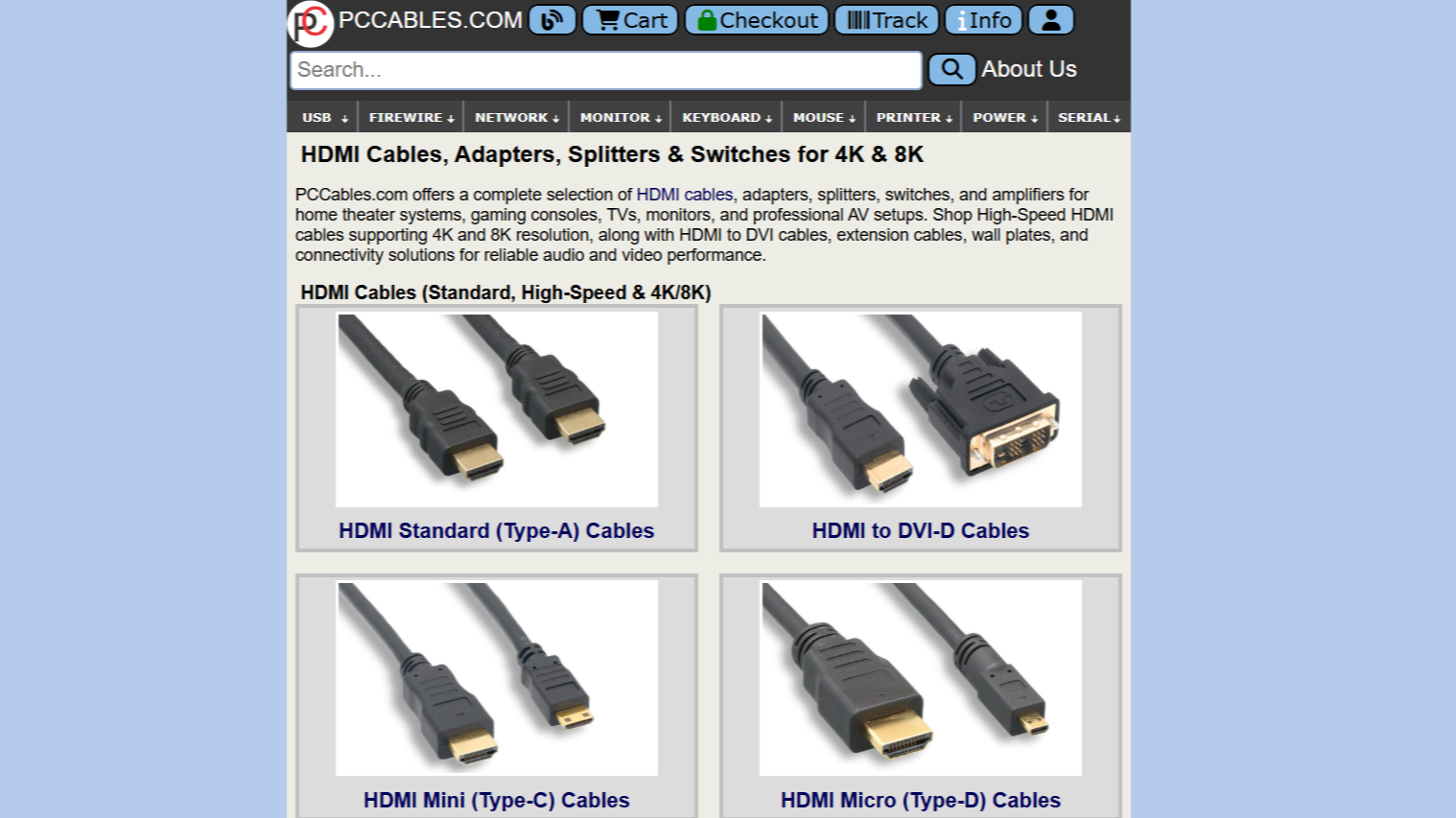
- HDMI Type A cables in 3ft, 6ft, and 15ft lengths for standard TVs, monitors, consoles, and projectors
- HDMI Type C cables in 3ft, 6ft, and 15ft for cameras, tablets, and compact devices
- HDMI Micro Type D cables in 6ft and 15ft for portable electronics and embedded systems
- DVI-to-HDMI cables and adapters for connecting legacy graphics hardware to modern displays
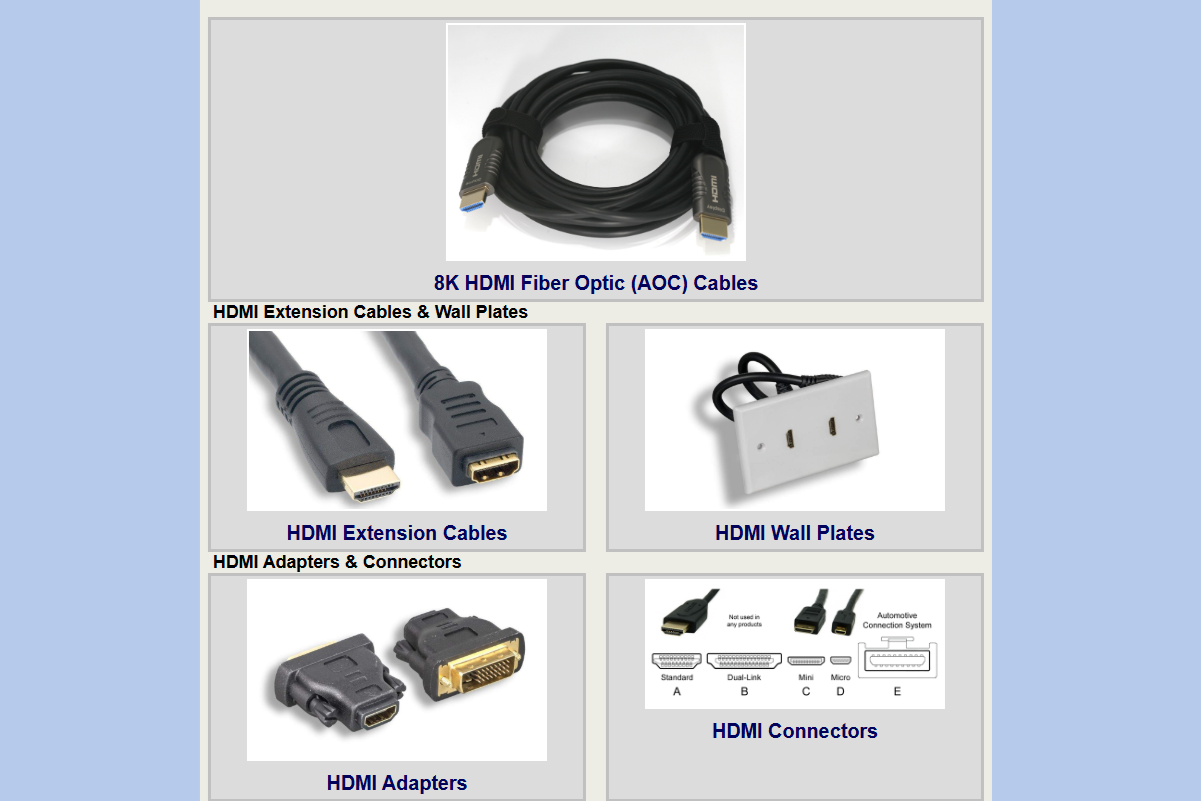
- 8K Fiber Optic HDMI cables in 15ft, 33ft, 50ft, 65ft, and 100ft lengths for ultra-high-bandwidth, long-distance installations without signal degradation
- HDMI extension cables in 1ft, 3ft, 6ft, and 15ft for improving accessibility and protecting ports from repeated wear
Your TV May Be Limiting 4K Without Telling You
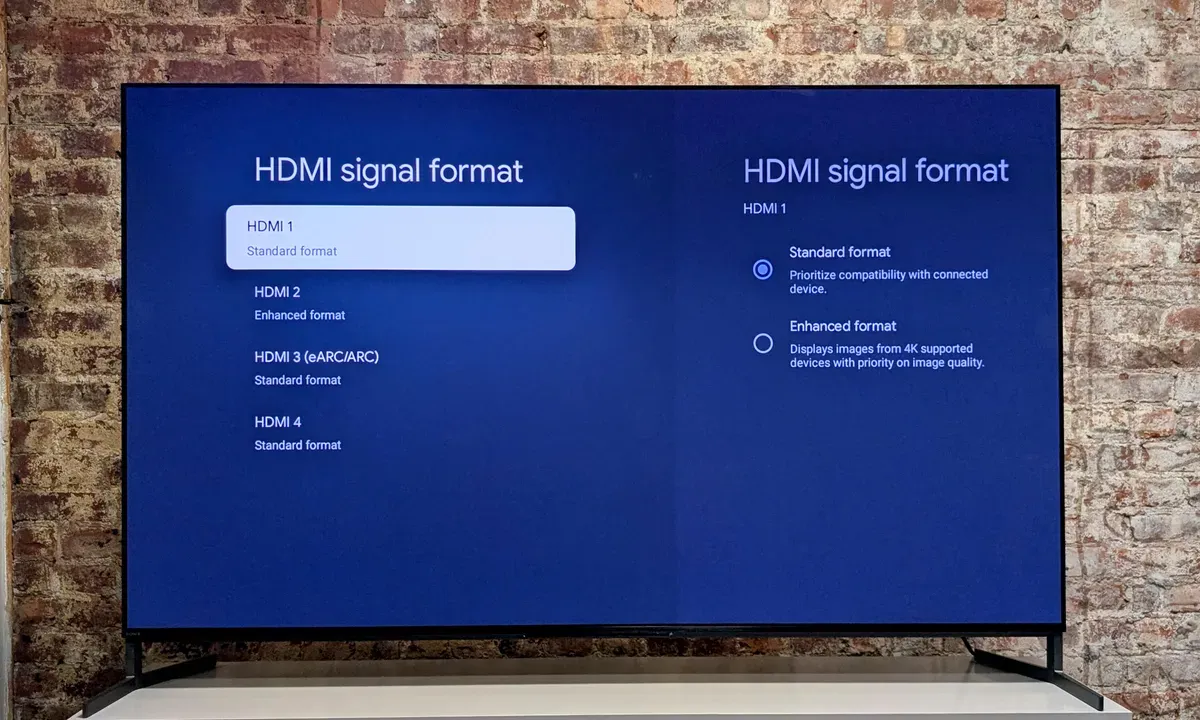
Many TVs ship with HDMI bandwidth limits enabled by default under settings like HDMI Enhanced Mode, UHD Color, or Deep Color. If these options are disabled, your TV may limit 4K to 30Hz, disable HDR, or reduce color quality through chroma subsampling. This is common on Samsung, Sony, LG, TCL, and Vizio TVs.
HDCP Compatibility Can Block True 4K Playback
Even if your display and cable support 4K, content providers may still refuse playback because of HDCP restrictions.
What Is HDCP?
HDCP (High-bandwidth Digital Content Protection) is copy protection used by:
- Netflix
- Disney+
- Blu-ray players
- Streaming boxes
- Gaming consoles
Older HDMI splitters, switchers, and adapters may lack HDCP 2.2/2.3 support, causing streaming apps to downgrade quality, disable HDR, or produce black-screen playback errors.
Display connections can also affect monitor performance. Many desktop users unknowingly limit refresh rates and image quality by using HDMI instead of DisplayPort.
DisplayPort Advantages
- Higher refresh rates
- Better support for PC monitors
- Easier multi-monitor setups
- Improved compatibility with adaptive sync technologies
This matters especially for:
- 144Hz gaming monitors
- Ultrawide displays
- Professional editing setups
- CAD and workstation environments
To avoid these issues, PCCables.com offers HDCP-compatible HDMI switchers, 4K-ready splitters, DisplayPort-to-HDMI adapters, and high-bandwidth HDMI and DisplayPort cables built for modern TVs, GPUs, and monitors.
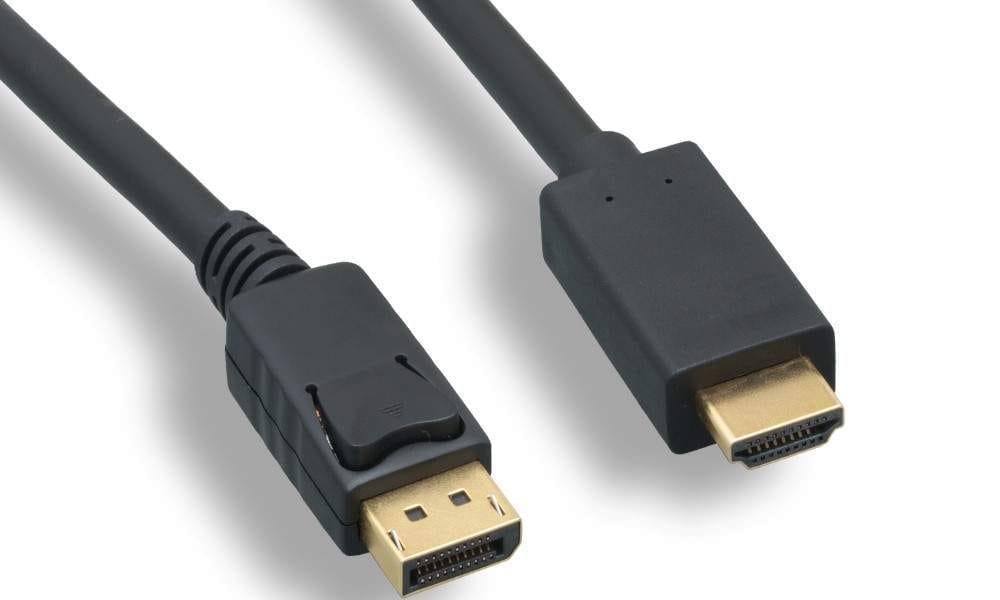
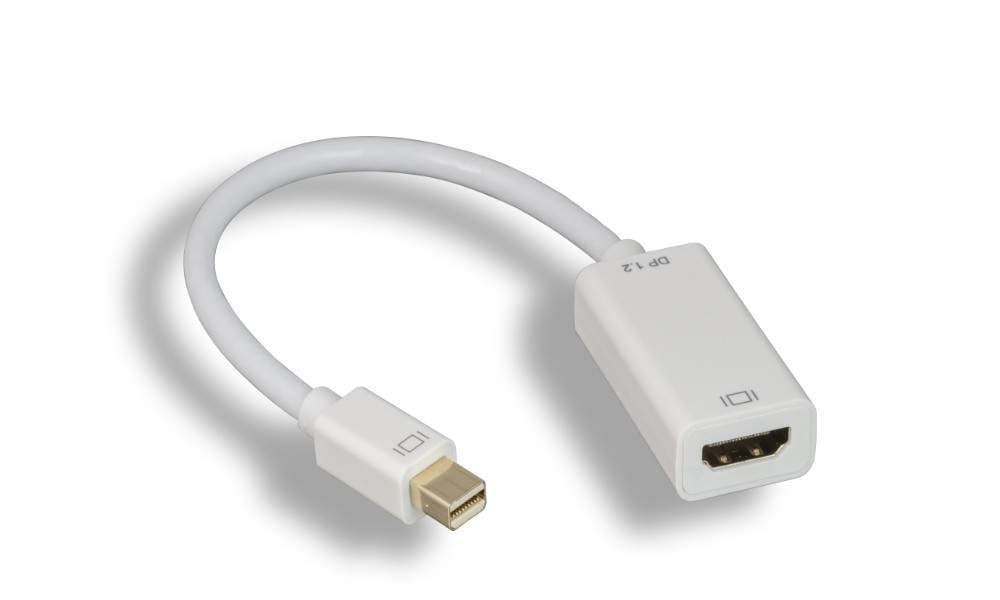
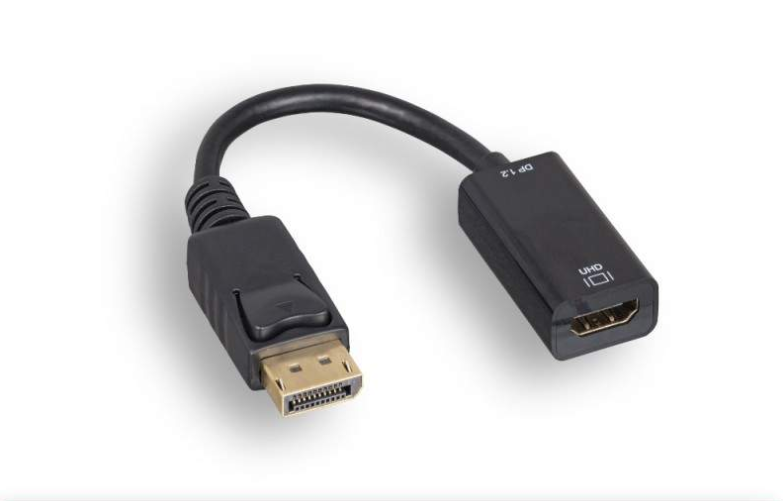
DisplayPort DP to HDMI Cable 6FT - Mini-DisplayPort DP to HDMI Adapter - DisplayPort to HDMI Adapter Converter DP 4k 60HZ
The Right Cable Makes the Difference
Many “4K problems” are not caused by the TV or monitor itself. They come from:
- Outdated cables
- Incorrect display settings
- Cheap adapters
- Incompatible switchers
- HDCP mismatches
The solution is usually straightforward once the bottleneck is identified.
Check out our website for all your cable needs!
At PCCables.com, we help consumers and businesses build reliable 4K setups with:
- Certified HDMI cables
- DisplayPort adapters
- 4K switchers
- HDMI extenders
- High-bandwidth accessories
Whether you’re connecting a gaming console, workstation, conference room display, or home theater, the right connectivity hardware ensures you actually get the 4K quality your equipment was designed to deliver.
Explore PCCables.com’s full HDMI and 4K accessory lineup and unlock the picture quality you already paid for.

See more of our blog posts here!