
SATA Data, Power and eSATA: Which Cable Do You Need?
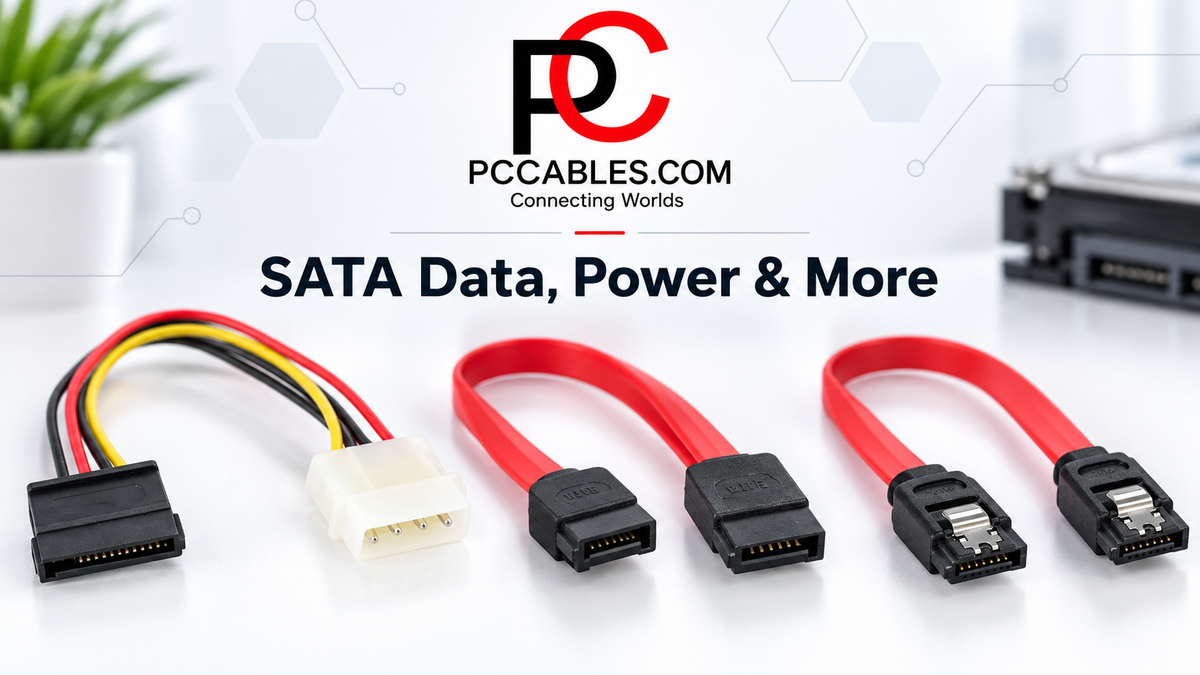
Installing an SSD, adding a hard drive or reconnecting an older optical drive? Choosing the right SATA cable starts with understanding what the connection needs to do. Some cables transfer data, others supply power, and adapters let compatible drives connect through USB or different SATA connector styles.
PCCables.com carries SATA data cables, power adapters, locking and right-angle cables, eSATA connections, Slimline SATA cables and USB-to-SATA adapters for upgrades, repairs and specialized installations.


SATA Data vs SATA Power: What’s the Difference?
SATA, short for Serial ATA, is an interface used to connect storage devices to computers. A typical cabled SATA drive has two adjacent connections: a 7-pin data connector and a wider 15-pin power connector.
The SATA data cable connects the drive to a motherboard or storage controller. The SATA power connection supplies electricity from the computer’s power supply. These serve different purposes, so a standard SATA data cable does not replace a power cable.
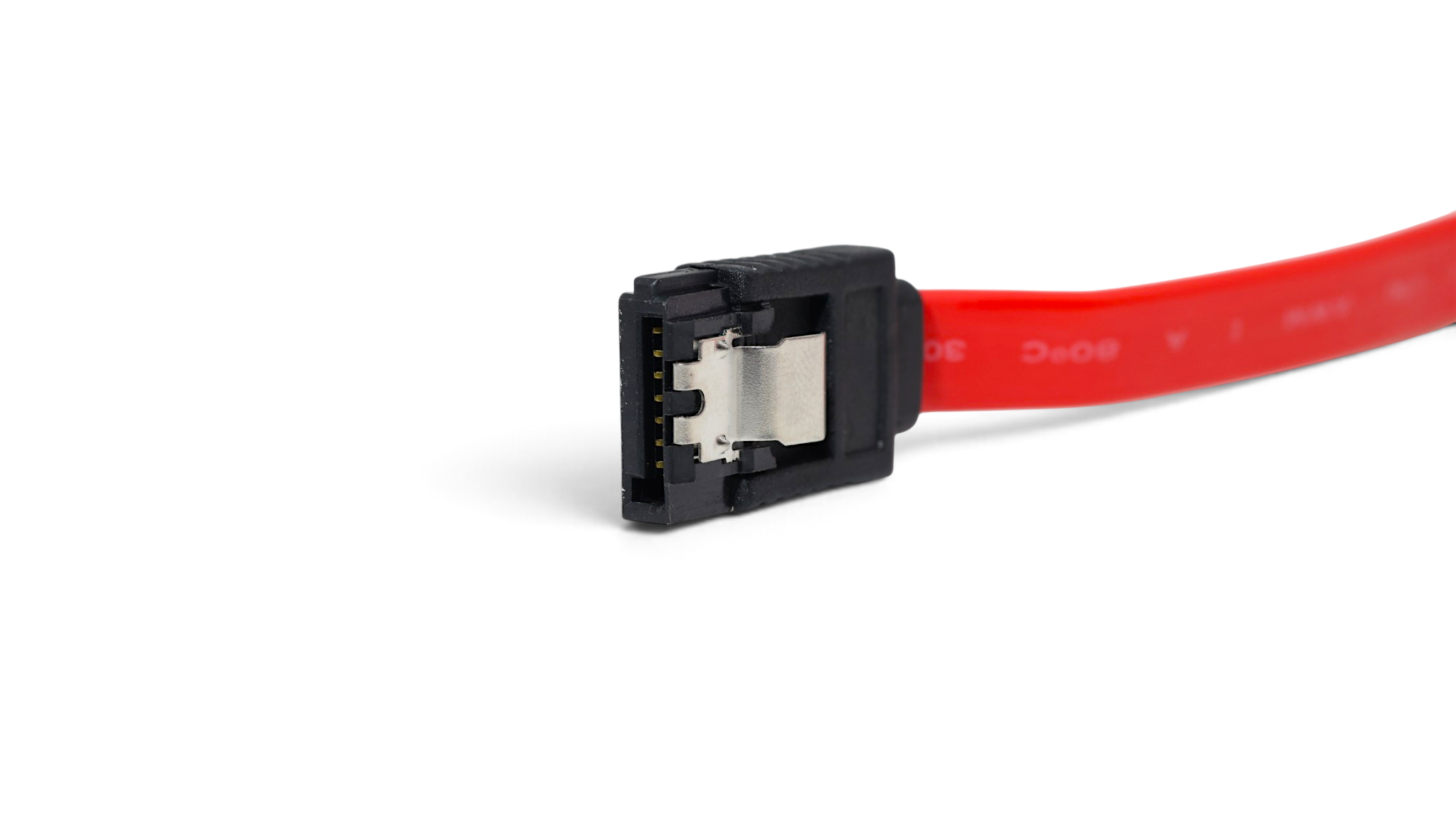
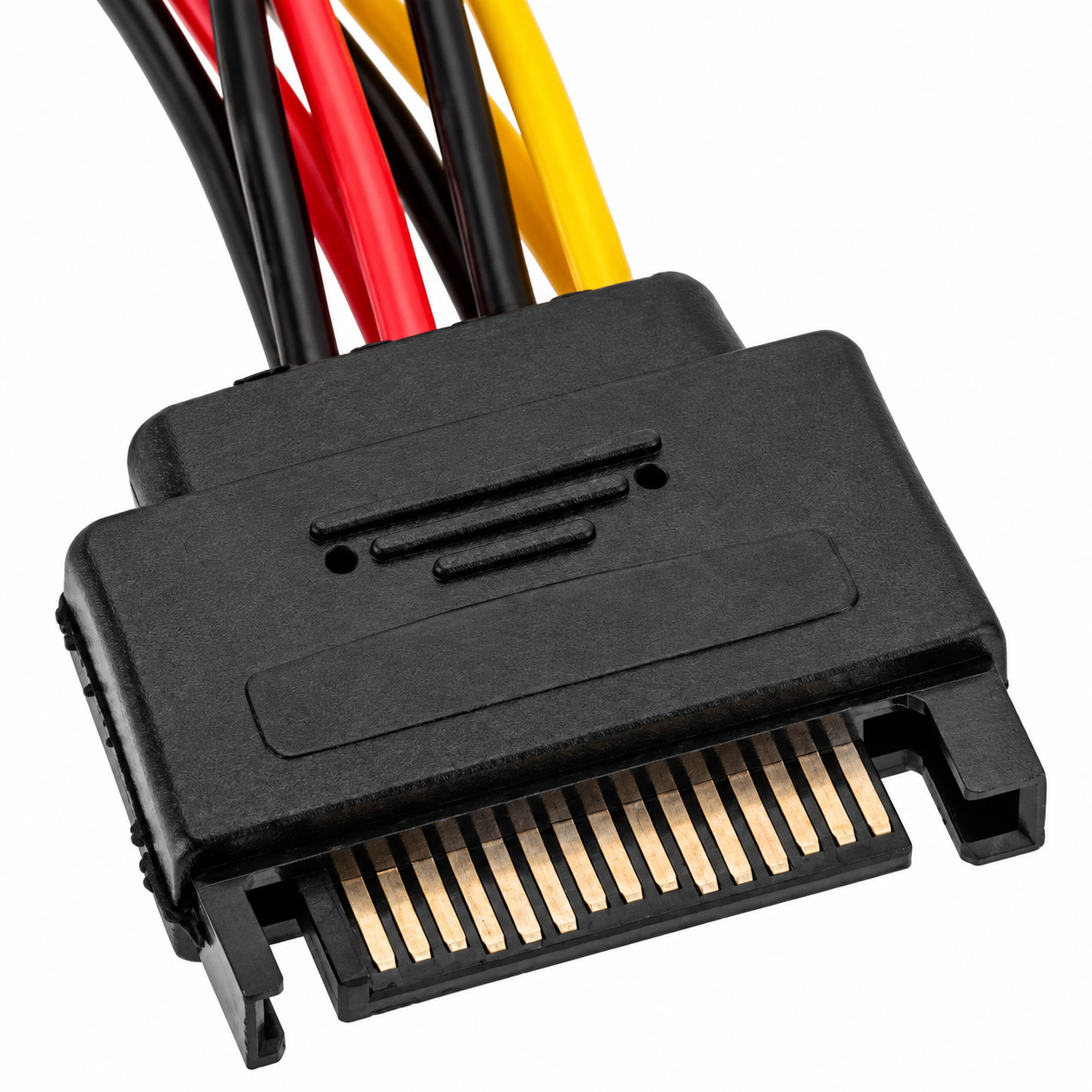
SATA Data and SATA Power
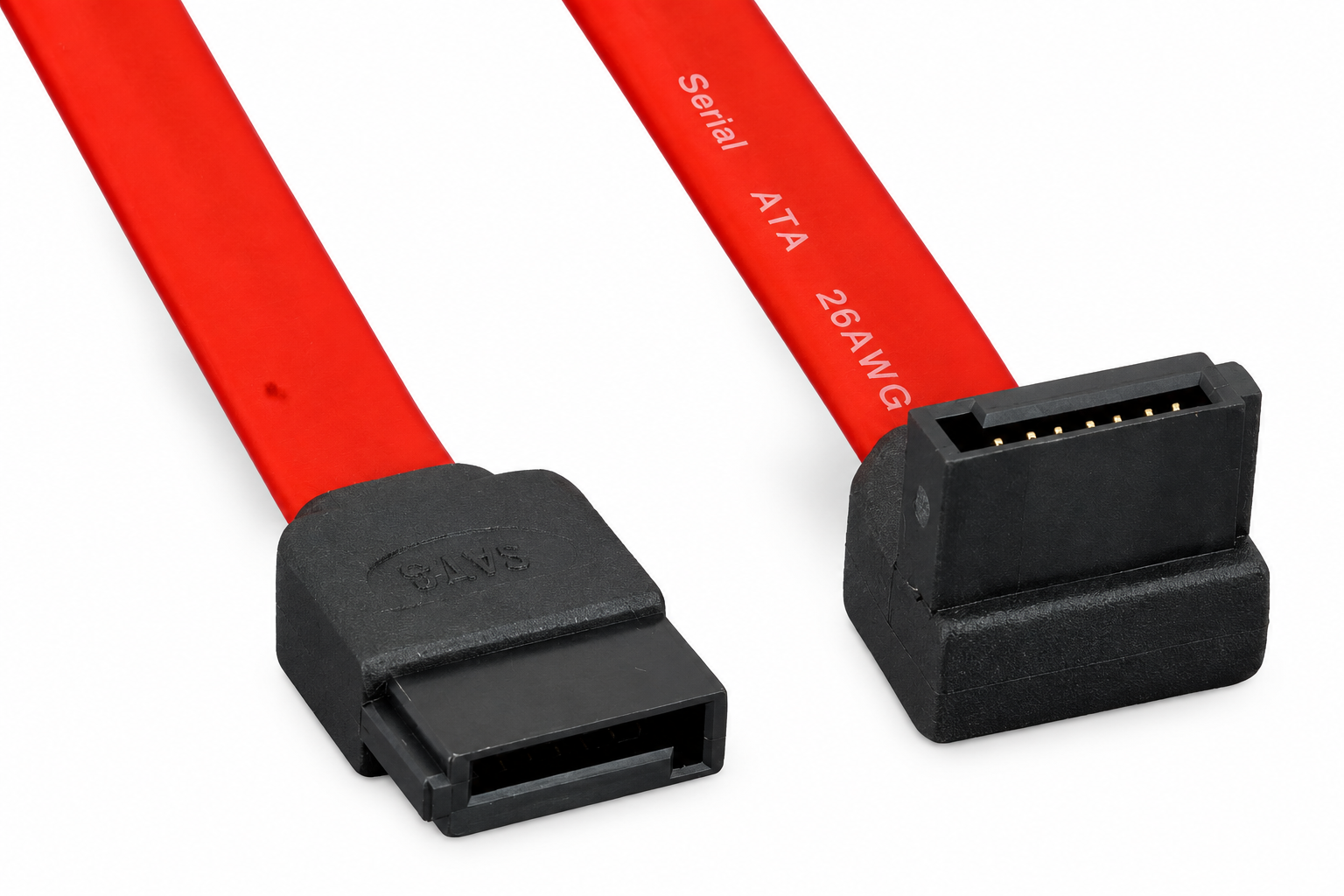
Internal SATA Data Cables for Hard Drives and SSDs
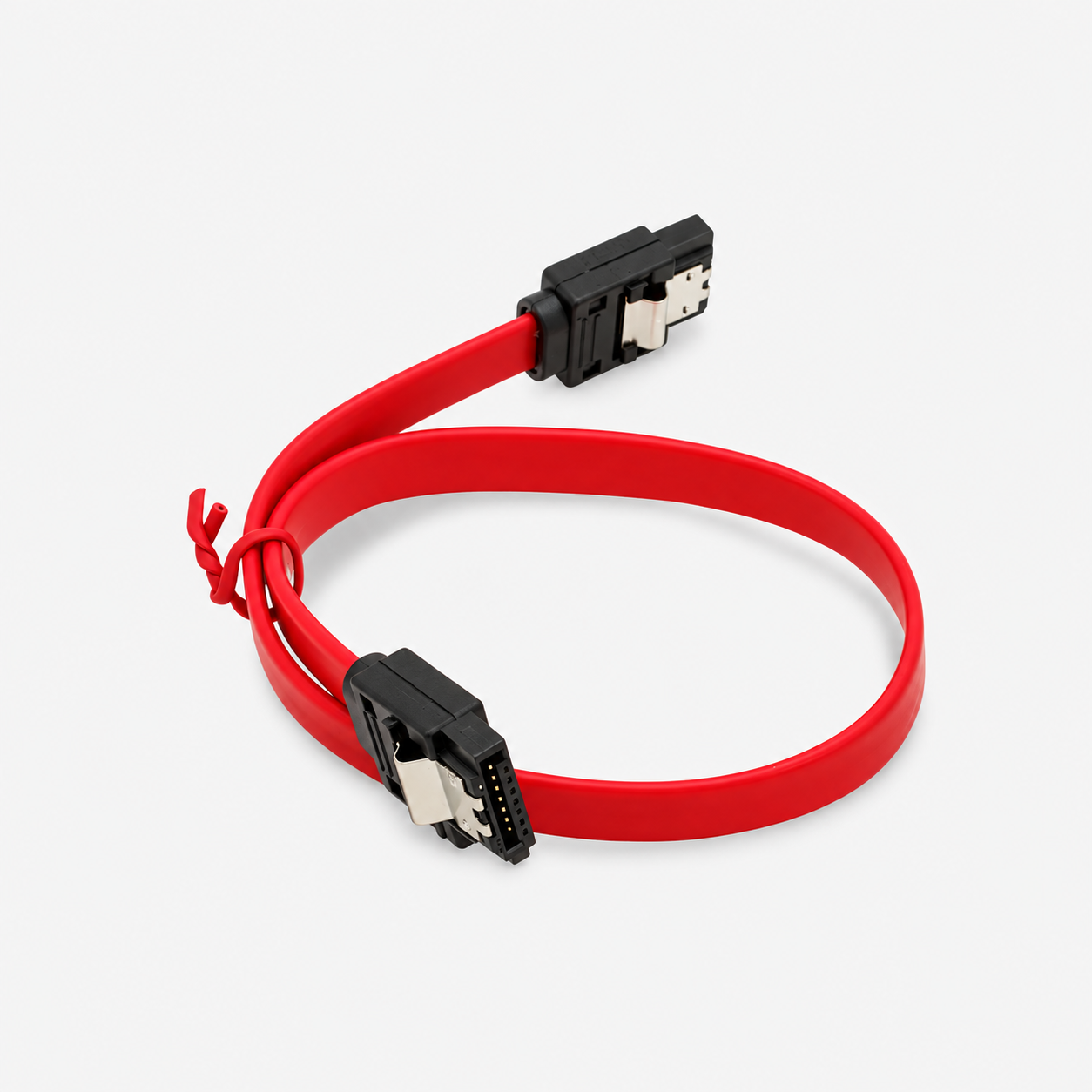
Internal SATA data cables connect compatible hard drives, SATA SSDs and other SATA devices to a motherboard. PCCables.com offers several lengths, including 12IN and 20IN locking cables, along with 1-meter standard data cables for installations needing additional reach.
For SATA III equipment, our 12IN locking SATA cable supports connections up to 6 Gbps and is backward compatible with SATA I and SATA II. Choose a cable that meets the connection’s requirements, but remember that a cable’s rating does not guarantee that a drive will transfer files at that speed.
Straight, Right-Angle and Locking Connectors
Connector orientation can make a difference in a crowded case. A right-angle SATA cable routes the cable away from the drive at 90 degrees, helping accommodate limited clearance without sharply bending the cable. Locking SATA cables add metal latches to help keep the connectors seated. PCCables.com carries straight and right-angle configurations, including latched options.
SATA Power Adapters and Splitters
Adding a SATA drive can also require a different power connection. LP4-to-SATA power adapters, commonly called Molex-to-SATA adapters, connect a compatible 4-pin peripheral power lead to a drive’s 15-pin SATA power connector.
PCCables.com offers options including an 18IN SATA power adapter and a 6IN right-angle SATA power adapter for installations with limited space behind the drive.
For connecting two compatible drives, the 6IN dual SATA power splitter provides two SATA power connectors from one 4-pin peripheral power connection. A splitter adds connections, not extra power-supply capacity, so the combined load must remain within the equipment’s ratings.
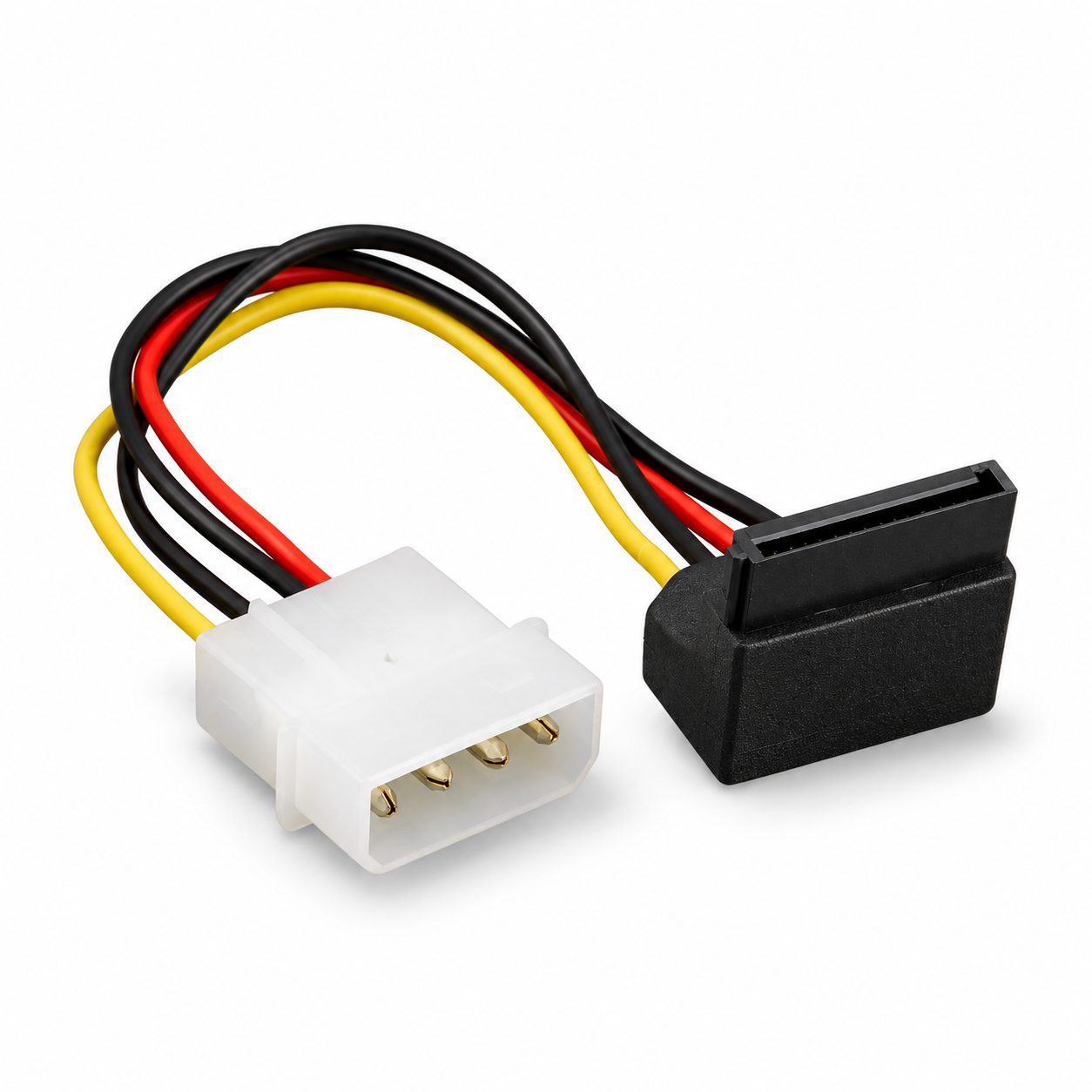
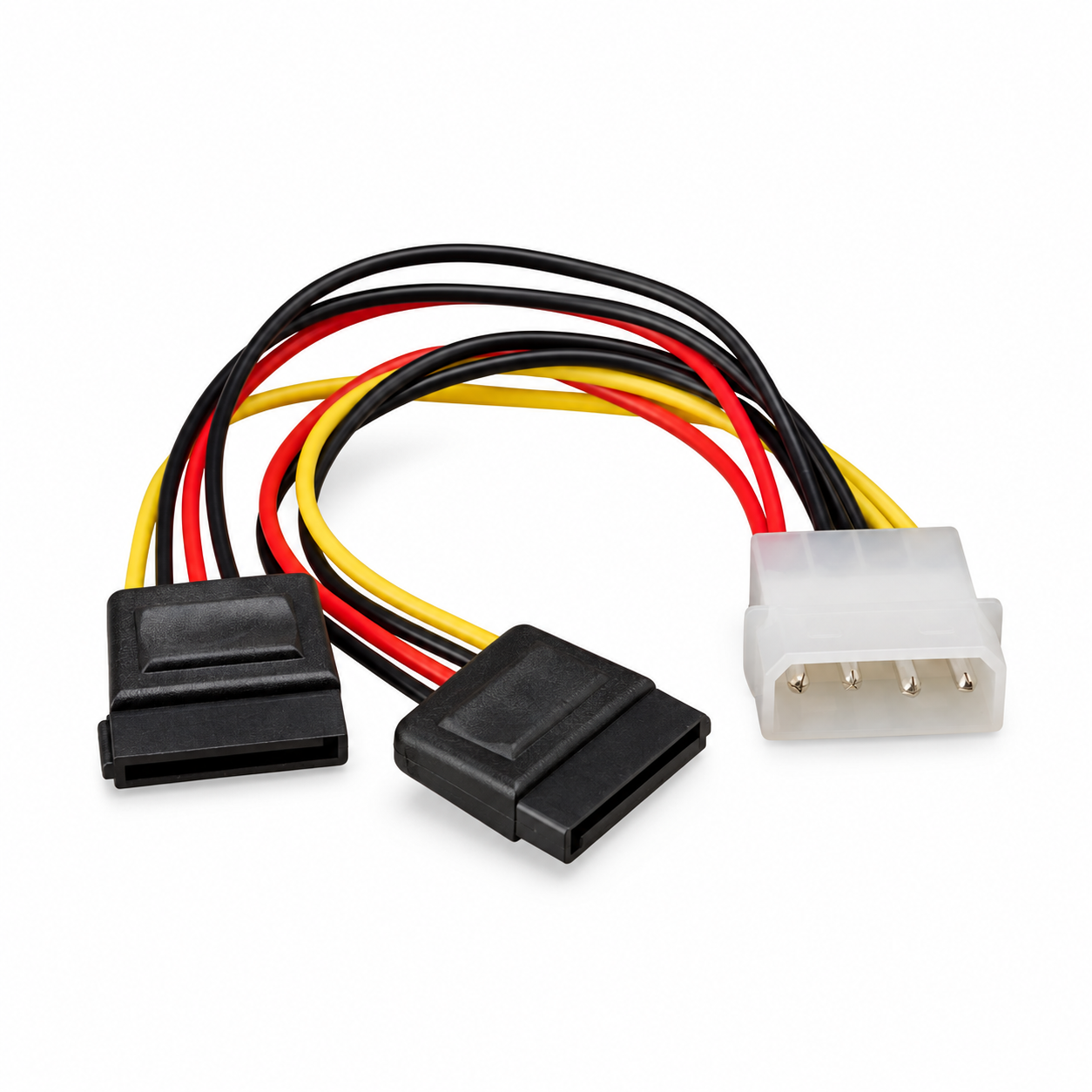
6IN Right-Angle SATA Power Adapter and 6IN Dual SATA Power Splitter
SATA Data and Power Extension Cables
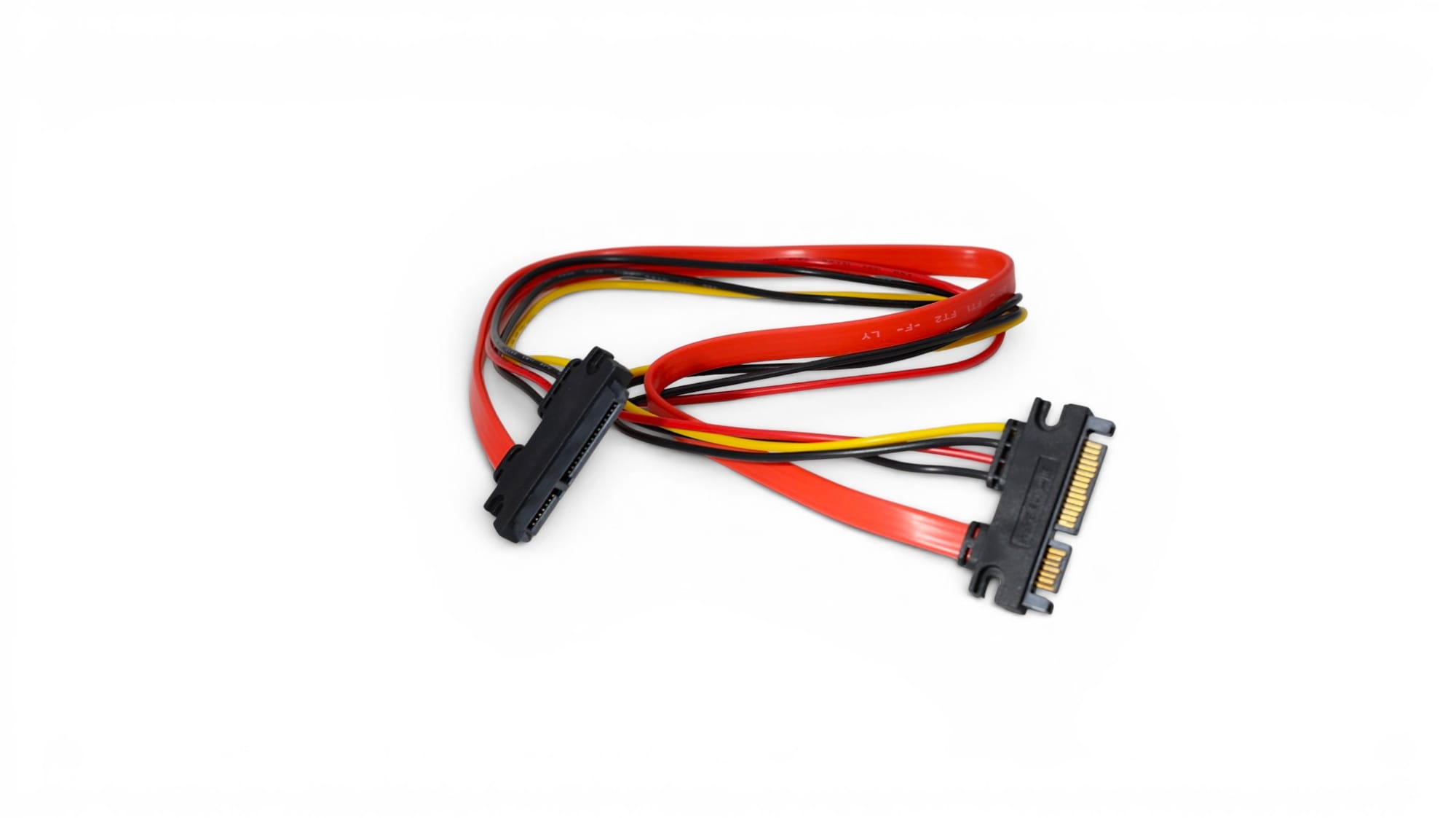
When an existing drive connection does not reach its mounting position, a combined extension can provide additional flexibility.
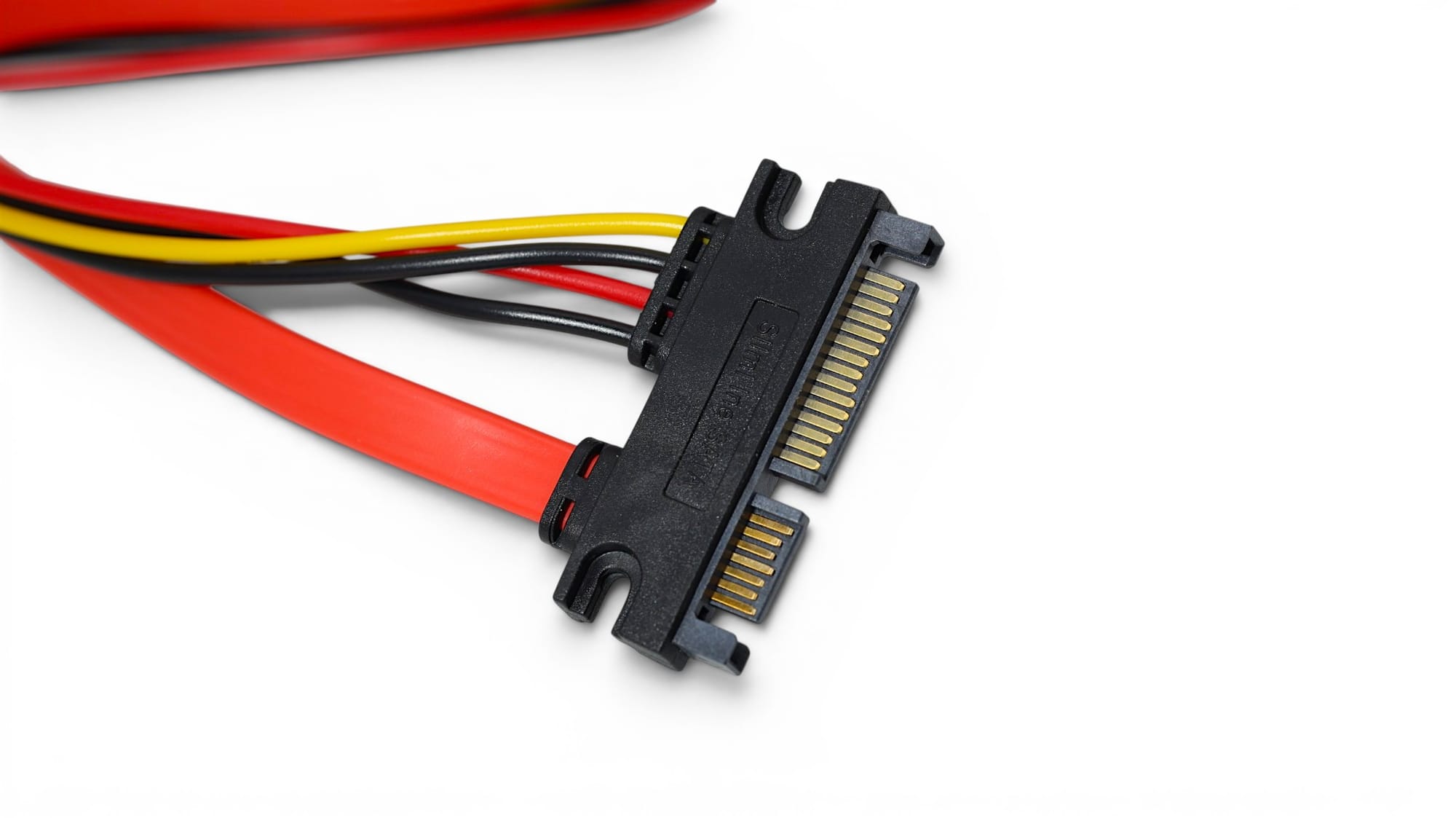
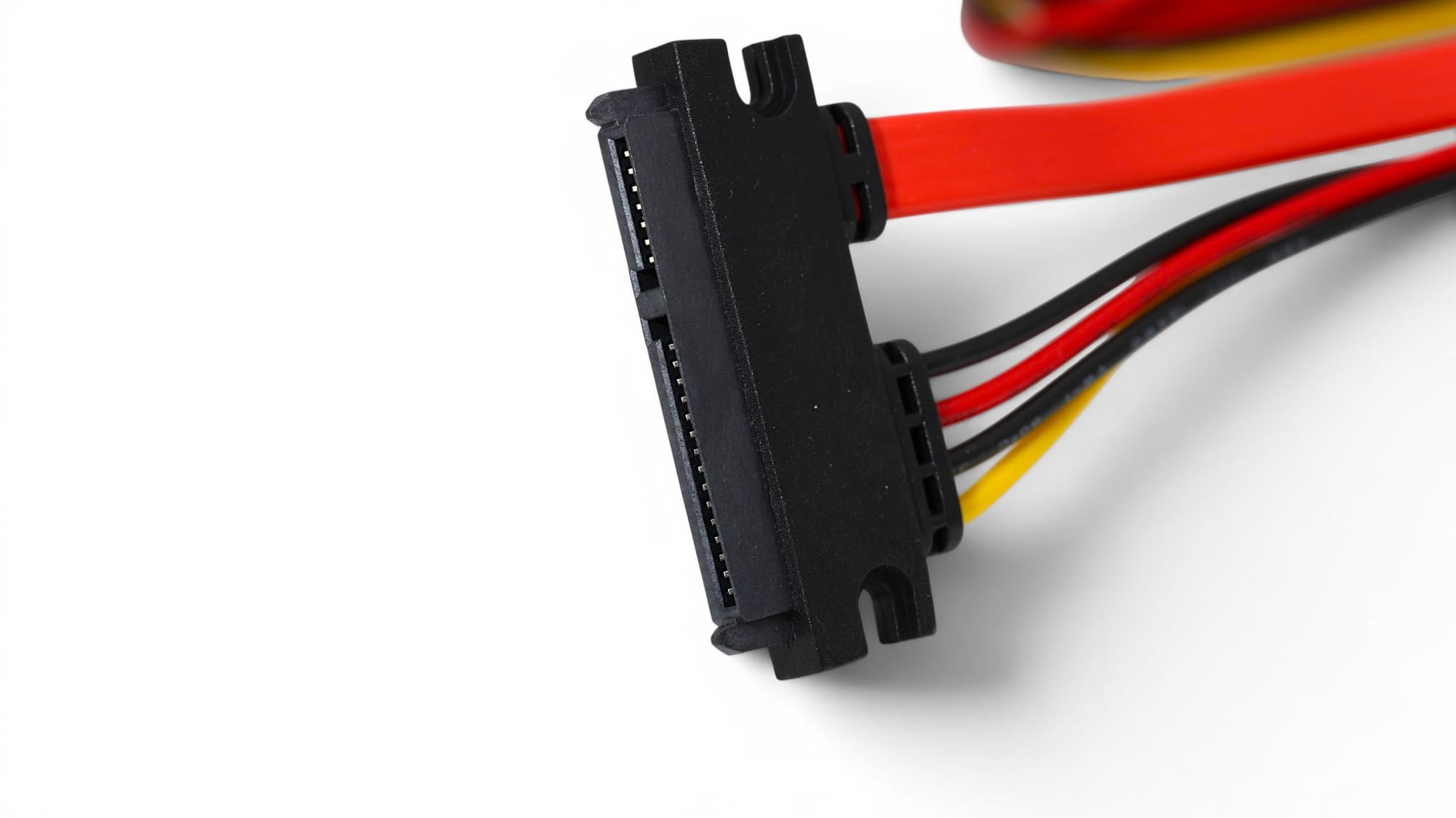
PCCables.com’s 22-pin SATA male-to-female extension extends both the 7-pin data connection and 15-pin power connection in one assembly, half a meter in length. It is designed for applications such as repositioning a compatible 2.5-inch SATA drive inside a case, connecting a drive in an enclosure or setting up a service bench. This is an extension, not a converter for a different storage interface.
eSATA Cables and Brackets for External Storage
eSATA, or external SATA, provides a connection for compatible external storage equipment. PCCables.com carries 1.5-meter shielded eSATA-to-eSATA cables for connecting eSATA-equipped computers and external devices, along with 1-meter SATA-to-eSATA transition cables for installations using different connector styles.
For desktop systems, our dual-port eSATA bracket routes two existing internal SATA connections to the rear of the computer. It makes those connections accessible outside the case rather than adding a new storage controller. Check the bracket’s stated cable-length limits when planning the complete connection.
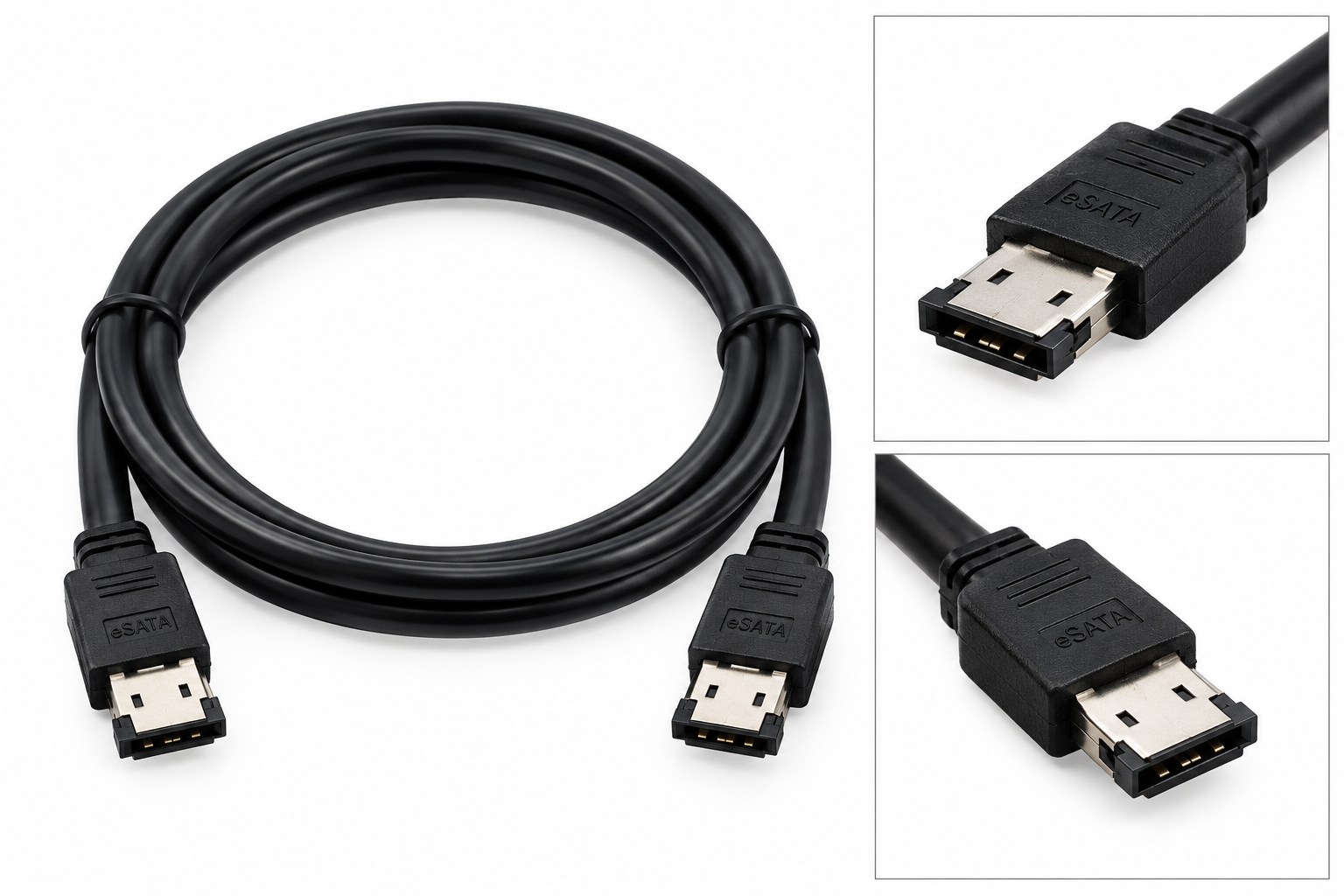
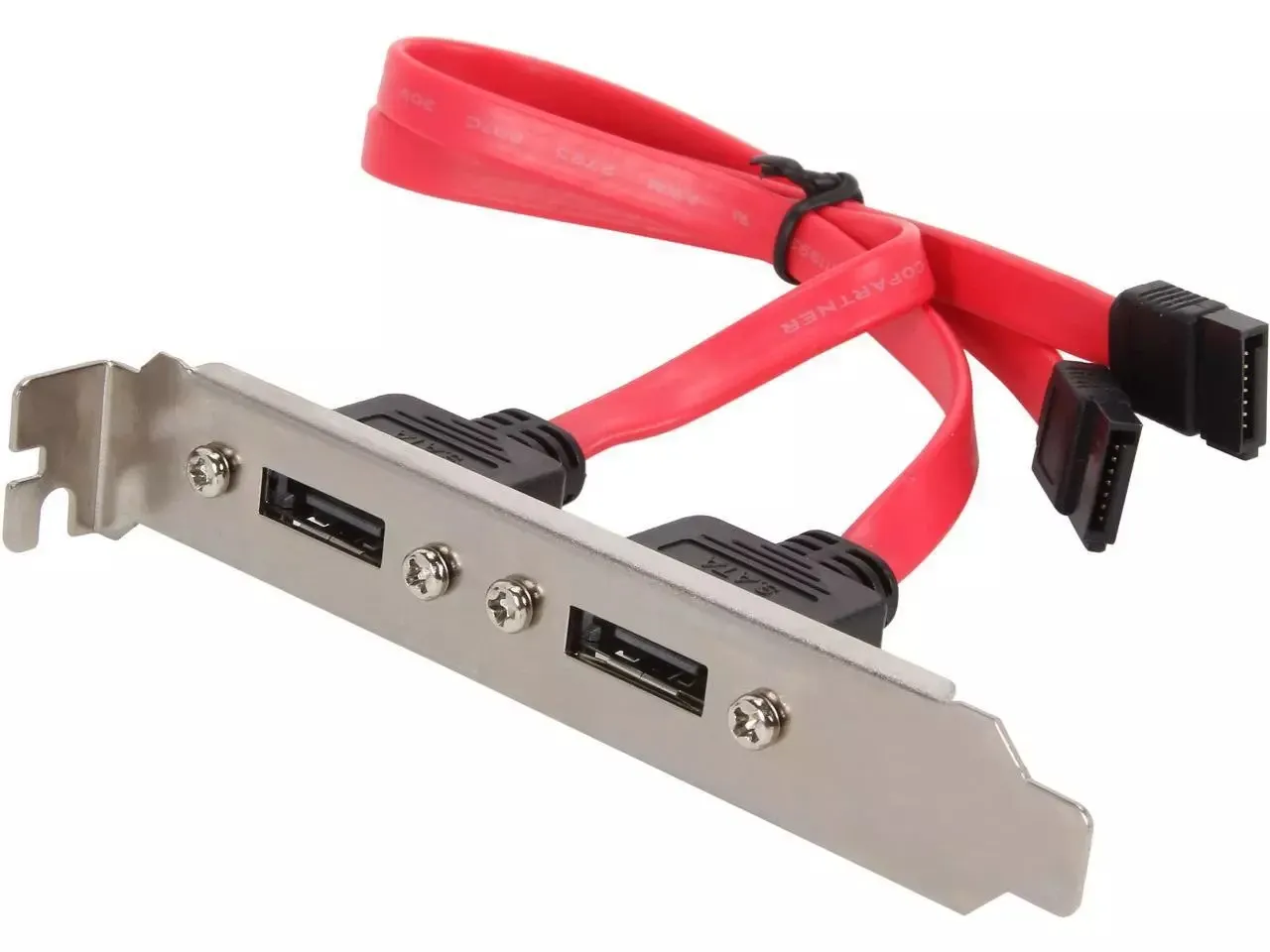
5FT eSATA to eSATA Shielded Data Cable and Dual-Port eSATA Expansion Bracket
Slimline SATA Cables for Compact Optical Drives
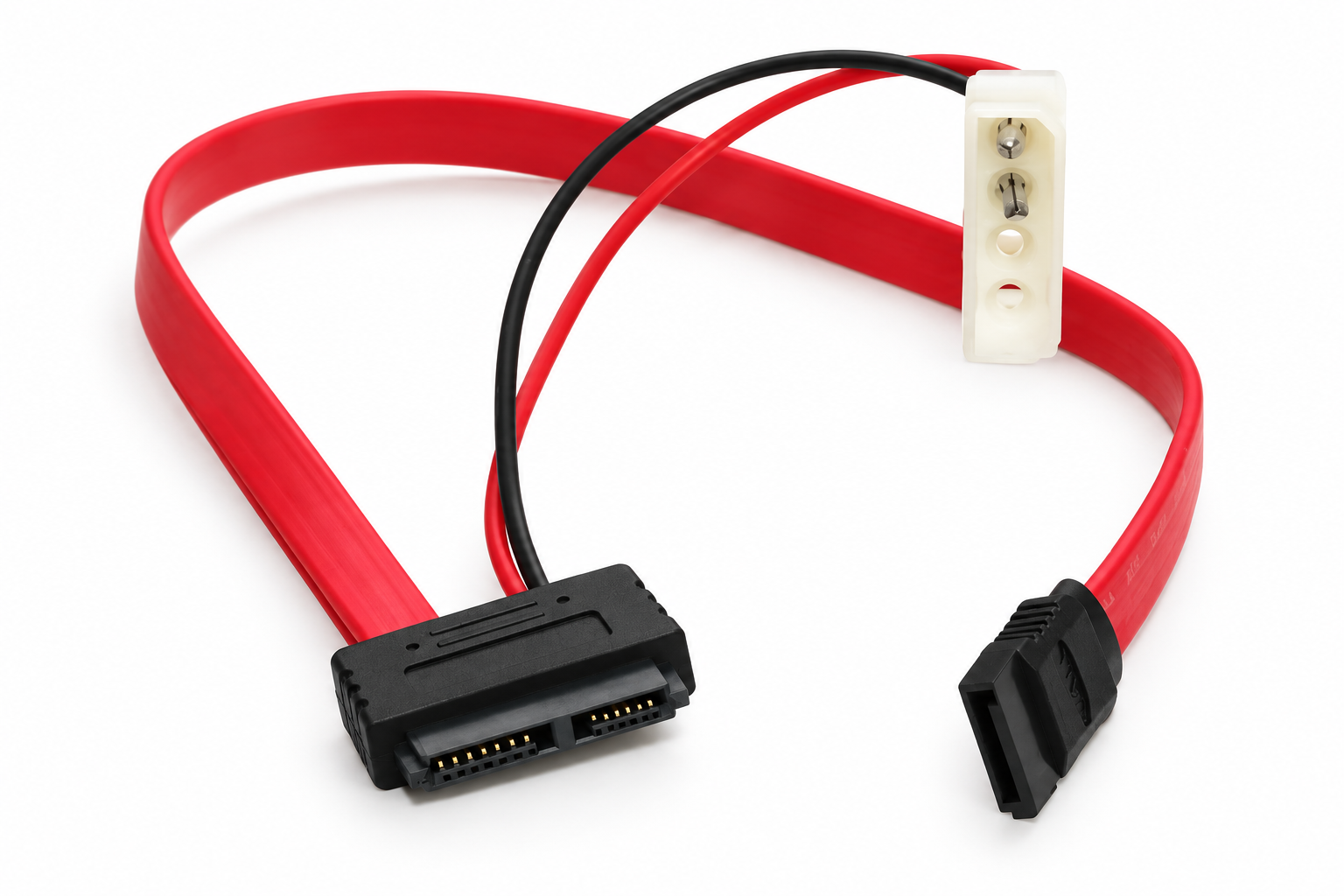
Slim optical drives can use Slimline SATA, which combines seven data contacts and six power contacts in a smaller drive-side connection. This differs from the standard 22-pin SATA data-and-power arrangement, so connector identification matters before ordering.
PCCables.com’s Slimline SATA data and power cable connects a compatible slimline drive to a standard SATA controller and 4-pin peripheral power lead. It includes a 12IN data cable and 6IN power cable. Compatible drives include the SonyNEC AD-7590S DVD writer and Sony BC-5600S Blu-ray/DVD drive, making it a useful replacement for maintaining compatible compact optical-drive installations.
USB-to-SATA Adapters for Backups and Drive Access
Not every SATA drive needs to stay inside a computer. A USB-to-SATA adapter lets compatible internal drives connect externally, which is useful for copying files, creating backups or accessing a drive removed during an upgrade.
PCCables.com’s USB 3.0 to SATA III adapter connects a 2.5-inch SATA SSD or hard drive to a USB-A port without requiring an enclosure. It draws power through USB and supports a USB connection rate up to 5 Gbps. This model does not support 3.5-inch desktop drives.
For repair benches working with both SATA and older IDE equipment, we also carry a USB-to-IDE/SATA converter kit with a power adapter. It provides another option for accessing compatible drives without permanently installing them inside a computer. Check the listed drive interfaces and power requirements before choosing a kit.
 Sean Kullmann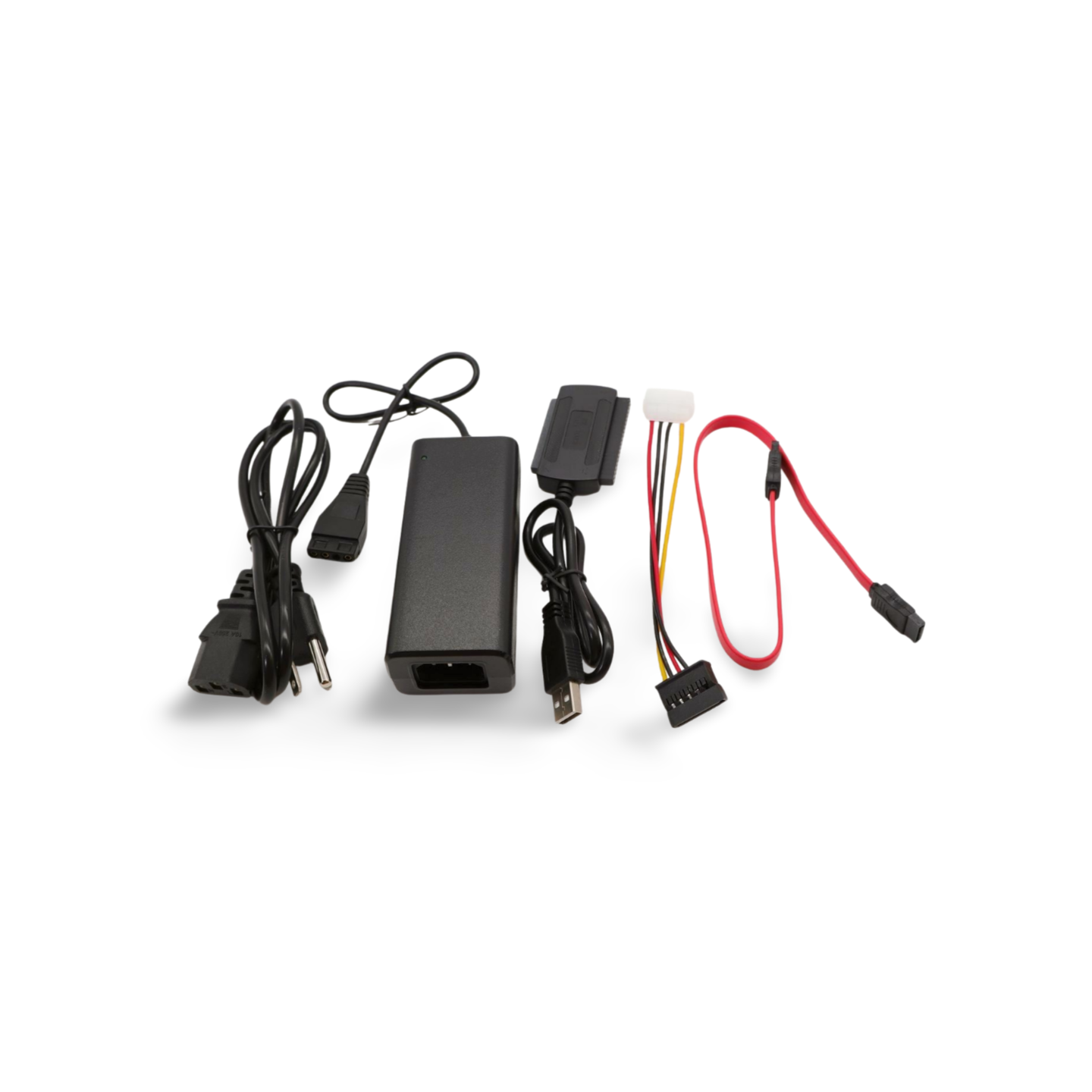
Read about our SATA USB IDE Kit here!
Find the Right SATA Cable at PCCables.com
Whether you need a short locking cable for an SSD, a right-angle power adapter for a tight drive bay or a USB connection for accessing an older drive, PCCables.com offers SATA products for a range of installation and maintenance needs.
Start with the drive’s connector and the connection you need to make, then choose the appropriate cable length and orientation.
Explore our SATA cables and adapters to find the right connection for your next upgrade or repair.

See more of our blog posts here!


Check out our website for all your cable needs!