The Complete Guide to Printer Cables: USB vs Parallel vs Ethernet Connections
Modern printers use several different connection standards, including USB, Ethernet, and legacy parallel interfaces. Choosing the correct printer cable affects compatibility, print reliability, setup simplicity, and long-term device support.
Whether you are connecting a home office printer, maintaining legacy business hardware, or deploying shared office printers, understanding the different printer cable types helps prevent connectivity and printing issues.
PCCables.com stocks USB printer cables, IEEE-1284 parallel and DB25-to-Centronics CN36 cables, Ethernet networking accessories, adapters, and hard-to-find printer connections for both modern and legacy systems.


Check out our website for all your cable needs!
Common Printer Cable Types Explained
The most common printer connection types include:
- USB printer cables
- Parallel printer cables
- Ethernet printer connections
- Wireless printer networking
Each connection standard serves different environments depending on printer age, office size, networking requirements, and compatibility needs.
Modern printers typically use USB or Ethernet, while many industrial, POS, and legacy business printers still rely on IEEE-1284 parallel and Centronics connections.
PCCables.com carries:
- USB A-to-B printer cables
- DB25-to-CN36 Centronics cables
- IEEE-1284 bi-directional printer cables
- Parallel printer adapters and extensions
- Ethernet networking accessories
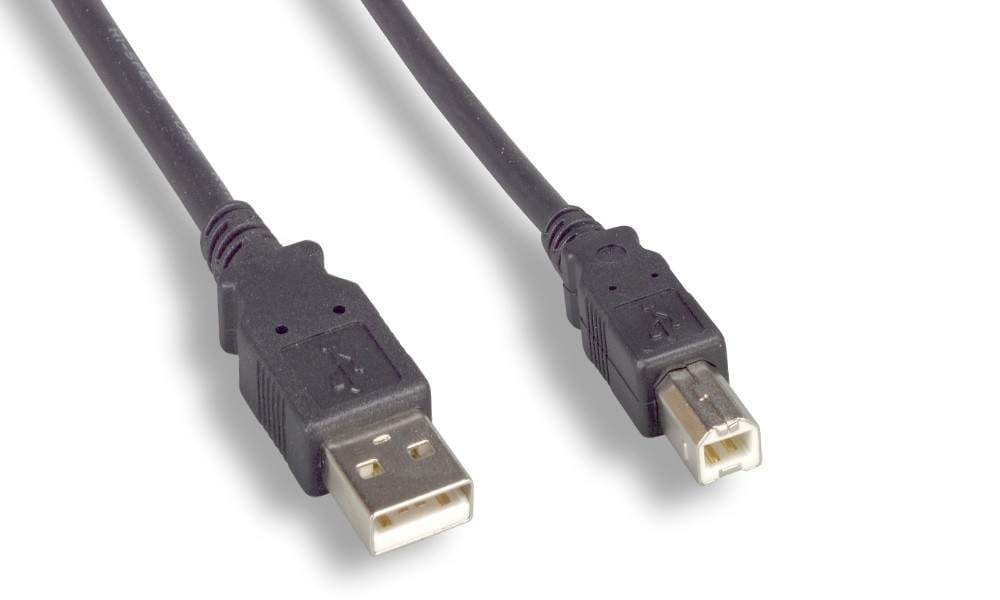
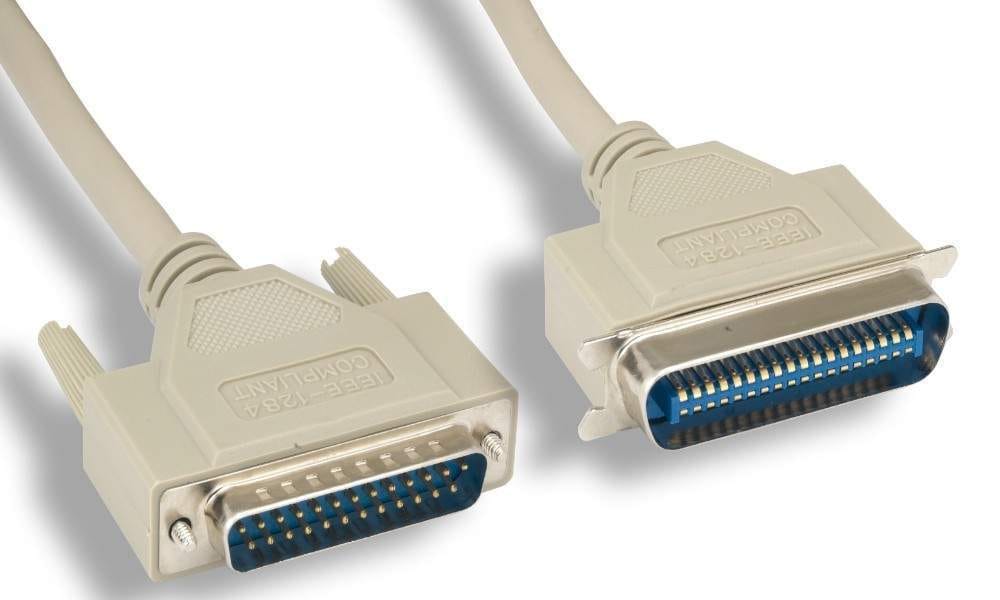
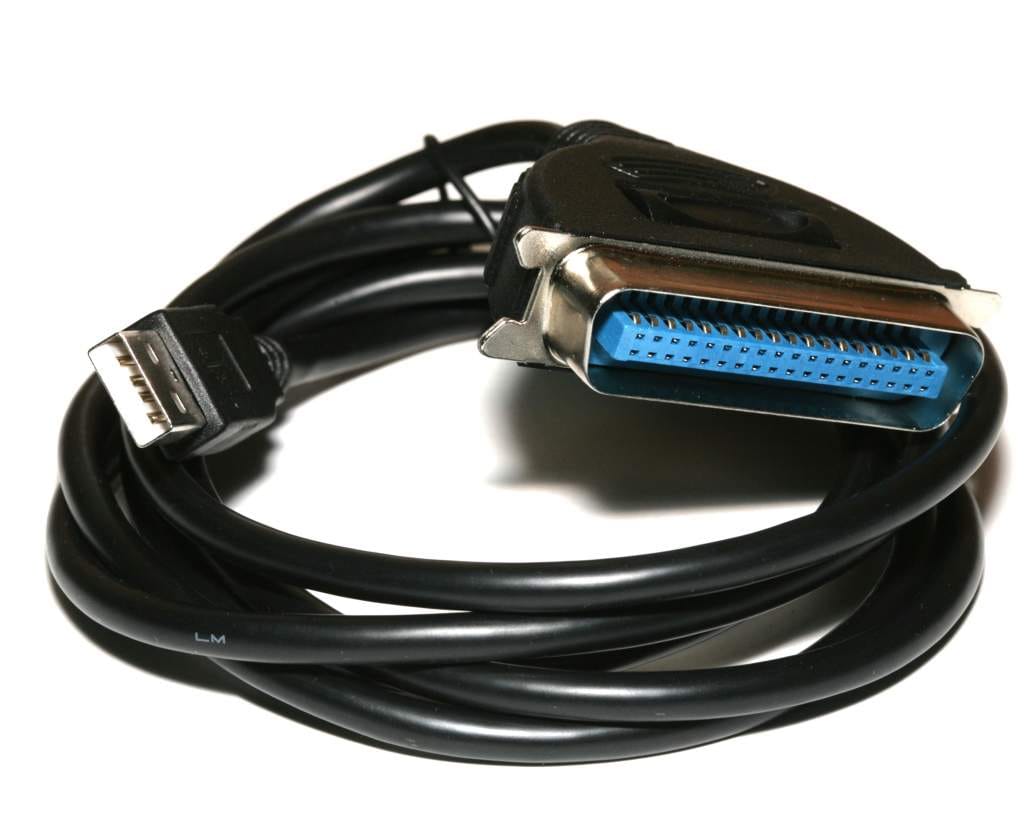
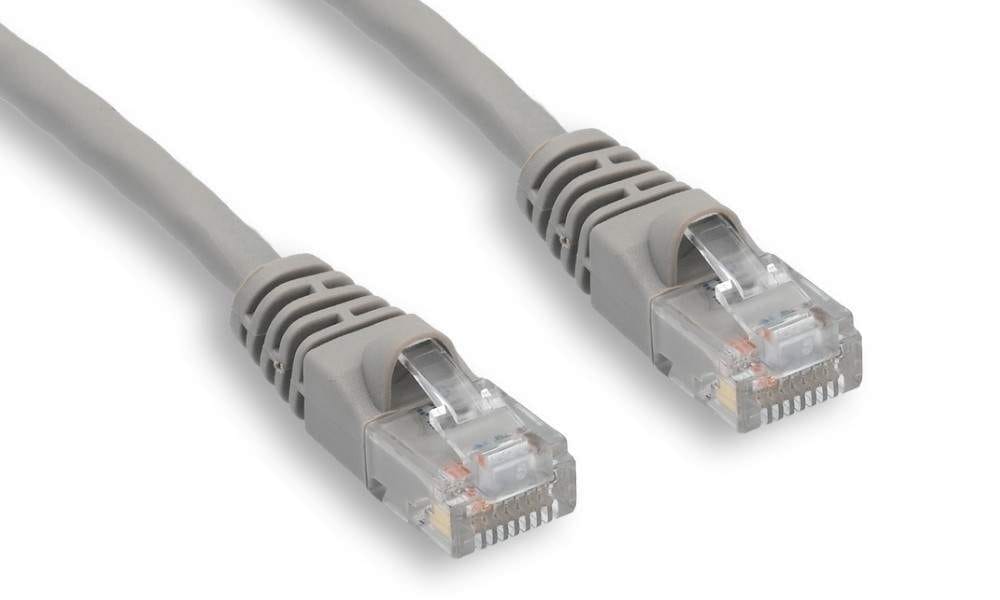
USB A to USB B, DB25M to CN36M, USB to CN36 Centronics and Ethernet RJ45 connectors
USB Printer Cables: When and Why to Use Them
USB printer cables are the standard connection for most home office and small business printers because they offer simple plug-and-play installation and broad compatibility with Windows, macOS, and Linux systems.
Most printers use:
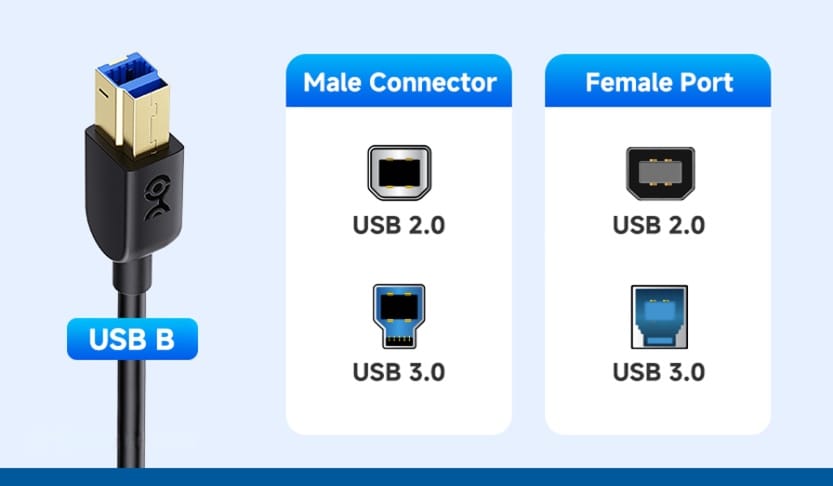
- USB Type A-to-B cables
- USB 2.0 printer connections
- Direct PC-to-printer setups
USB printer cables are ideal for:
- desktop printers
- multifunction printers
- label printers
- small office workstations
PCCables.com stocks USB printer cables in multiple lengths for flexible printer placement and organized workstation cable management.
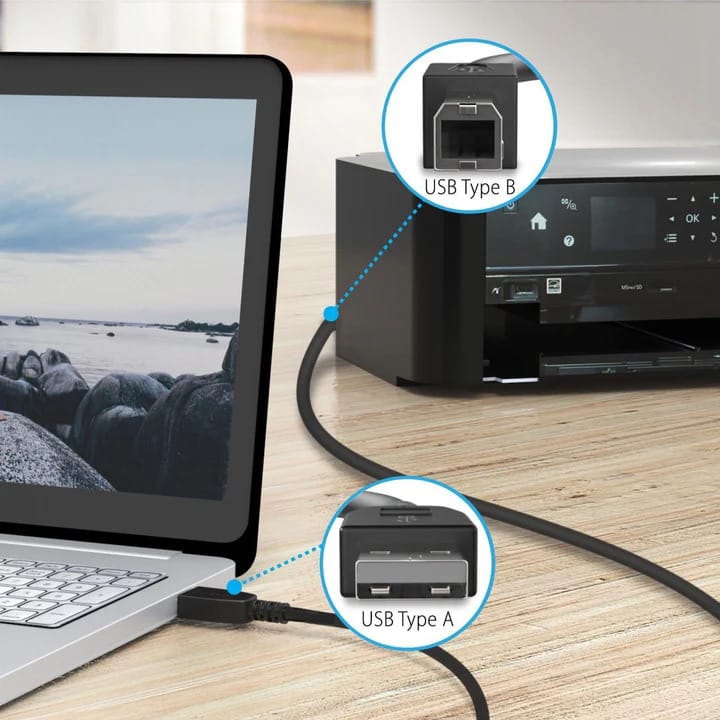
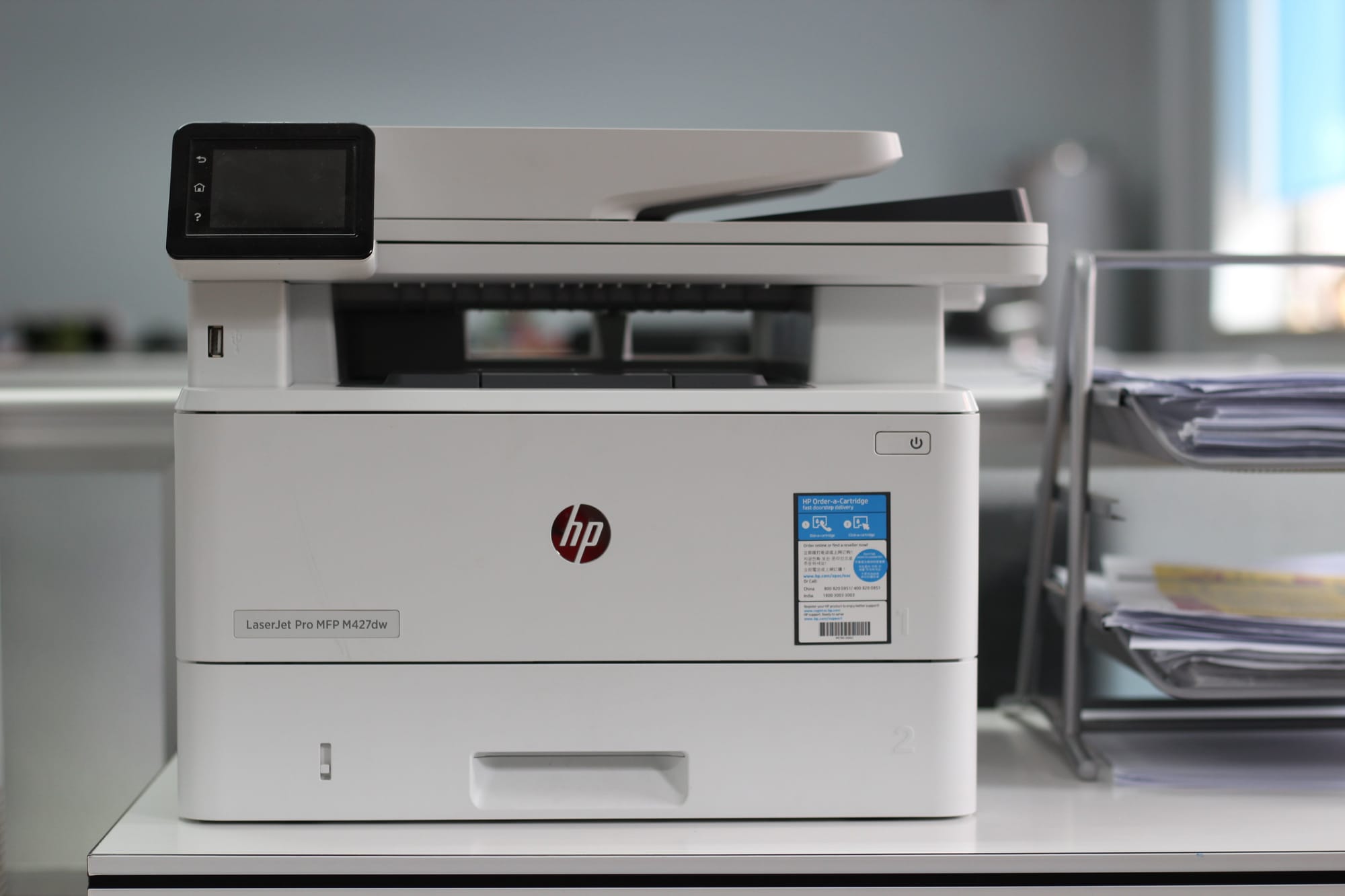
USB Type A to B cable connected to office printer
Legacy Parallel Cables and Modern Alternatives
Many industrial, POS, and legacy business printers still rely on parallel printer connections instead of USB. These systems commonly use IEEE-1284 DB25-to-Centronics CN36 printer cables for reliable communication with older hardware.
PCCables.com stocks:
- DB25-to-CN36 Centronics printer cables
- IEEE-1284 bi-directional printer cables
- Parallel printer extension cables
- USB-to-parallel printer adapters
These solutions help businesses continue using reliable legacy printers without replacing expensive equipment or specialized hardware. Available cable lengths (6, 10 and 25 ft) support both short desktop setups and longer equipment installations.
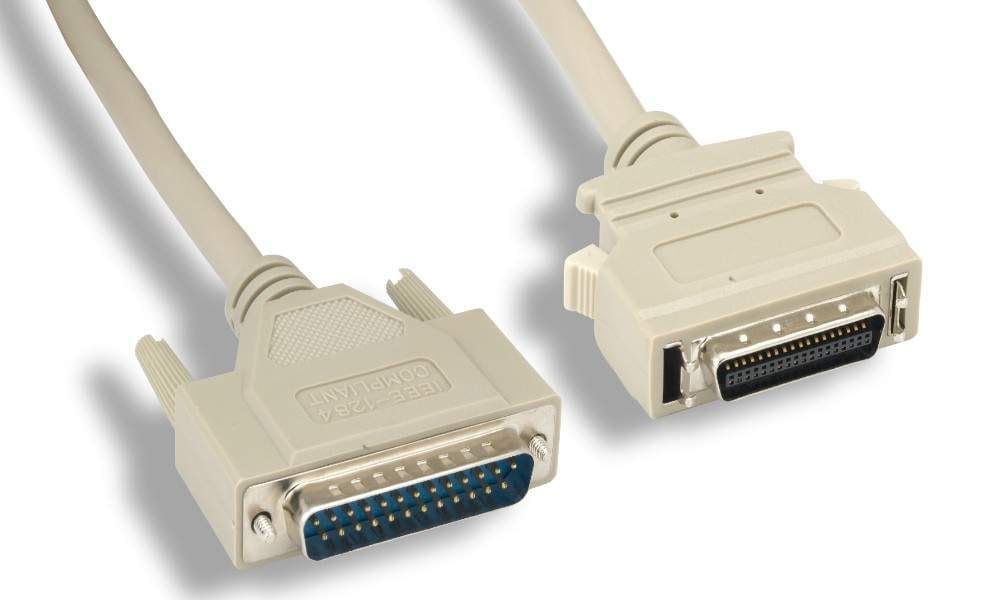
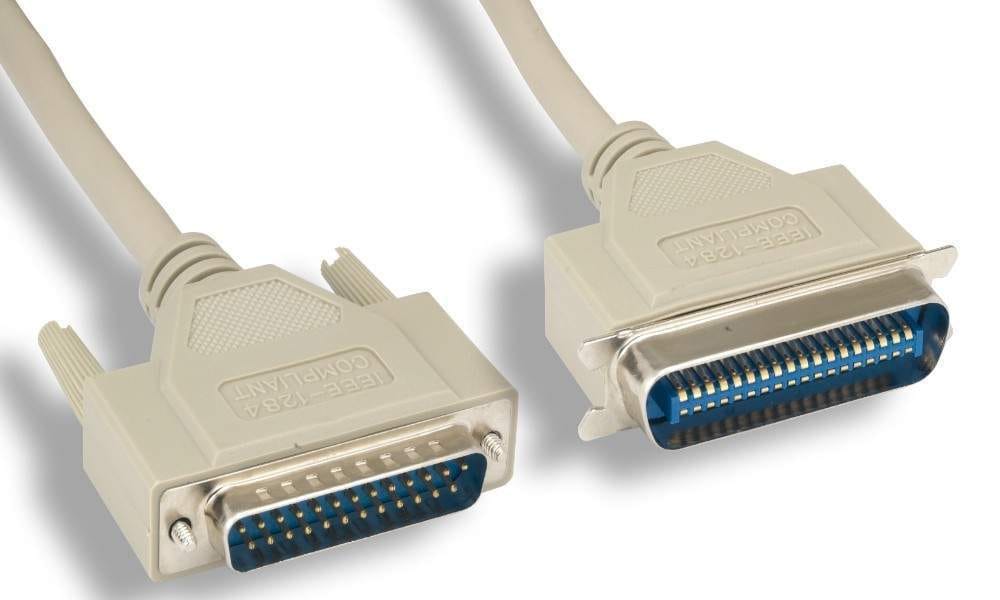
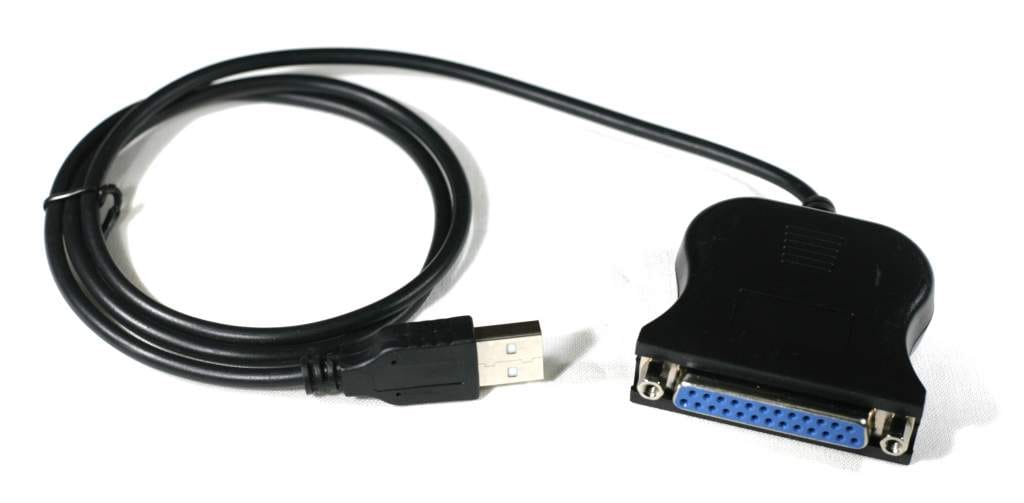
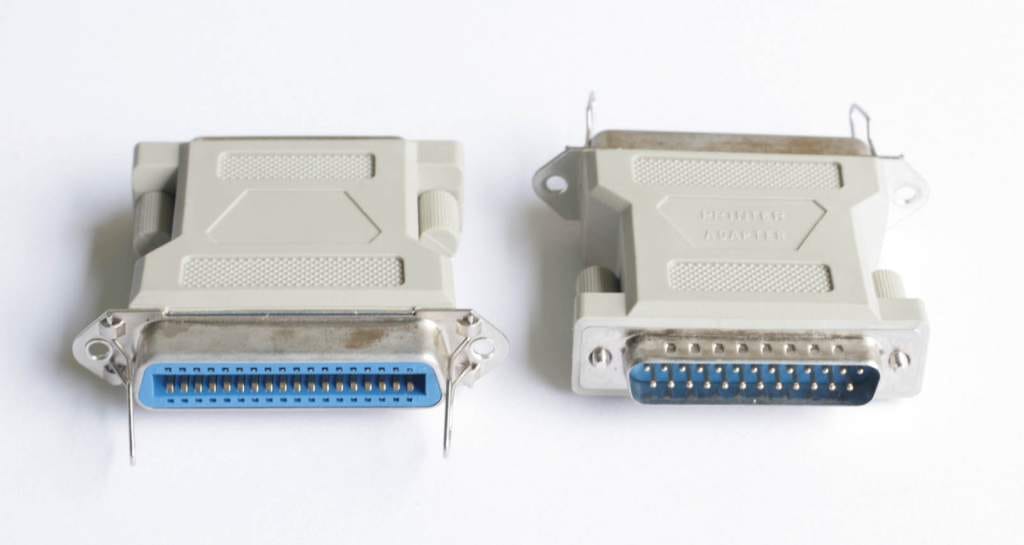
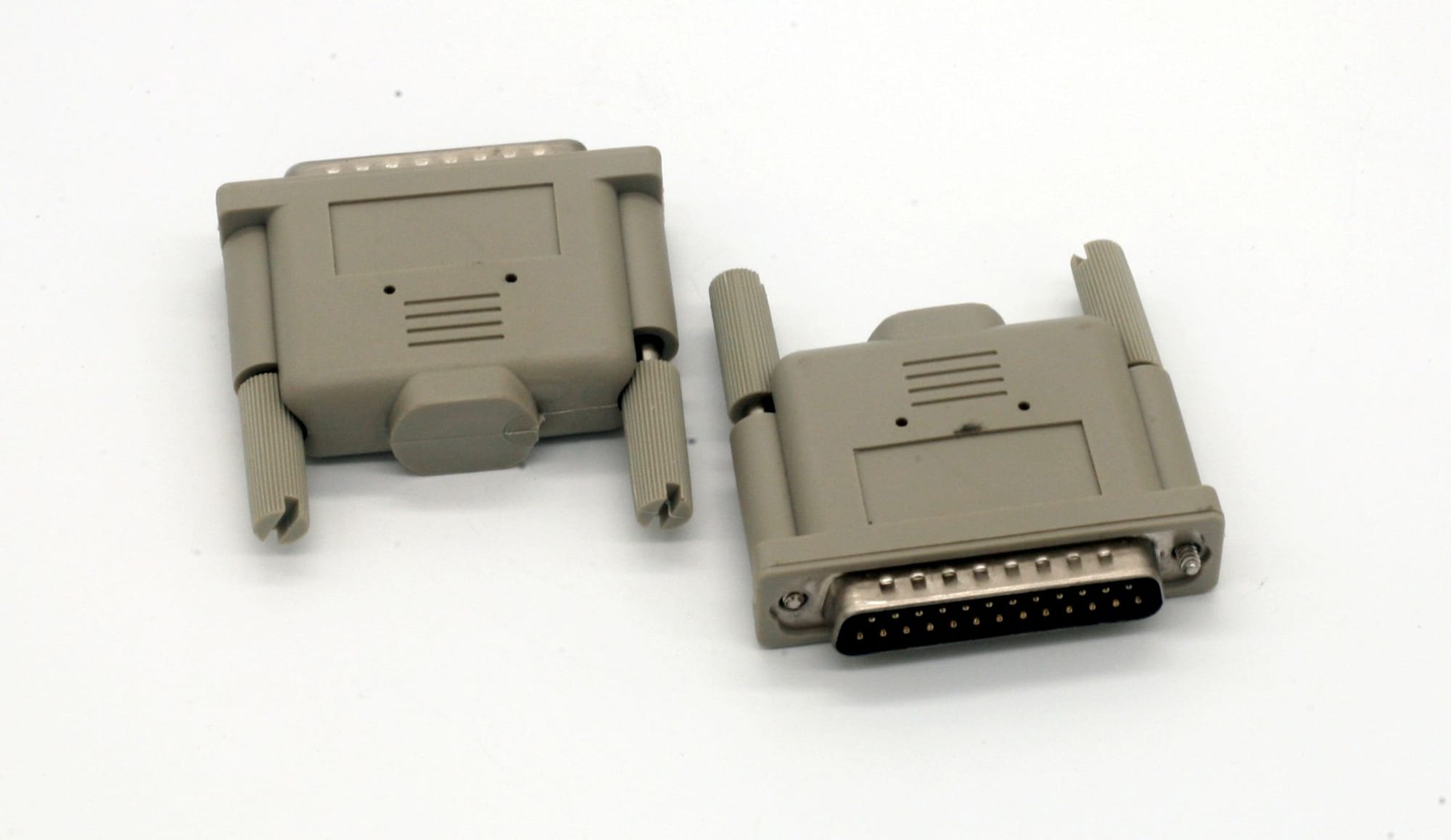
DB25M to HPCN36M, DB25M to CN36M, USB to DB25F Adapter and DB25M to CN36F Adapter
Ethernet Network Printer Connections for Offices
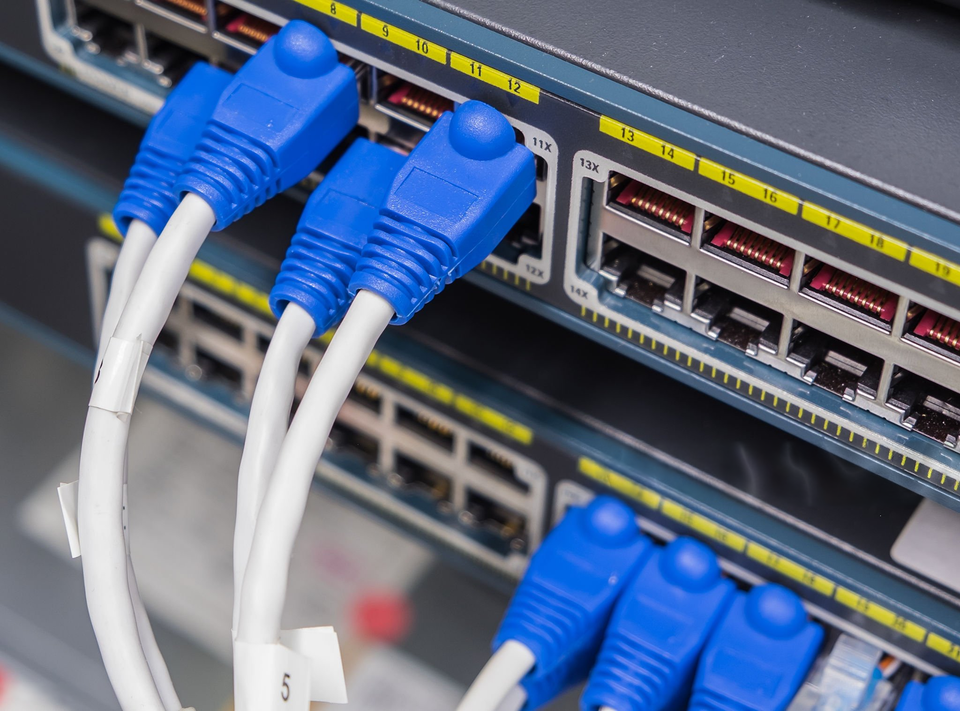
Ethernet-connected printers are common in offices where multiple users need access to the same device. Unlike USB printers, network printers connect directly to switches or routers using RJ45 Ethernet ports and standard Cat5e or Cat6 networking cables.
Ethernet printer connections allow:
- shared office printing
- centralized printer management
- remote configuration and monitoring
- flexible printer placement throughout offices
Network-connected printers are especially common in:
- business offices
- schools
- healthcare facilities
- warehouses
- enterprise environments
PCCables.com offers Ethernet networking accessories and cabling solutions that support reliable office printer connectivity.
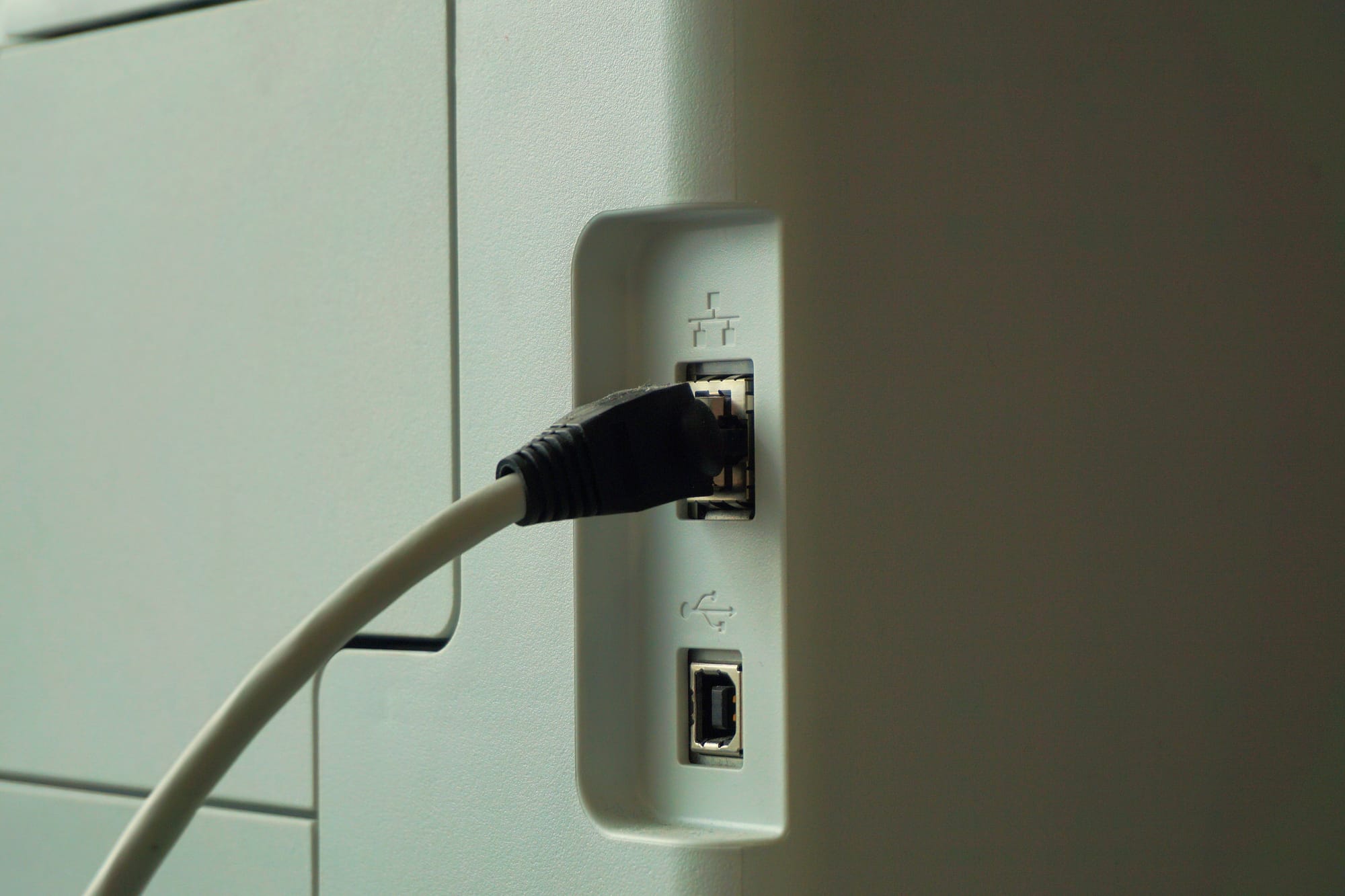
Ethernet cable connecting to printer
Troubleshooting Printer Cable Connection Issues
Many printer problems are caused by incorrect cable types, damaged connectors, outdated adapters, or driver communication failures.
Common Printer Connectivity Problems
- Printer not detected
- Print jobs stuck in queue
- Slow or failed print communication
- USB disconnects
- Legacy printer compatibility issues
Quick Troubleshooting Tips
- Verify the correct printer cable type
- Replace damaged or low-quality cables
- Check USB, Ethernet, or parallel port functionality
- Confirm driver compatibility
- Use IEEE-1284 bi-directional cables for older printers
- Avoid unreliable USB-to-parallel adapters
For legacy parallel printers, a DB25 loopback tester can also help diagnose serial and parallel port communication problems by verifying whether the printer port is properly transmitting and receiving signals. This is especially useful when troubleshooting older industrial, POS, or business printing systems.
Find the Right Printer Cable at PCCables.com
PCCables.com supplies printer connectivity solutions for home users, businesses, IT departments, industrial environments, and legacy hardware support.
Whether you are replacing a damaged cable, connecting a shared office printer, or maintaining older business hardware, PCCables.com provides the printer cable selection needed to keep your systems connected.
Explore PCCables.com’s Printer Cable Selection and find the right printer connection for your setup today.

See more of our blog posts here!
 Hunter
 Sean Kullmann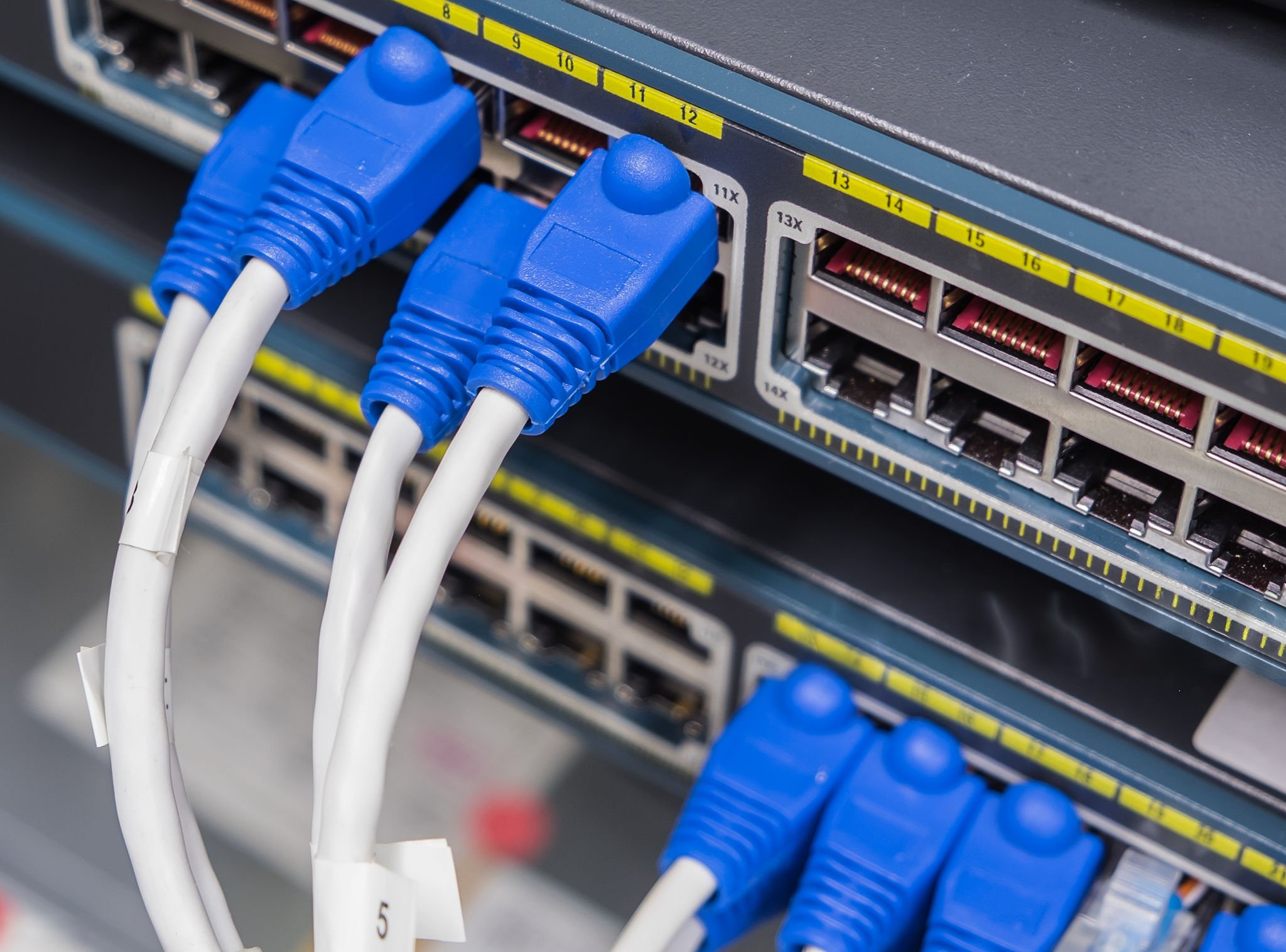
 Sean Kullmann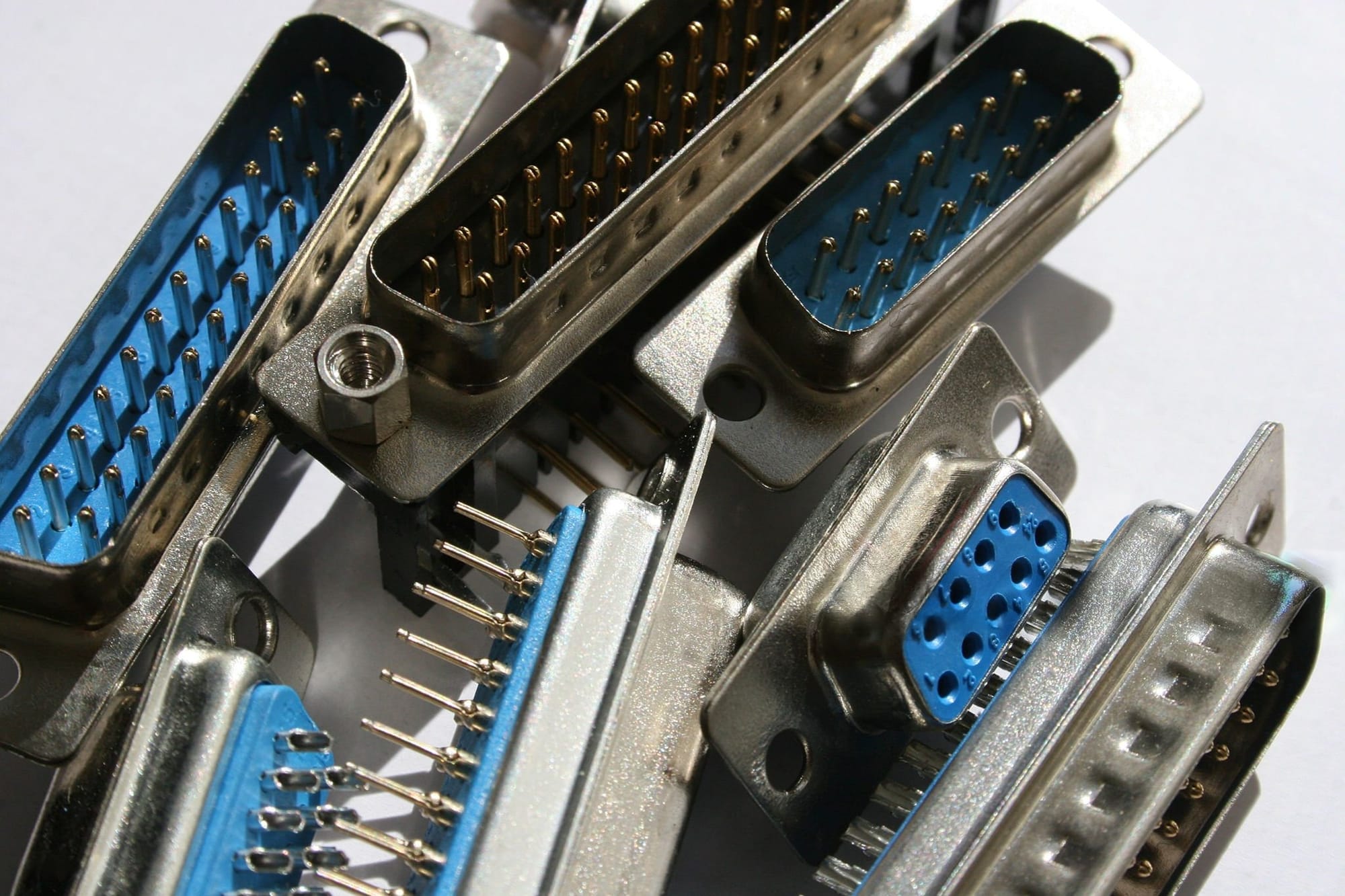
 Hunter