
Choosing the Right DisplayPort Cable or Adapter for Your Monitor
Connecting a gaming monitor, setting up an office workstation or keeping an older display in service? The right DisplayPort cable or adapter depends on the computer’s output, the monitor’s input and the resolution and refresh rate you want to use.
PCCables.com carries DisplayPort cables and adapters for direct monitor connections, HDMI, DVI, VGA and compatible USB-C devices. Options range from short desktop cables to longer assemblies for installations where the computer and display are farther apart.


What Is DisplayPort?
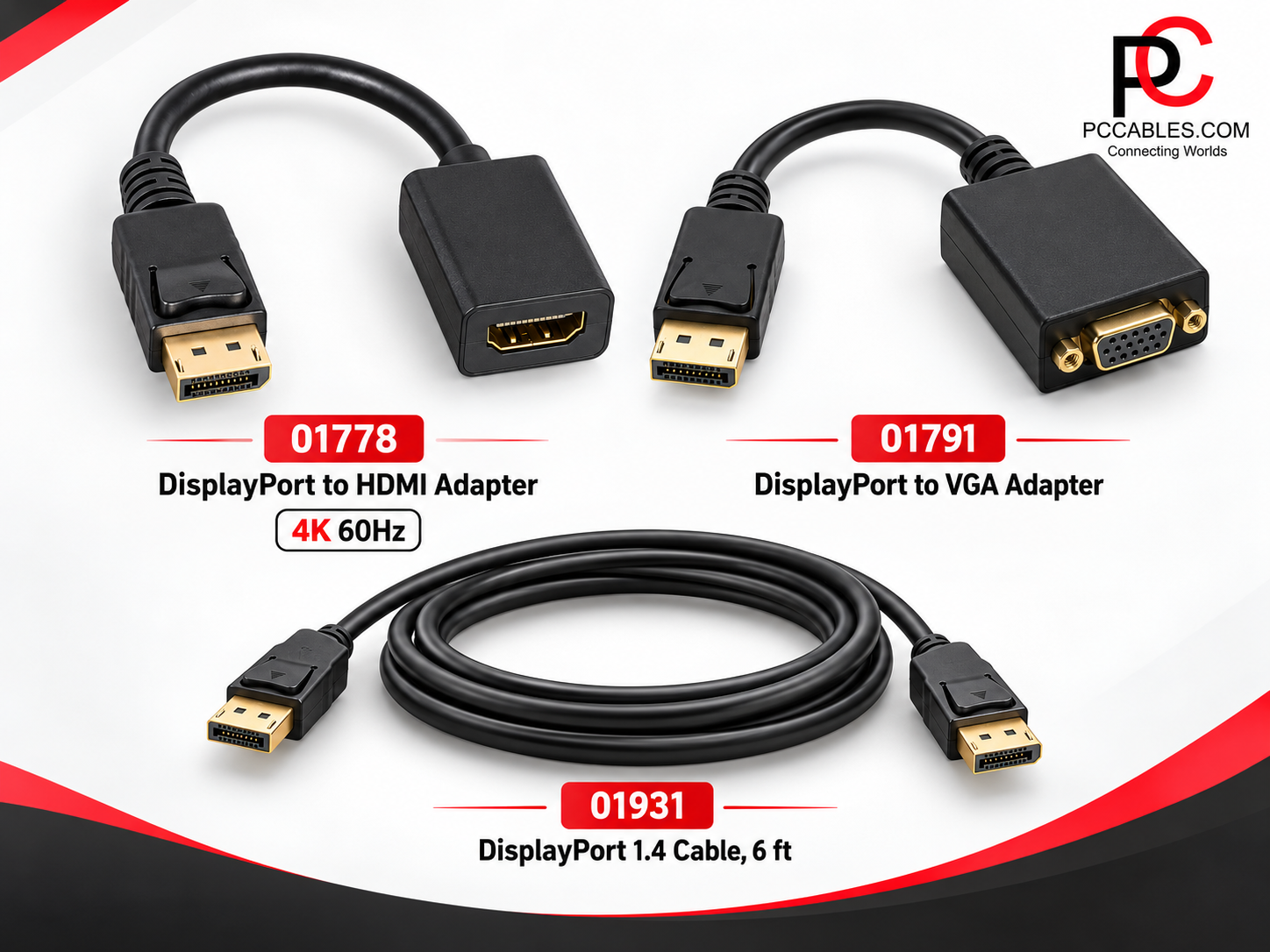
DisplayPort, often abbreviated DP, is a digital interface for carrying video and audio. Full-size DisplayPort connections are commonly found on desktop graphics cards, monitors and docking stations. The interface also supports connections to HDMI, DVI and VGA displays through appropriate adapters.
If your computer and monitor both have full-size DisplayPort connections, a DisplayPort-to-DisplayPort cable provides a direct connection without converting to another video format. If the ports differ, choose an adapter that matches the computer’s output to the display’s input.
DisplayPort Monitor Cables in Different Lengths
PCCables.com offers DisplayPort monitor cables in 3FT, 6FT, 10FT, 15FT, 25FT and 50FT lengths. Shorter cables suit nearby desktop connections, while longer options provide flexibility when routing around furniture or between installed equipment.
For a typical workstation, the 6FT DisplayPort Cable provides a direct male-to-male connection. Longer options include the 15FT cable and 50FT 24 AWG cable. Check the specifications of the particular model rather than assuming every length has identical performance.
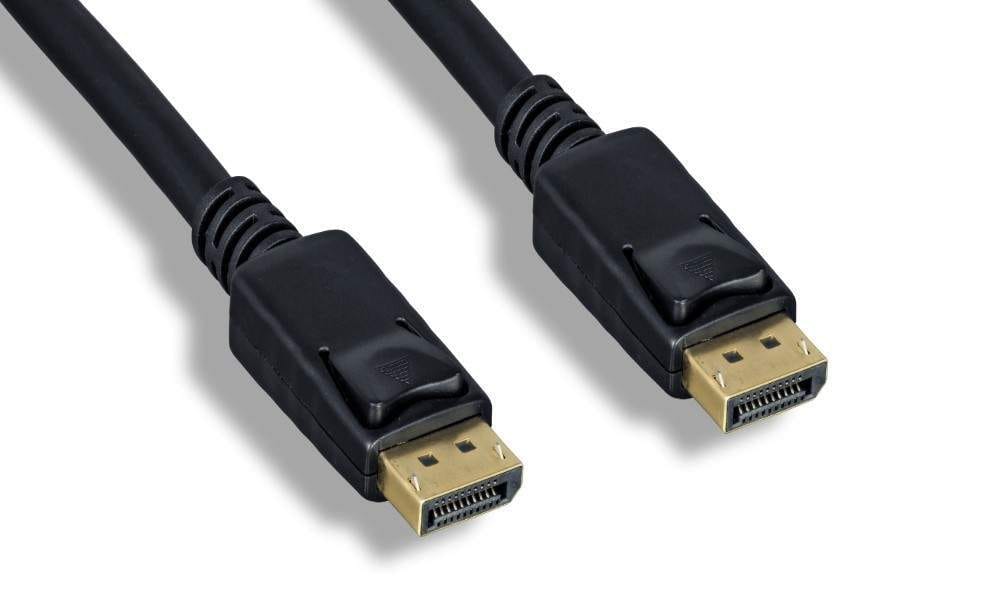
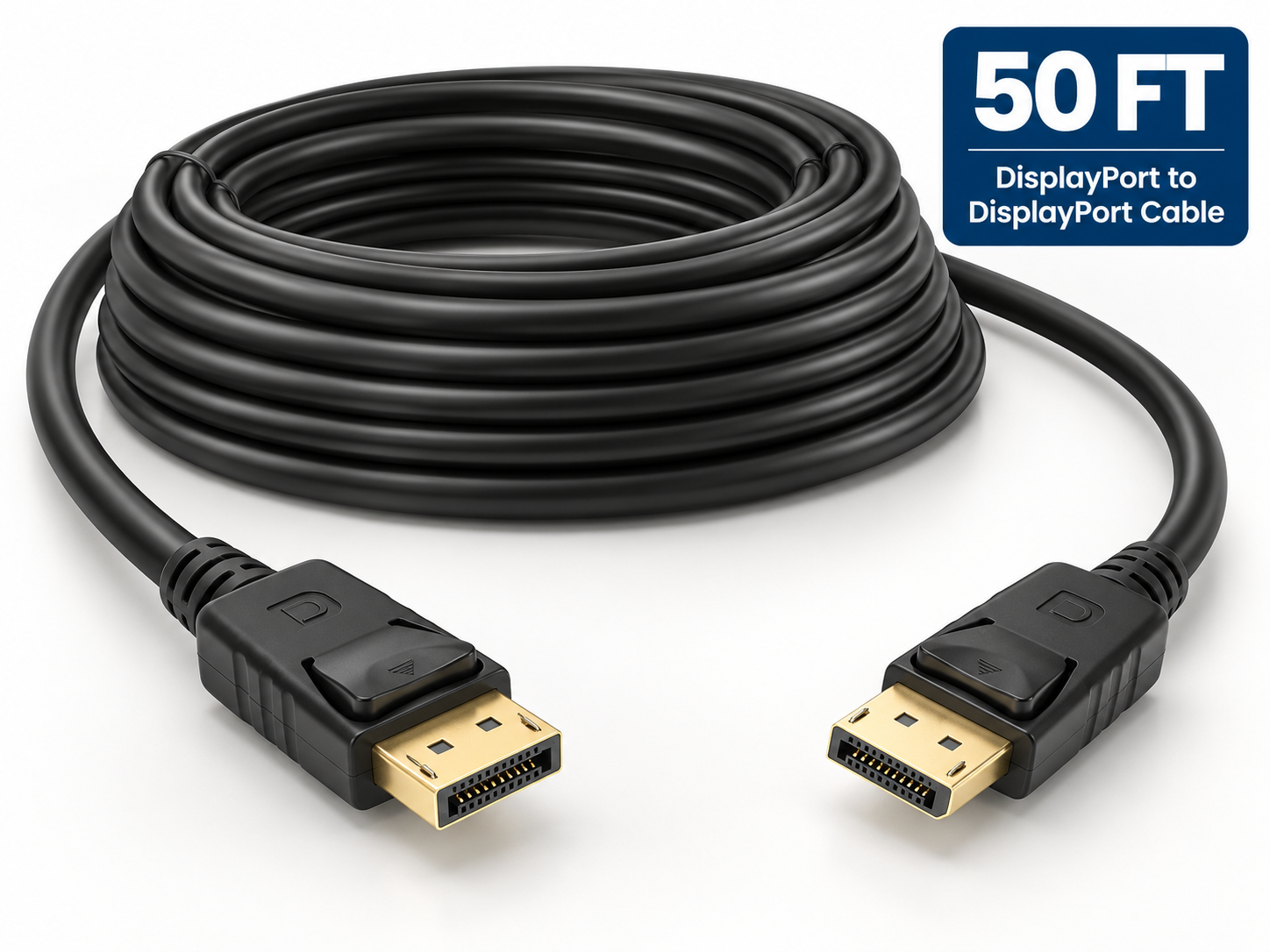
6FT DisplayPort Monitor Cable and 50FT DisplayPort Monitor Cable
DisplayPort 1.2 vs 1.4: Match the Cable to Your Display
Resolution and refresh rate matter as much as connector shape. DisplayPort 1.2 supports common 4K at 60Hz configurations, while DisplayPort 1.4 adds capabilities such as Display Stream Compression, or DSC, for more demanding video modes. VESA’s guidance emphasizes choosing a cable that supports the bandwidth your equipment requires.
For higher-bandwidth setups, PCCables.com offers the 6FT DisplayPort 1.4 Cable. Its specifications list HBR3 bandwidth up to 32.4 Gbps, support for compatible 4K120 and 8K60 configurations, gold-plated connectors and locking latches.
Those capabilities depend on the complete setup, not the cable alone. For example, full-color 8K60 over a DisplayPort 1.4 connection uses DSC. The source and display must support the necessary features; a cable cannot add them to equipment that lacks them.
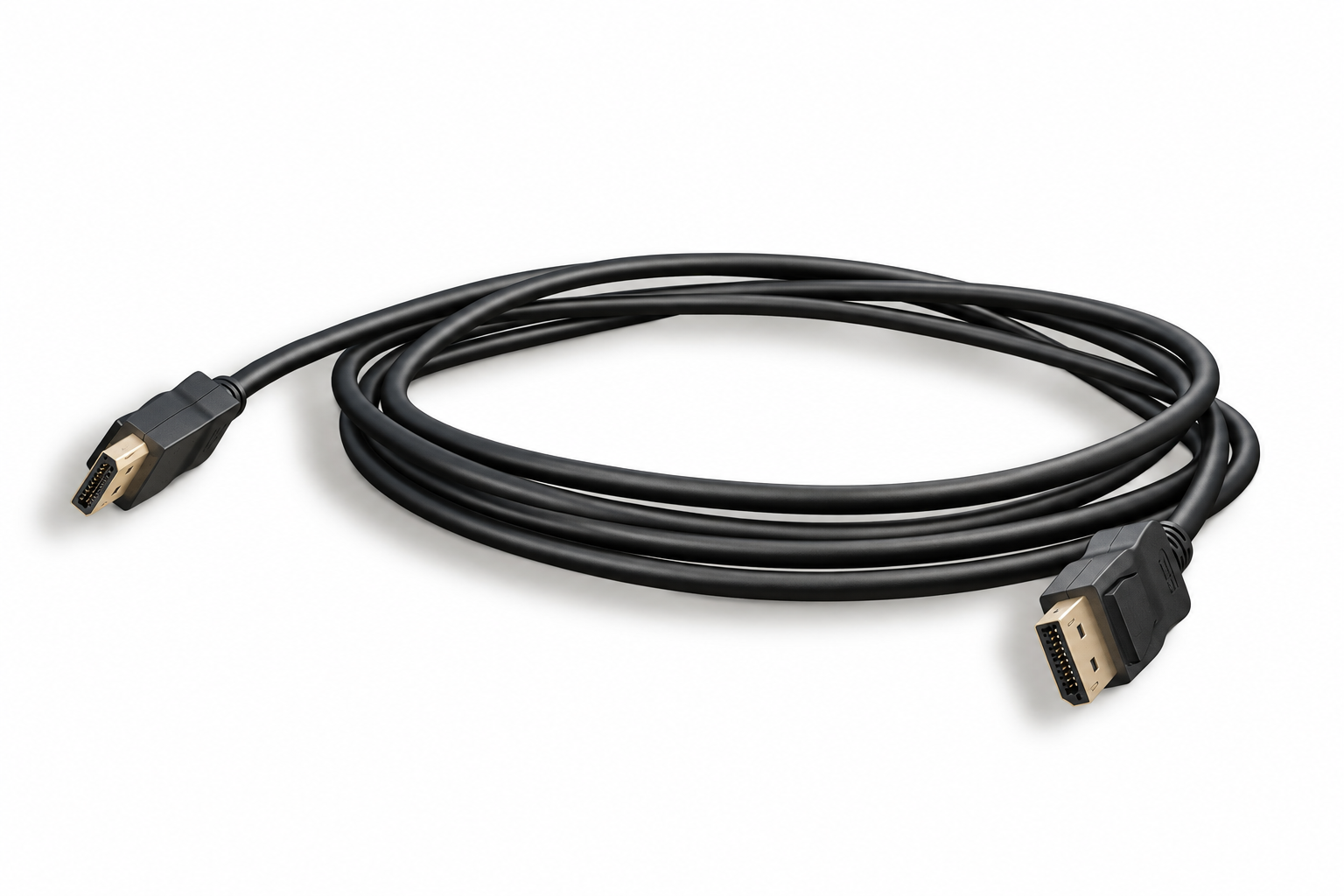
DisplayPort to HDMI for TVs, Monitors and Projectors
A DisplayPort-to-HDMI connection is useful when your computer has DisplayPort output but the screen uses HDMI. PCCables.com carries DisplayPort-to-HDMI cables in 3FT, 6FT, 10FT and 15FT lengths, along with adapters for using an existing HDMI cable.
The 6FT DisplayPort-to-HDMI cable connects a DisplayPort source directly to an HDMI display. It works in that direction only, not from an HDMI computer output to a DisplayPort monitor.
For a setup requiring 4K at 60Hz, the active DisplayPort-to-HDMI adapter supports DisplayPort 1.2 input and HDMI 2.0 output. It carries audio and video and provides an HDMI female socket for a separate HDMI cable.
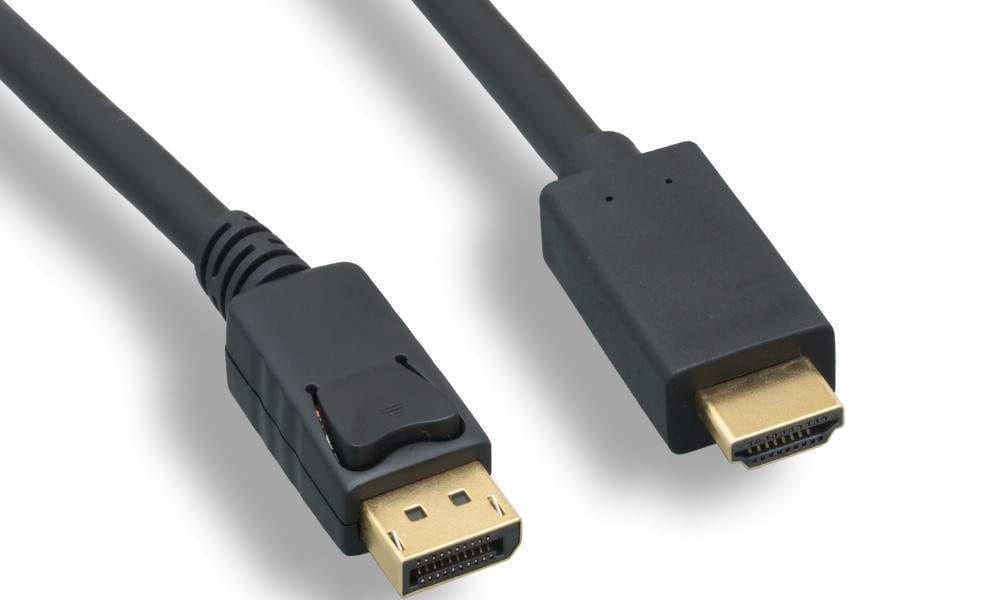
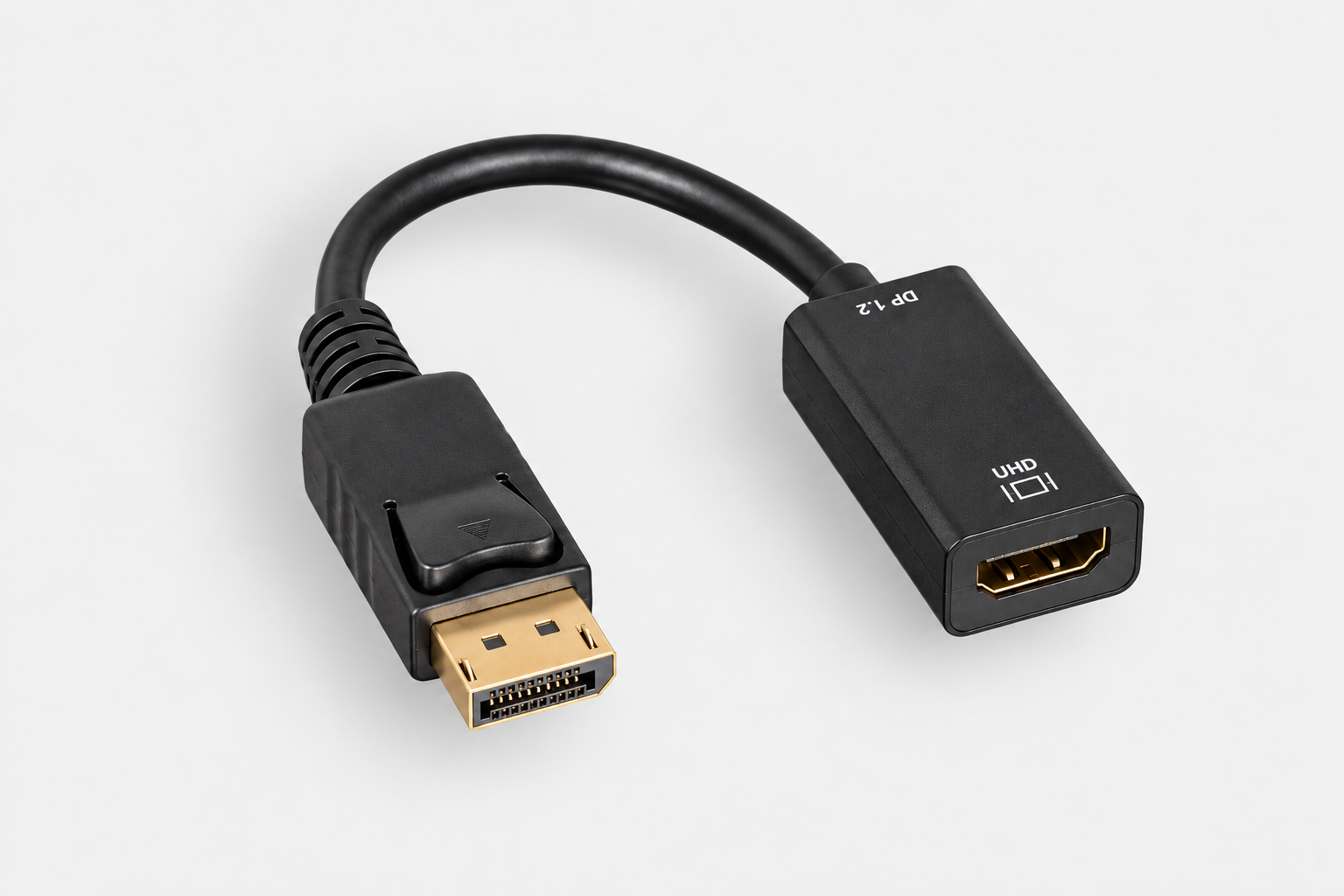
6FT DisplayPort to HDMI Cable and DisplayPort to HDMI 4K60 Active Adapter
Does Active vs Passive Matter?
Yes. Some HDMI and DVI adapters rely on Dual-Mode DisplayPort, or DP++, which lets a compatible source output the required signal. Active converters instead convert the DisplayPort signal electronically. VESA advises using a converter when the source does not support dual-mode operation, so check the adapter’s requirements rather than choosing by connector shape alone.
DisplayPort to DVI for Existing Digital Monitors
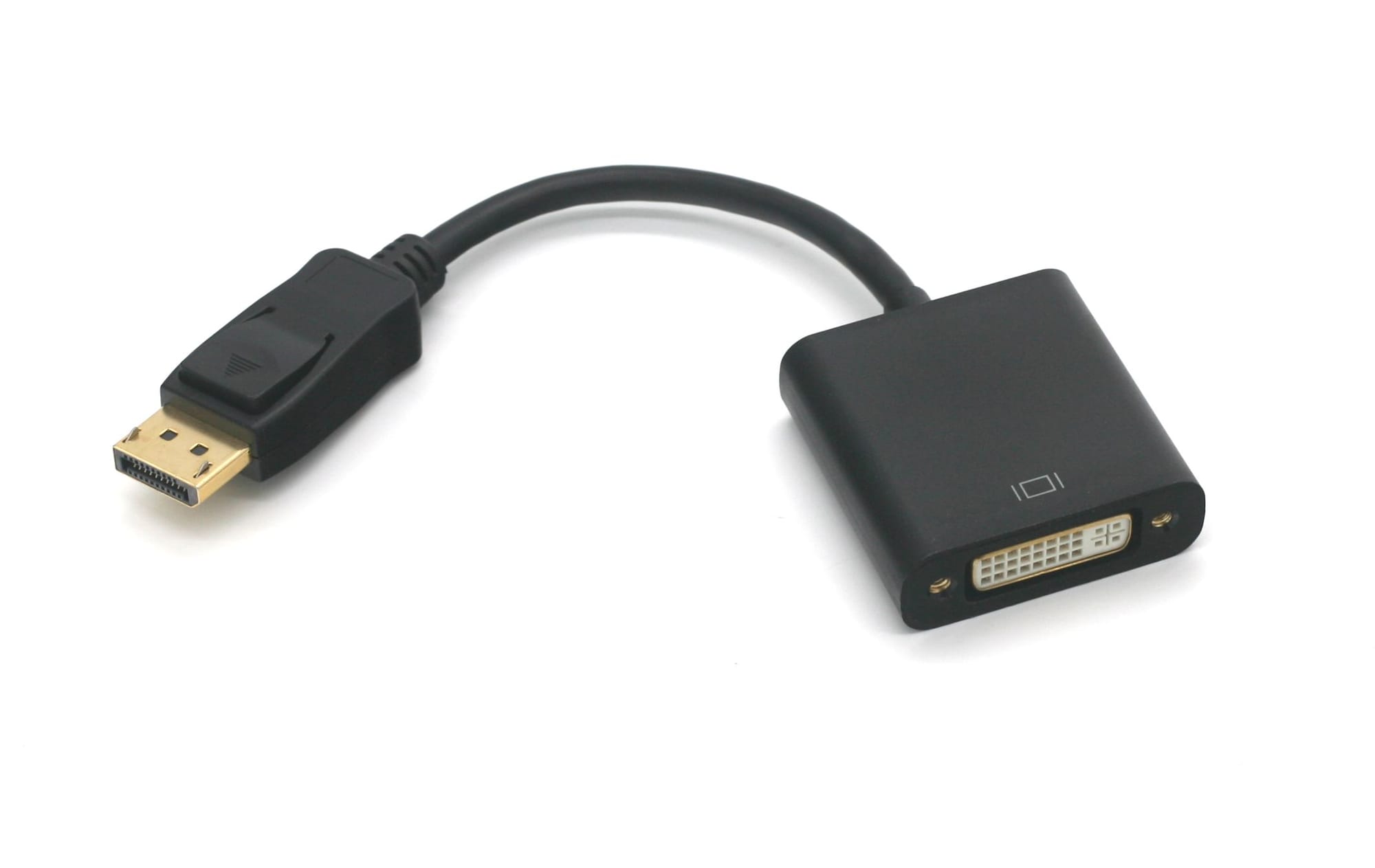
A DVI monitor can remain useful even when a replacement computer no longer includes a DVI output.
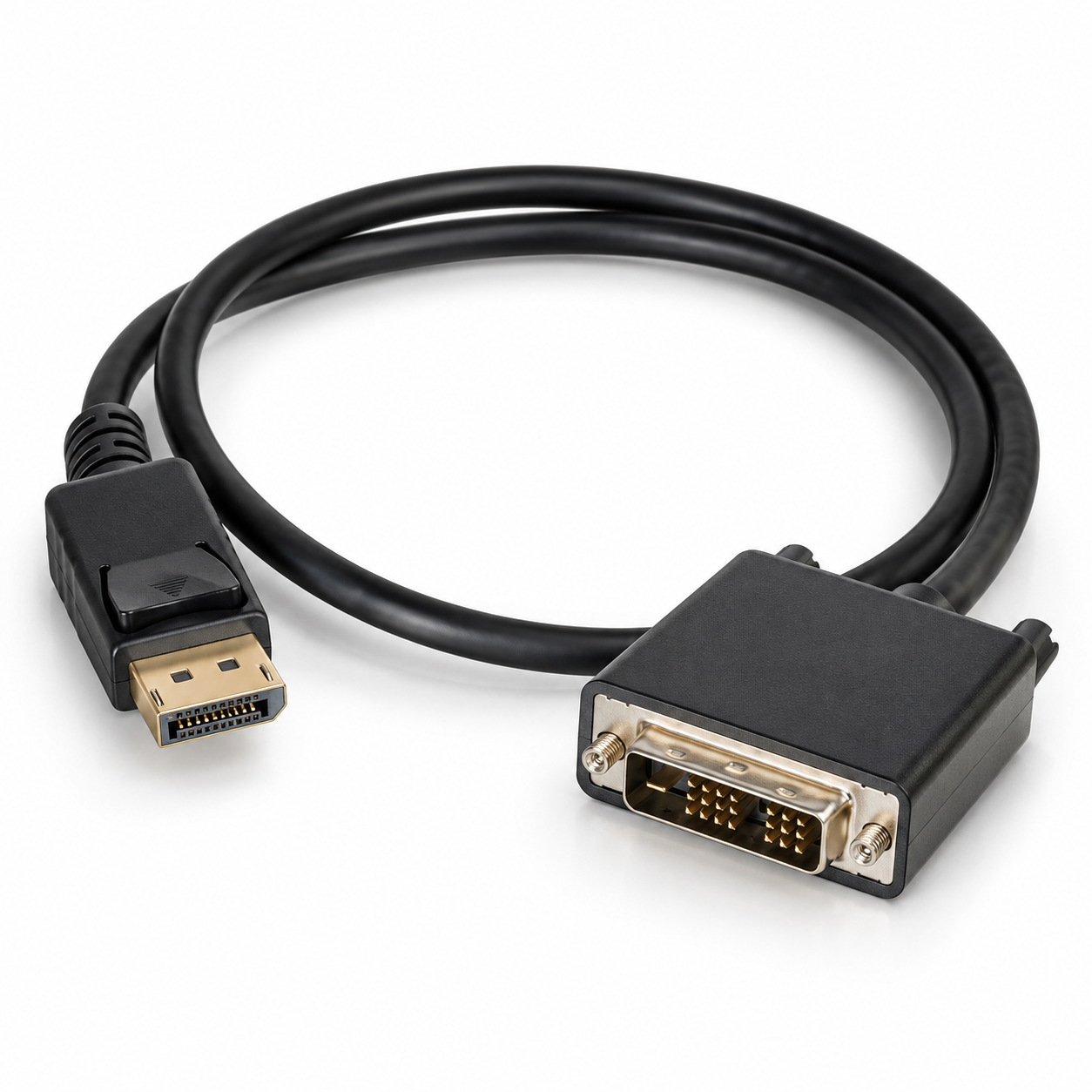
PCCables.com’s 6FT DisplayPort-to-DVI-D single-link cable connects a DisplayPort-equipped computer to a compatible DVI display. It supports resolutions up to 1920 × 1200, making it an option for office monitors, presentation displays and other single-link DVI equipment.
Already have the monitor’s DVI cable? The DisplayPort-to-DVI-D female adapter provides a connection for that existing cable.
For a monitor requiring dual-link DVI, do not assume the single-link cable above will provide the same resolution or refresh rate. Check the display’s requirements before ordering.


DisplayPort to VGA for Older Monitors and Projectors
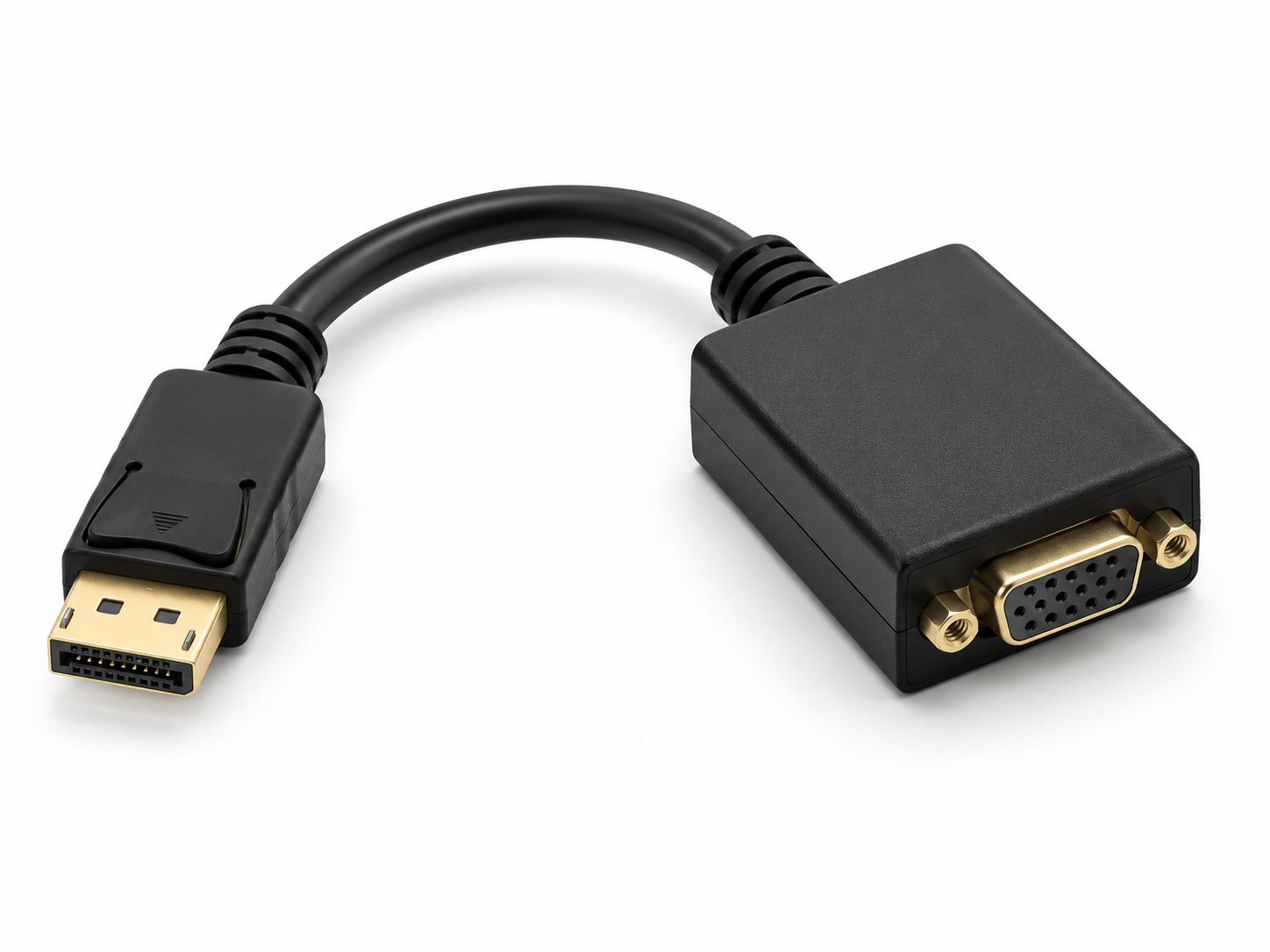
A DisplayPort-to-VGA converter connects a digital DisplayPort source to an analog VGA display. It is useful when a classroom projector, office monitor or other existing display still uses VGA.
The DisplayPort-to-VGA adapter supports resolutions up to 1920 × 1200 at 60Hz and requires no separate installation software. Its short flexible cable provides room to connect an existing VGA monitor cable without placing a rigid adapter directly against the computer.
 Hunter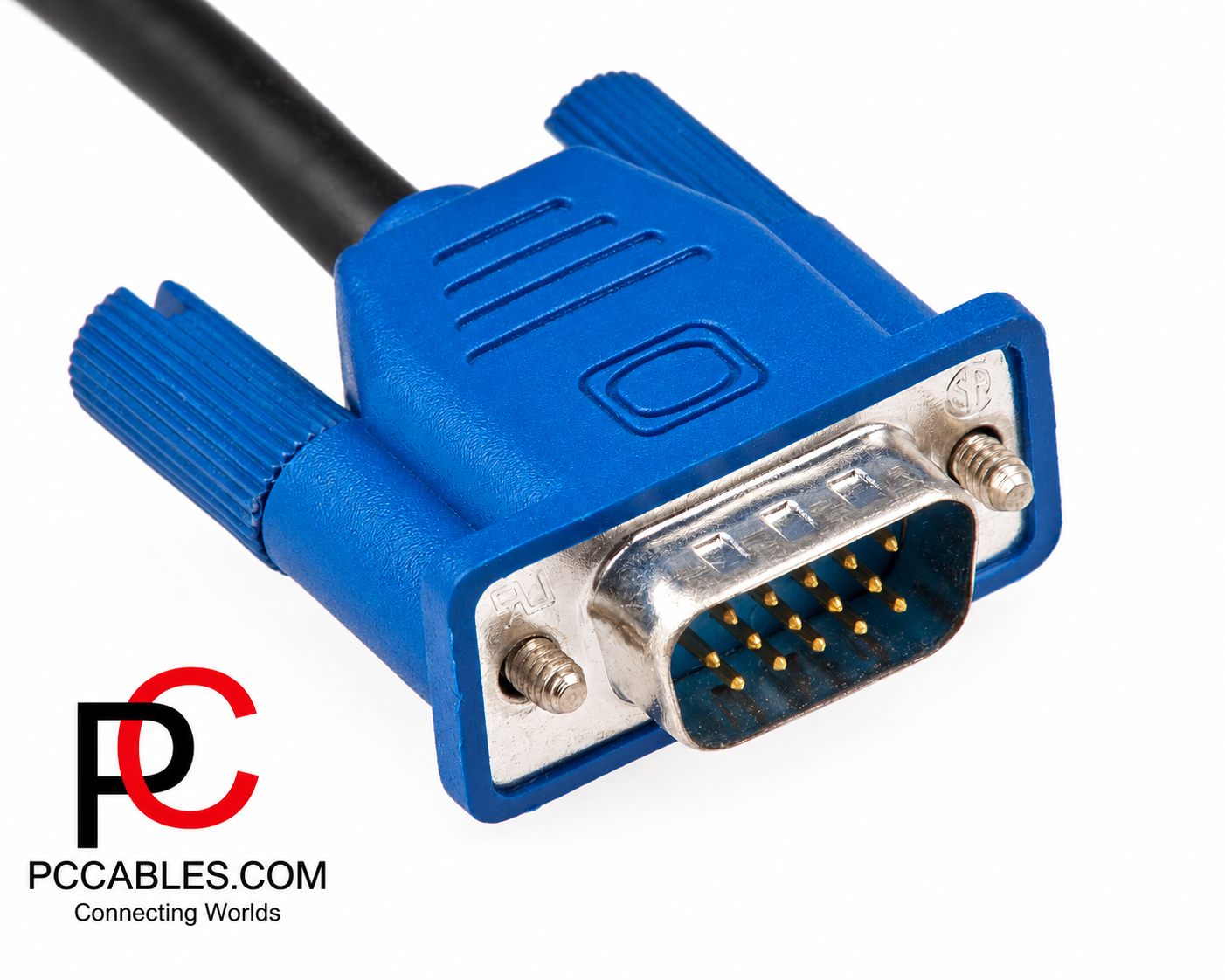
USB-C to DisplayPort for Compatible Laptops
A computer does not need a full-size DisplayPort socket to connect to a DisplayPort monitor. Compatible USB-C ports can carry DisplayPort video using DisplayPort Alternate Mode. However, a USB-C connector alone does not guarantee video output. Check the computer’s specifications first.
PCCables.com’s 6FT USB-C-to-DisplayPort cable connects a compatible USB-C source directly to a DisplayPort monitor and supports resolutions up to 3840 × 2160 at 60Hz. Its listed applications include supported MacBook Pro, Dell XPS and Surface Book 2 systems.
For installations using a separate DisplayPort cable, the USB-C-to-DisplayPort adapter provides a DisplayPort output with support for compatible 4K60 setups. Both products require a USB-C source that supports DisplayPort video.
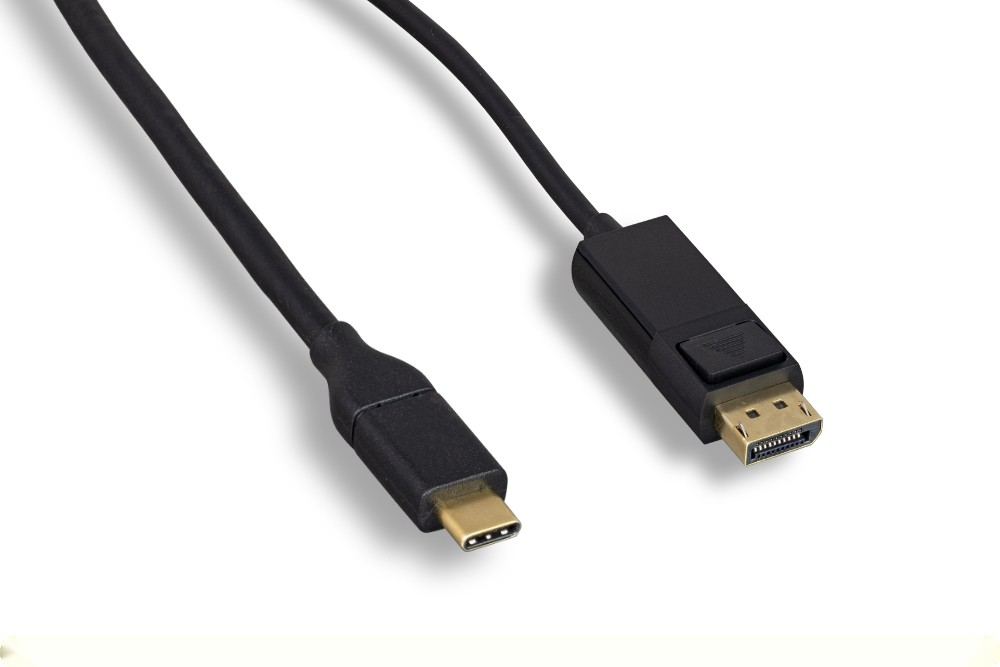
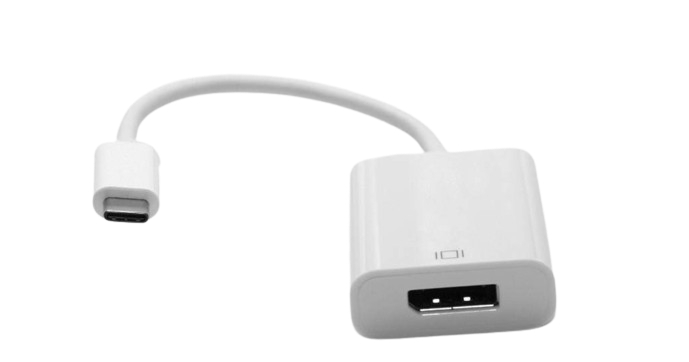
6FT USB-C to DisplayPort Cable and USB-C to DisplayPort Adapter
Find the Right DisplayPort Connection at PCCables.com
Start with three details: the computer’s output, the monitor’s input and the resolution and refresh rate you need. Then choose the cable length and connection style that fit your installation.
Whether you need a direct monitor cable, a 4K60 HDMI adapter or a connection for an existing DVI or VGA display, browse PCCables.com’s DisplayPort selection to find the appropriate cable or adapter for your setup.


Check out our website for all your cable needs!

See more of our blog posts here!