
DVI-D vs DVI-I vs DVI-A: Which Cable Does Your Monitor Need?

A DVI cable might look like the right fit, but the connector alone does not tell the whole story. DVI-D, DVI-I and DVI-A carry different types of video signals, while single-link and dual-link connections offer different digital bandwidth capabilities. Choosing correctly can prevent a blank screen, an incompatible plug or a monitor running below its intended resolution.
PCCables.com carries DVI monitor cables, extensions, HDMI and DisplayPort adapters, VGA connections and specialty cables for office workstations, home computers and existing display installations.


See our DVI selection here!
What Is the Difference Between DVI-D, DVI-I and DVI-A?
DVI stands for Digital Visual Interface. The letter following “DVI” identifies which signals the connection supports.
| Connection | Signal Type | Common Purpose |
|---|---|---|
| DVI-D | Digital only | Connecting digital monitors and other DVI displays |
| DVI-I | Digital and analog | Supporting digital displays or compatible analog connections |
| DVI-A | Analog only | Connecting analog equipment, including VGA displays |
For a quick visual check, DVI-I and DVI-A plugs have four contacts around the flat blade. DVI-D does not. The remaining pin layout helps distinguish the connector and link configuration.
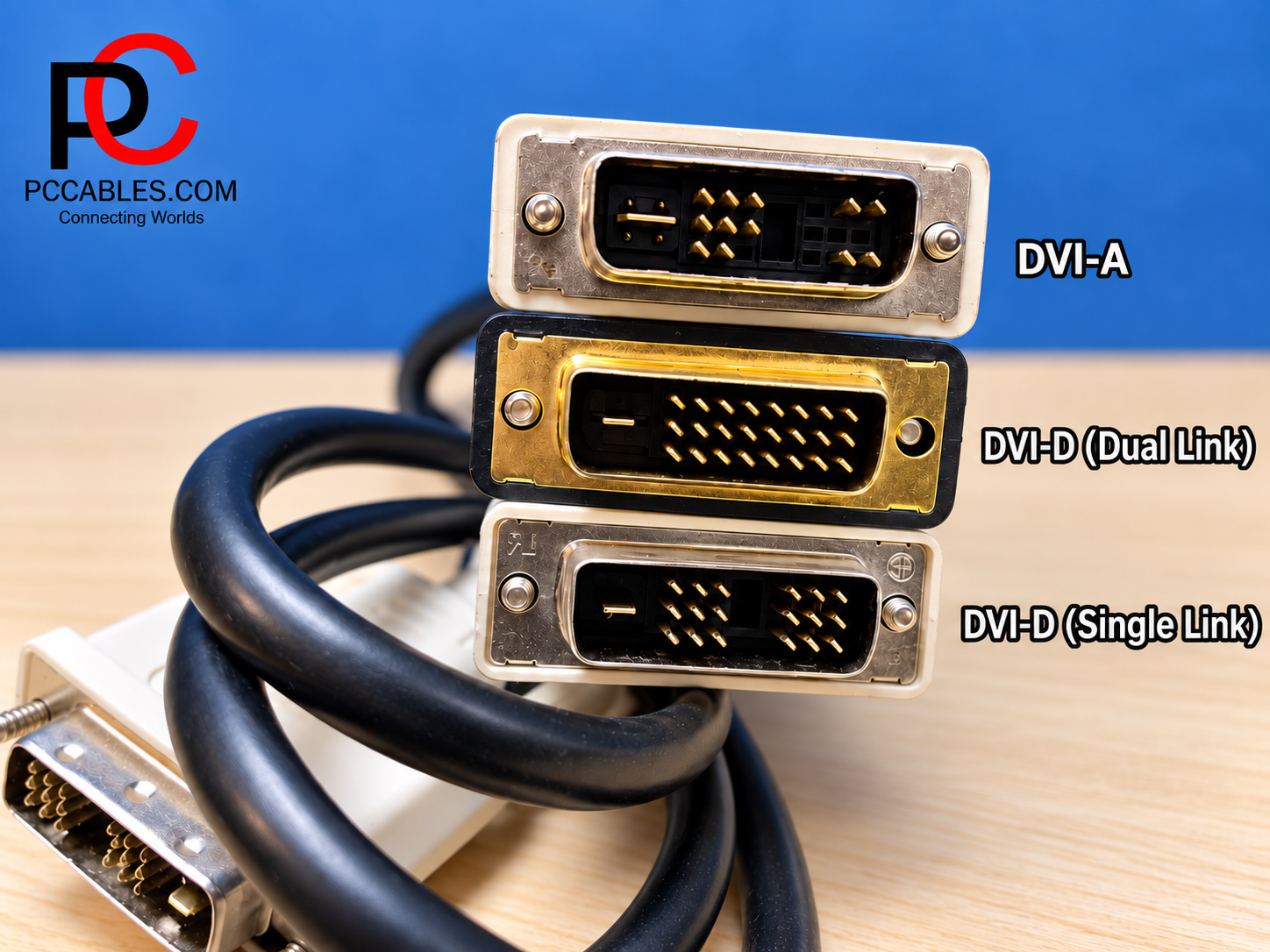
DVI-D Monitor Cables: Single-Link vs Dual-Link
A DVI-D cable provides a digital video connection. However, not every DVI-D setup supports the same resolution and refresh rate.
Single-link DVI commonly supports 1920 × 1200 at 60Hz, while dual-link provides additional bandwidth for configurations such as 2560 × 1600 at 60Hz. “Dual-link” refers to additional data capacity for one display, not two monitor connections.
The graphics output, cable and monitor must all support the required mode. Dell notes that even a graphics connector with the full dual-link pin layout does not necessarily provide dual-link operation.
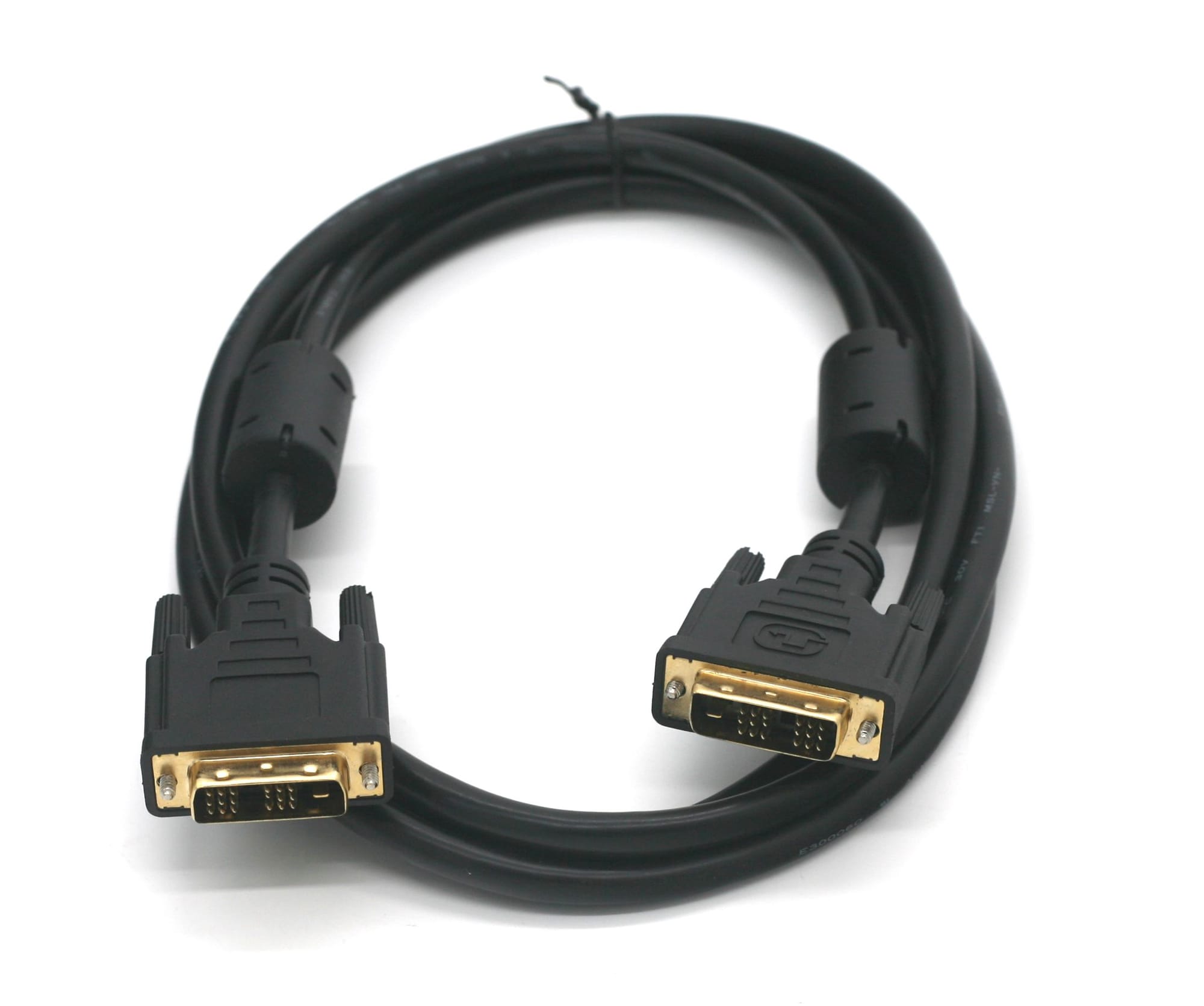
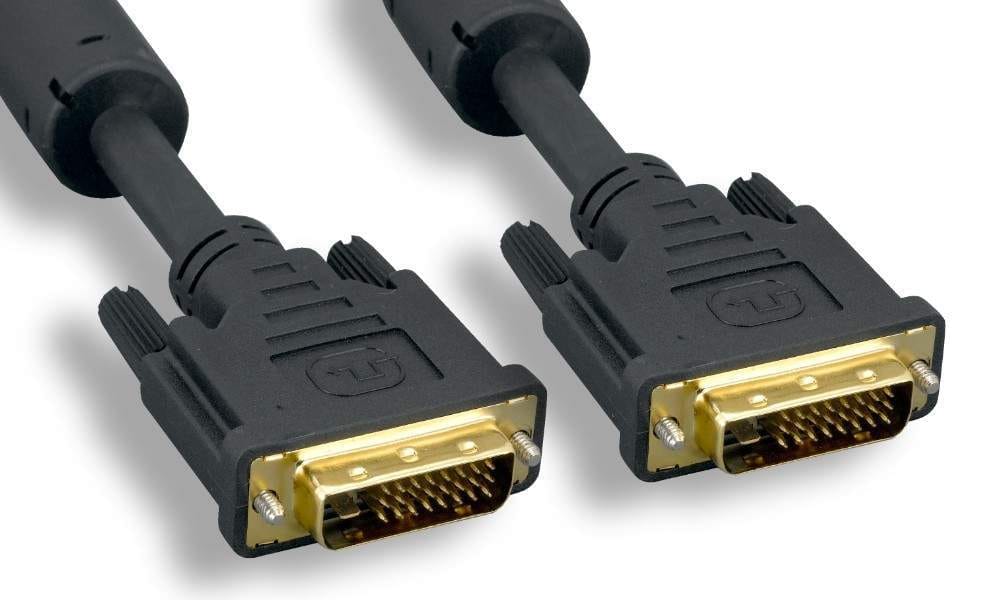
PCCables.com offers a 6FT single-link DVI cable for compatible single-link equipment. For dual-link installations, the 10FT DVI-D cable supports both single-link and dual-link applications and features shielded construction, gold-plated connectors and ferrites.
Other lengths are available, including the 15FT DVI-D cable for displays positioned farther from the computer.
DVI-I Cables for Integrated Connections
DVI-I includes connections for both digital and analog video, but it does not electronically convert one signal into the other. The equipment and cable must support the signal being used. Its additional analog pins also mean a DVI-I plug will not fit a DVI-D-only socket.
For compatible equipment, PCCables.com offers the 6FT DVI-I male-to-male dual-link cable. Its product listing specifically advises checking the equipment documentation because some systems and displays require DVI-D instead.

DVI-A to VGA: Connecting Analog Displays
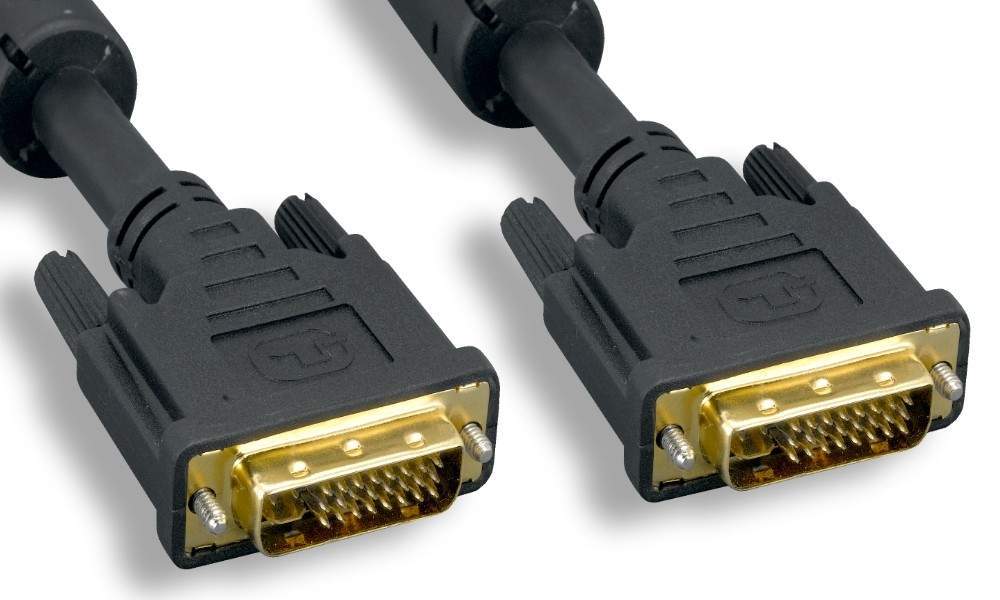
A DVI-A-to-VGA cable is useful when a graphics card provides analog video through a compatible DVI connection and the monitor uses VGA.
PCCables.com’s DVI-A-to-VGA cable connects a DVI-I-compatible graphics card to a VGA monitor. The listing also supports the reverse arrangement: a VGA source connected to a display that accepts analog video through DVI.
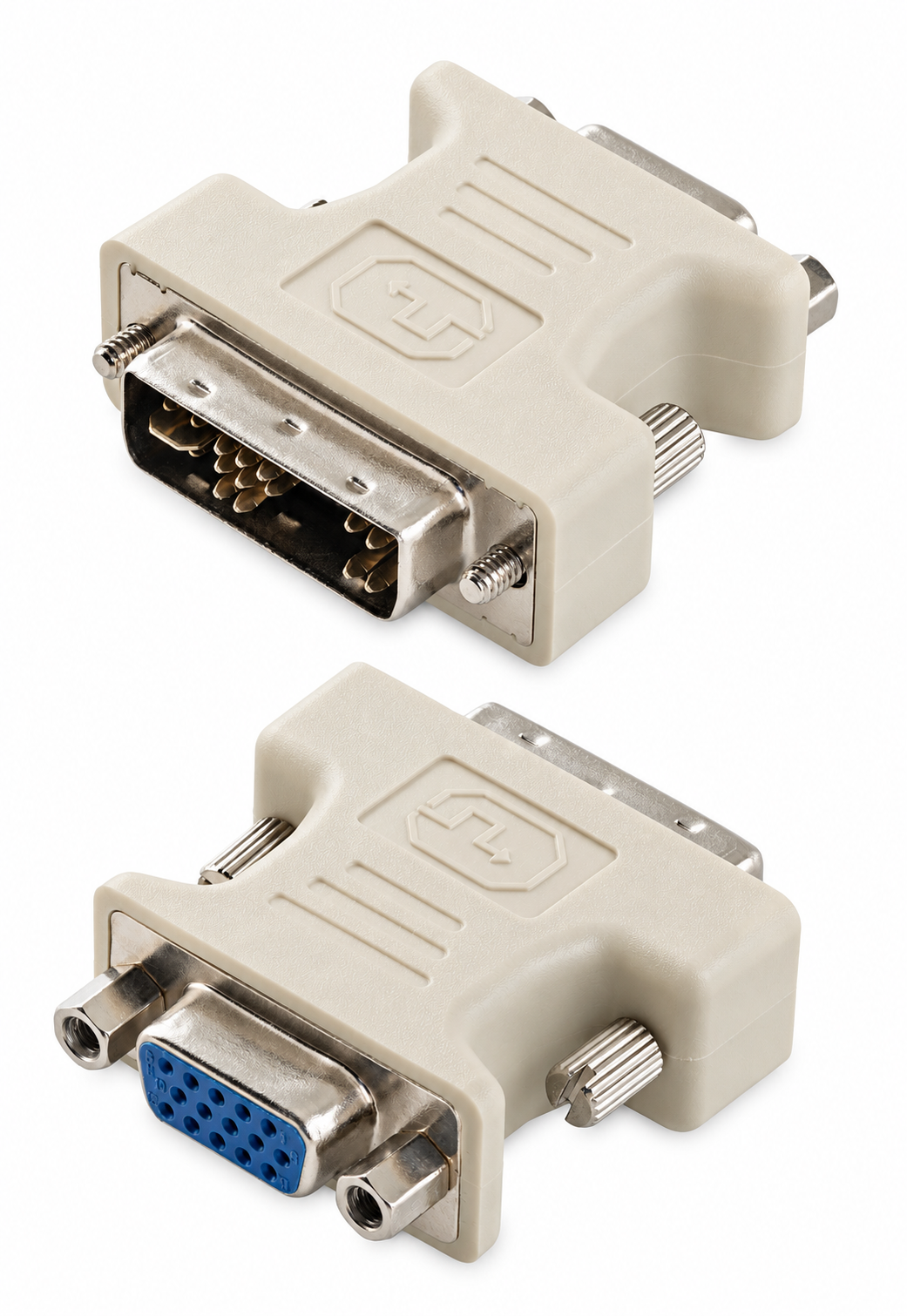
Already have a VGA cable? The compact DVI male-to-VGA female adapter plugs into a compatible DVI-I graphics output and provides a connection for an existing VGA monitor cable.


Check out our website for all your cable needs!
What If the Computer Only Has DVI-D?
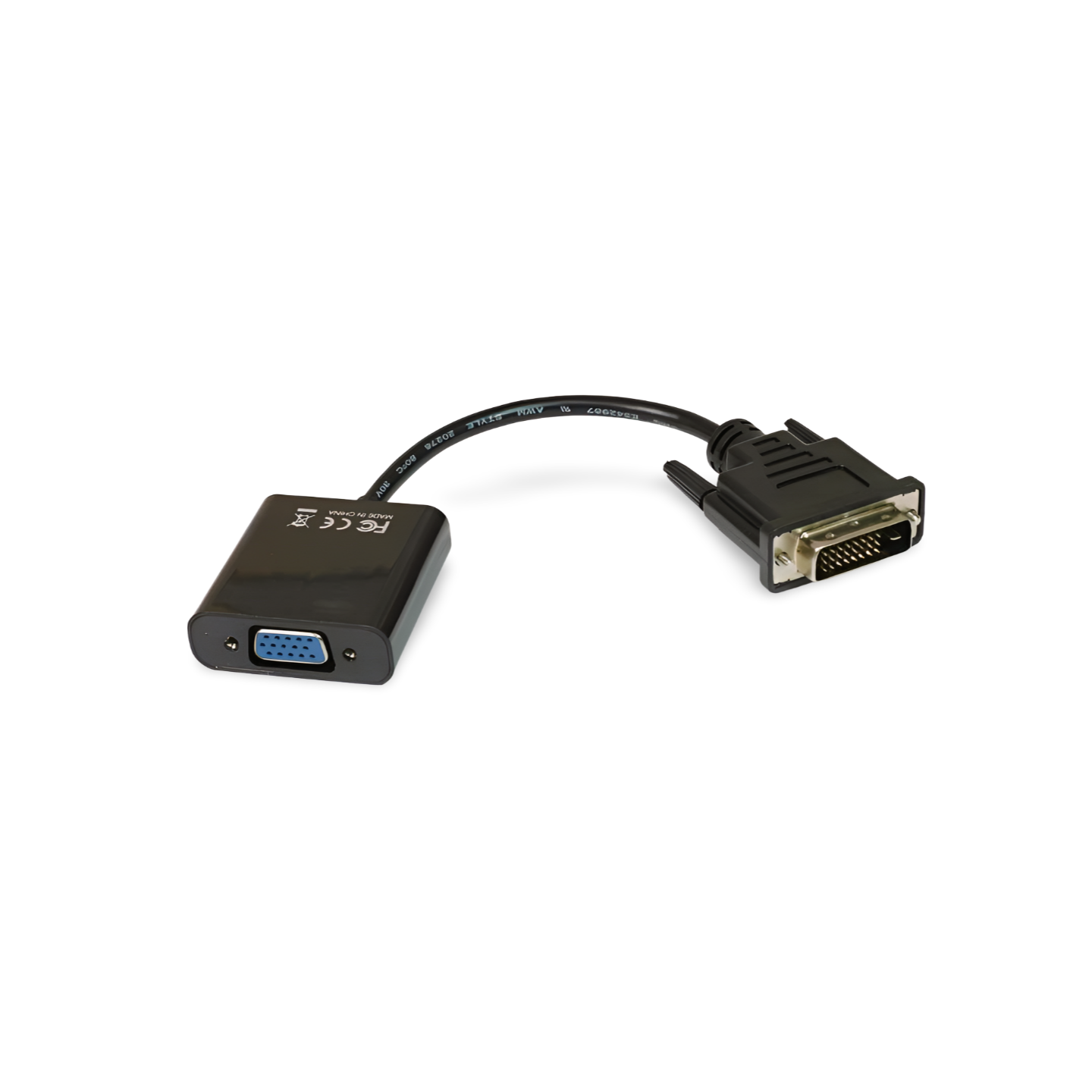
A passive adapter cannot supply the analog signal missing from a digital-only DVI-D output. That connection requires an active digital-to-analog converter.
PCCables.com carries the DVI-D-to-VGA active converter which supports PC resolutions up to 1920 × 1200. This gives customers a different solution when a basic DVI-to-VGA adapter is not suitable.
Connecting DVI Equipment to HDMI or DisplayPort
A different video output does not automatically mean replacing your DVI monitor. The appropriate cable or adapter can connect compatible equipment while preserving the display you already own.
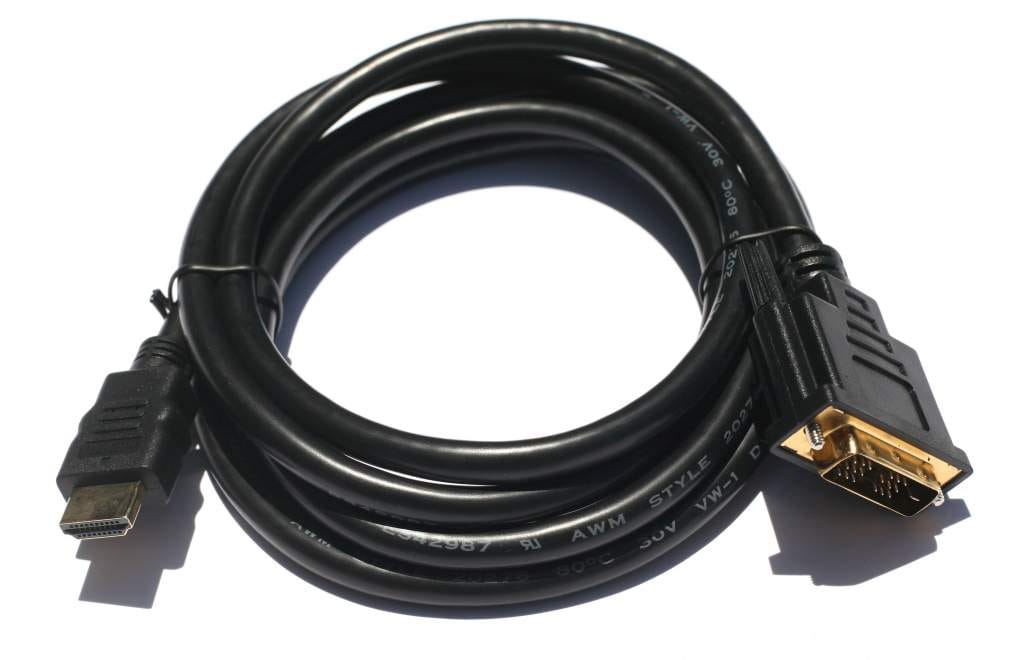
The 6FT HDMI-to-DVI cable supports digital video connections in either direction: an HDMI source to a DVI display or a DVI source to an HDMI display. Its listed supported formats include 1080p.
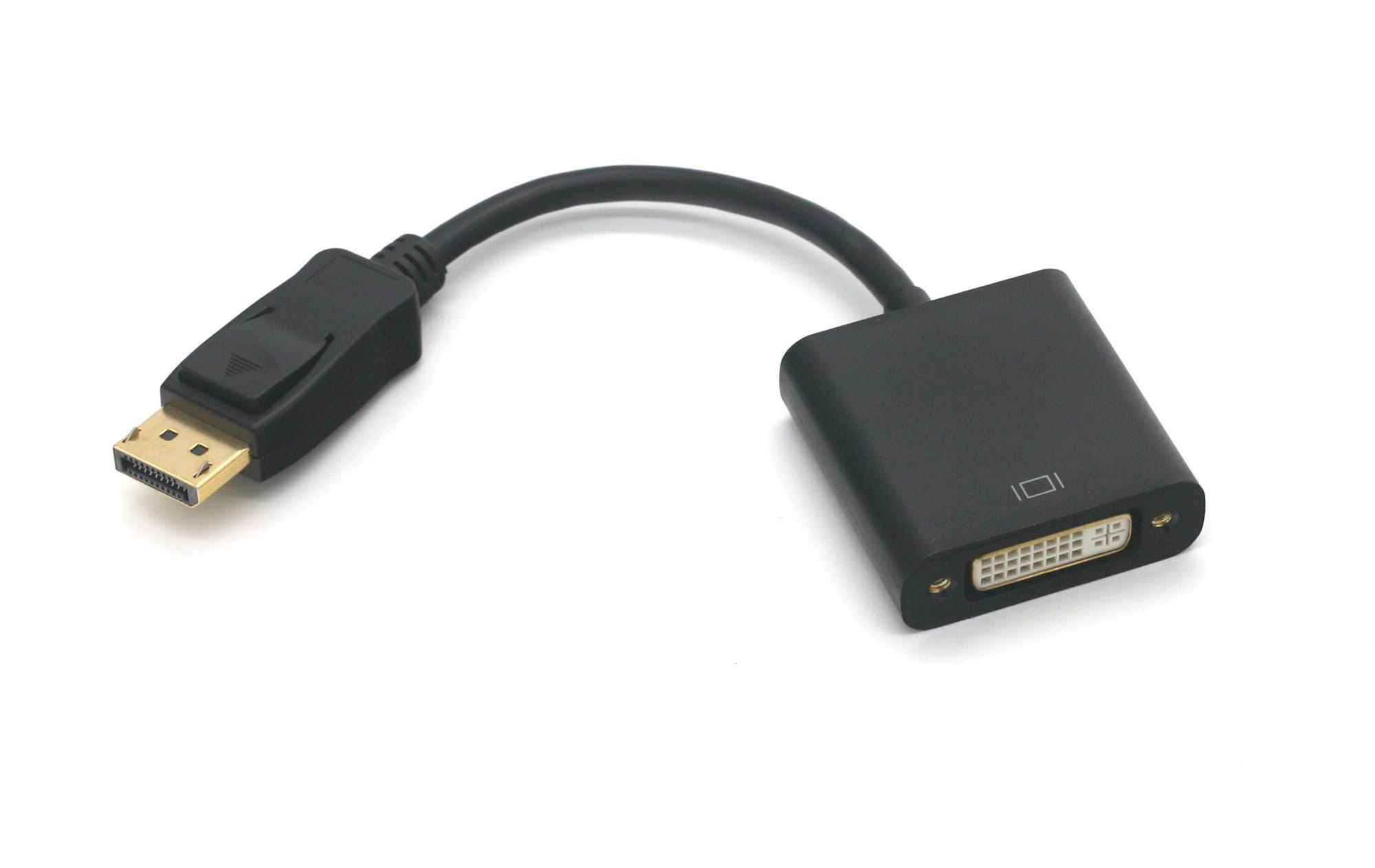
For a computer with DisplayPort output, the DisplayPort male-to-DVI-D female adapter provides a connection for an existing DVI cable.
Check the adapter’s supported resolution, refresh rate and direction before ordering. A DisplayPort-to-DVI adapter should not be assumed to work in reverse or provide dual-link performance. Standard DVI also carries video rather than audio, so a typical DVI monitor connection needs a separate sound connection.
DVI Extension Cables and Couplers
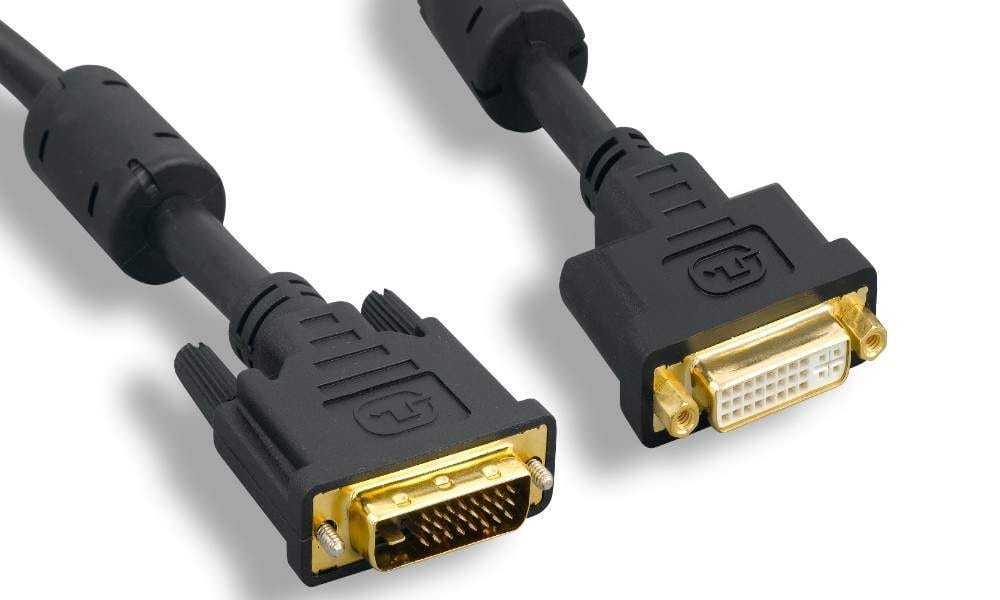
When an existing cable does not reach, a DVI male-to-female extension can provide additional placement flexibility. PCCables.com’s 6FT DVI-D extension supports dual-link connections and is also listed for use with most single-link devices. Its specifications recommend keeping the complete cable run within 15FT.
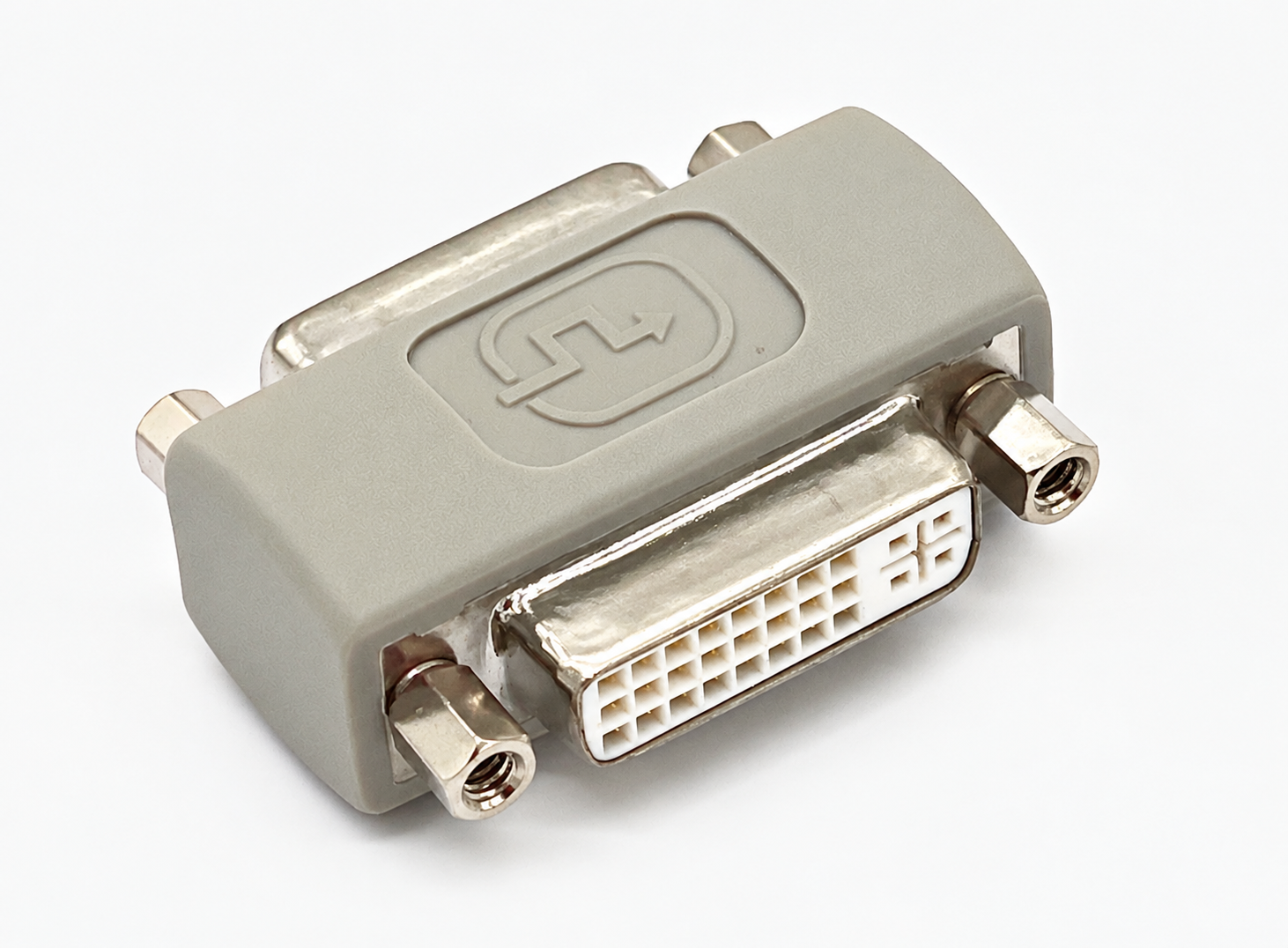
For joining two compatible male cable ends, the DVI female-to-female coupler provides an alternative. It accepts DVI-D, DVI-I and DVI-A connector formats, but joining cables does not remove the need to match their signals to the equipment.
Mini DVI Connections for Older Macs
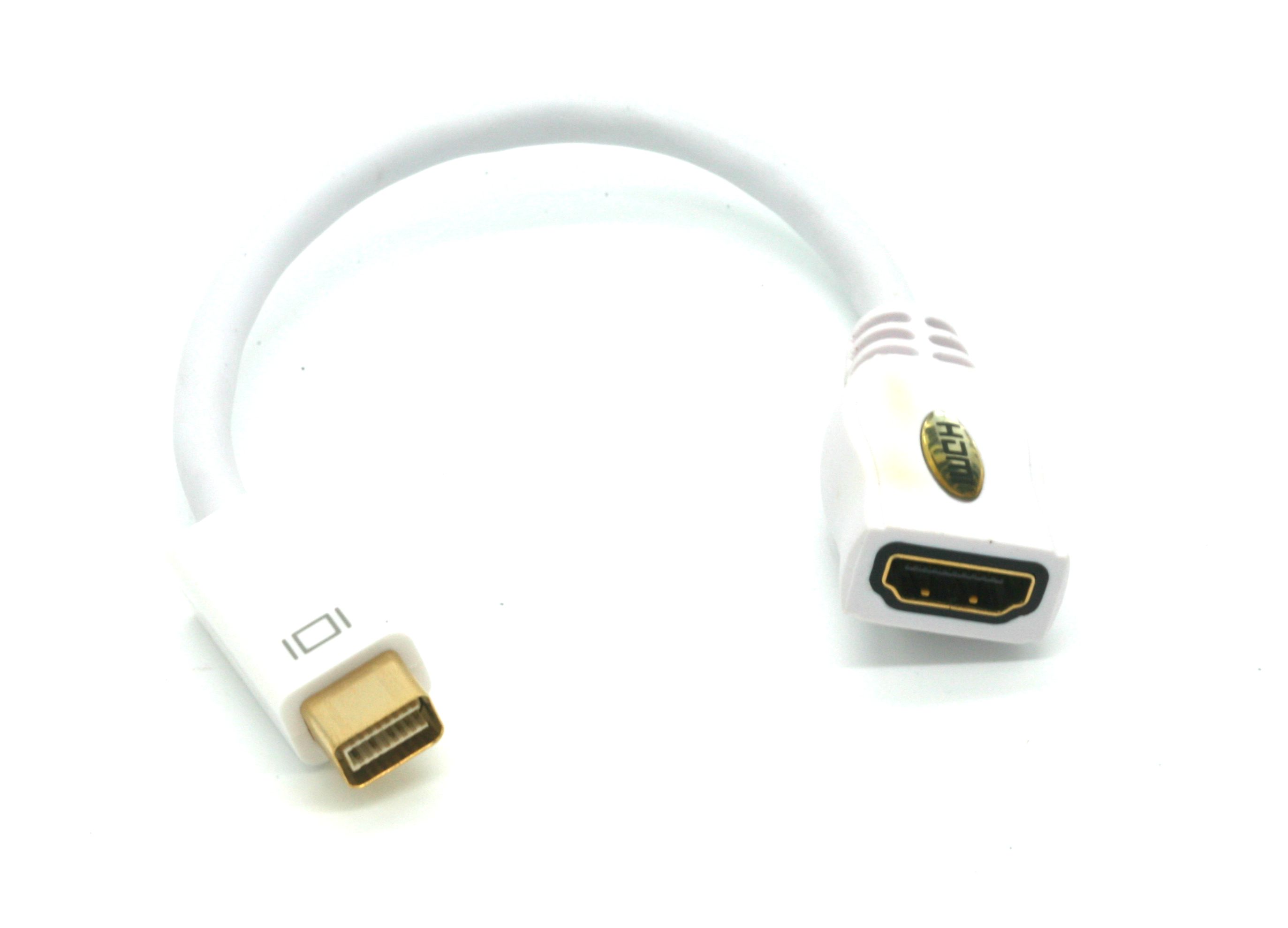
Some older Apple computers use Mini DVI rather than a full-size DVI connection. PCCables.com’s Mini DVI-to-HDMI adapter connects compatible Mini DVI-equipped MacBooks and iMacs to an HDMI display.
The adapter supports single-link digital video with listed resolutions up to 1920 × 1200 or 1080p. Check the computer’s port before ordering rather than assuming every older Mac uses the same connection.

Find the Right DVI Connection at PCCables.com
Whether you are reconnecting an office monitor, adding reach to an existing installation or adapting a different computer output, start with the signal type, connector layout and resolution requirements.
PCCables.com offers DVI cables and accessories for these connections, from direct monitor cables to analog adapters and digital converters. Browse our DVI selection to find the right connection for your display.
For more help with analog displays, see our VGA cable and adapter guide here.
 Hunter
Check out our website for all your cable needs!