
Mini DisplayPort vs Thunderbolt: How to Choose the Right Cable or Adapter
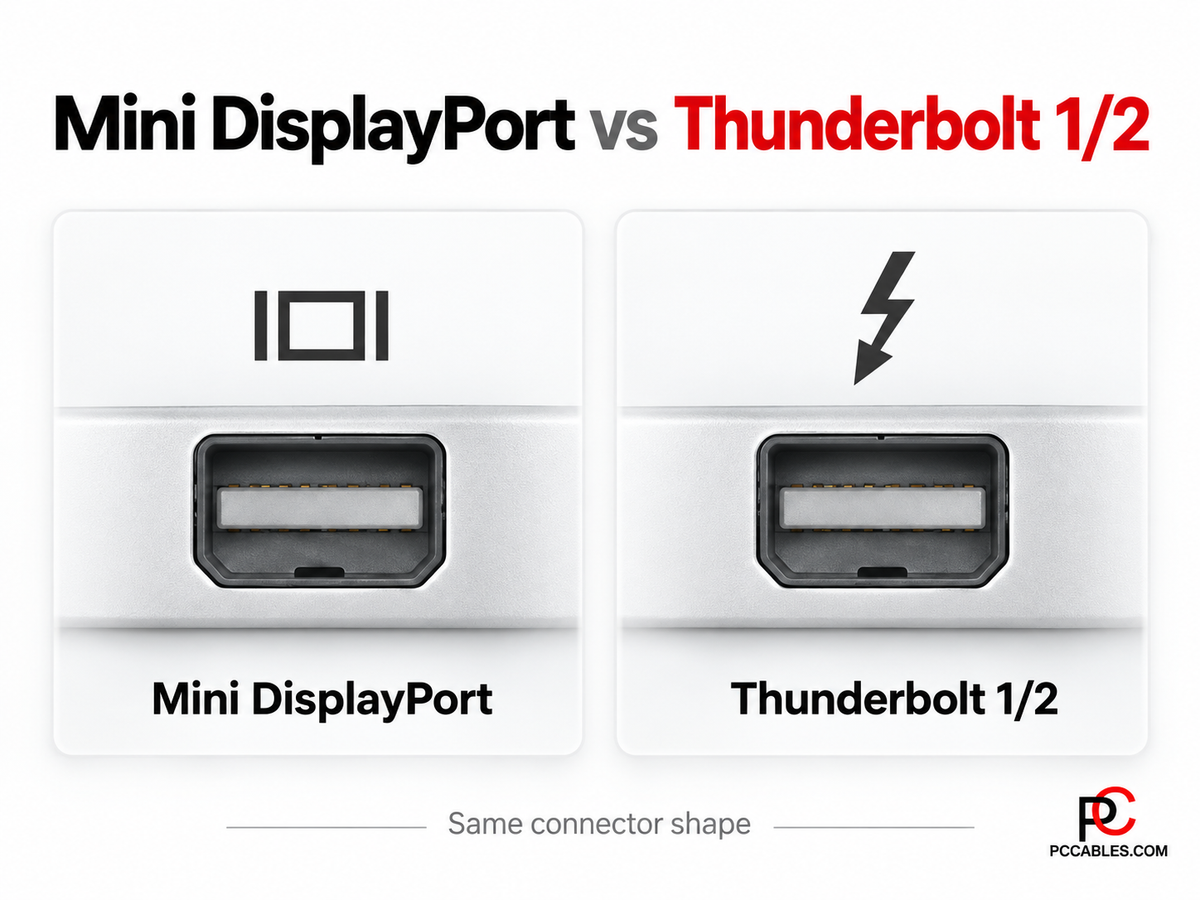
Mini DisplayPort is still found on older Macs, Microsoft Surface systems and other laptops and workstations. It is also easy to confuse with Thunderbolt 1 and Thunderbolt 2, which use the same physical connector shape.
PCCables.com carries Mini DisplayPort cables and adapters for connecting these systems to DisplayPort, HDMI, DVI and VGA displays.


What Is Mini DisplayPort?
Mini DisplayPort, or Mini DP, is a smaller version of the DisplayPort connector used for digital video and audio.
It appeared extensively on older Apple computers and was also used on Microsoft Surface systems and other PCs.
For a monitor connection, the main question is usually simple: what input does the display have?
PCCables.com carries Mini DisplayPort cables and adapters for:
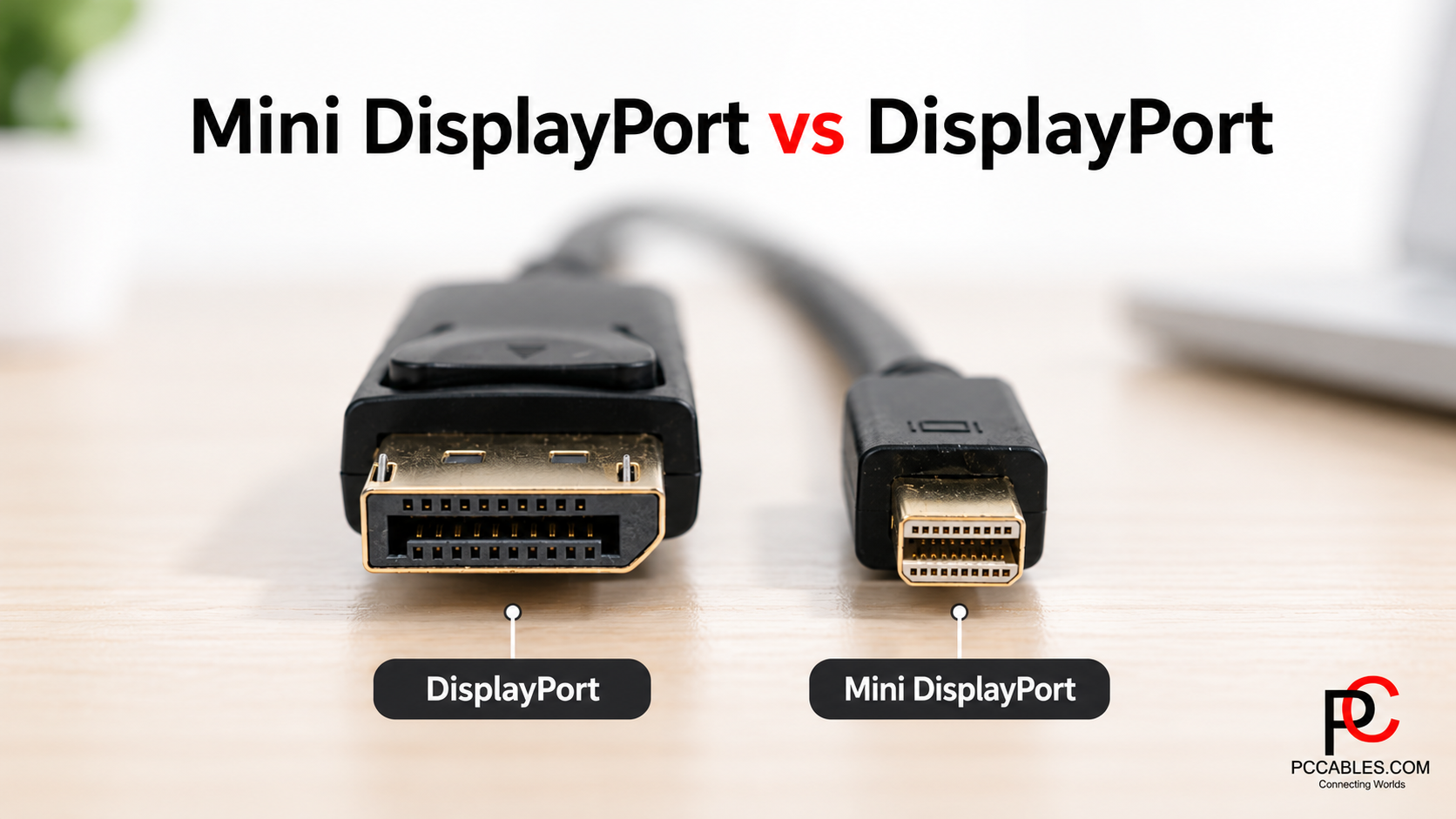
Mini DisplayPort vs Thunderbolt 1 and 2
Thunderbolt 1 and Thunderbolt 2 use the same connector shape as Mini DisplayPort, but they are not the same interface.
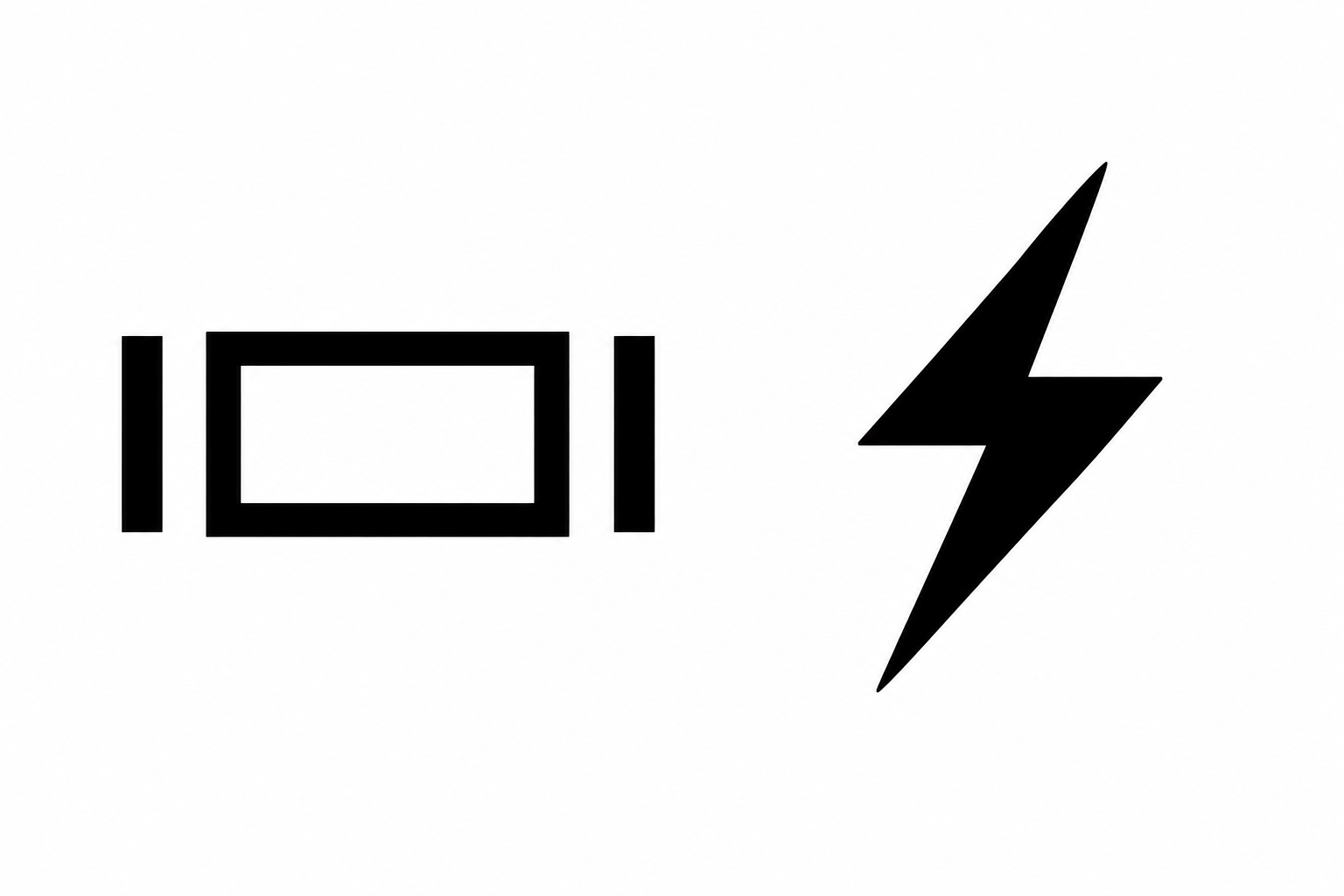
The easiest way to distinguish them is the symbol next to the computer port:
- Mini DisplayPort: DisplayPort symbol
- Thunderbolt 1/2: Lightning-bolt symbol
Thunderbolt 1 and 2 ports can carry DisplayPort video, which is why many Mini DisplayPort display cables and adapters work with compatible Thunderbolt-equipped Macs.
However, a Mini DisplayPort video cable does not become a Thunderbolt data cable. Thunderbolt drives, docks and other peripherals may require an actual Thunderbolt cable.
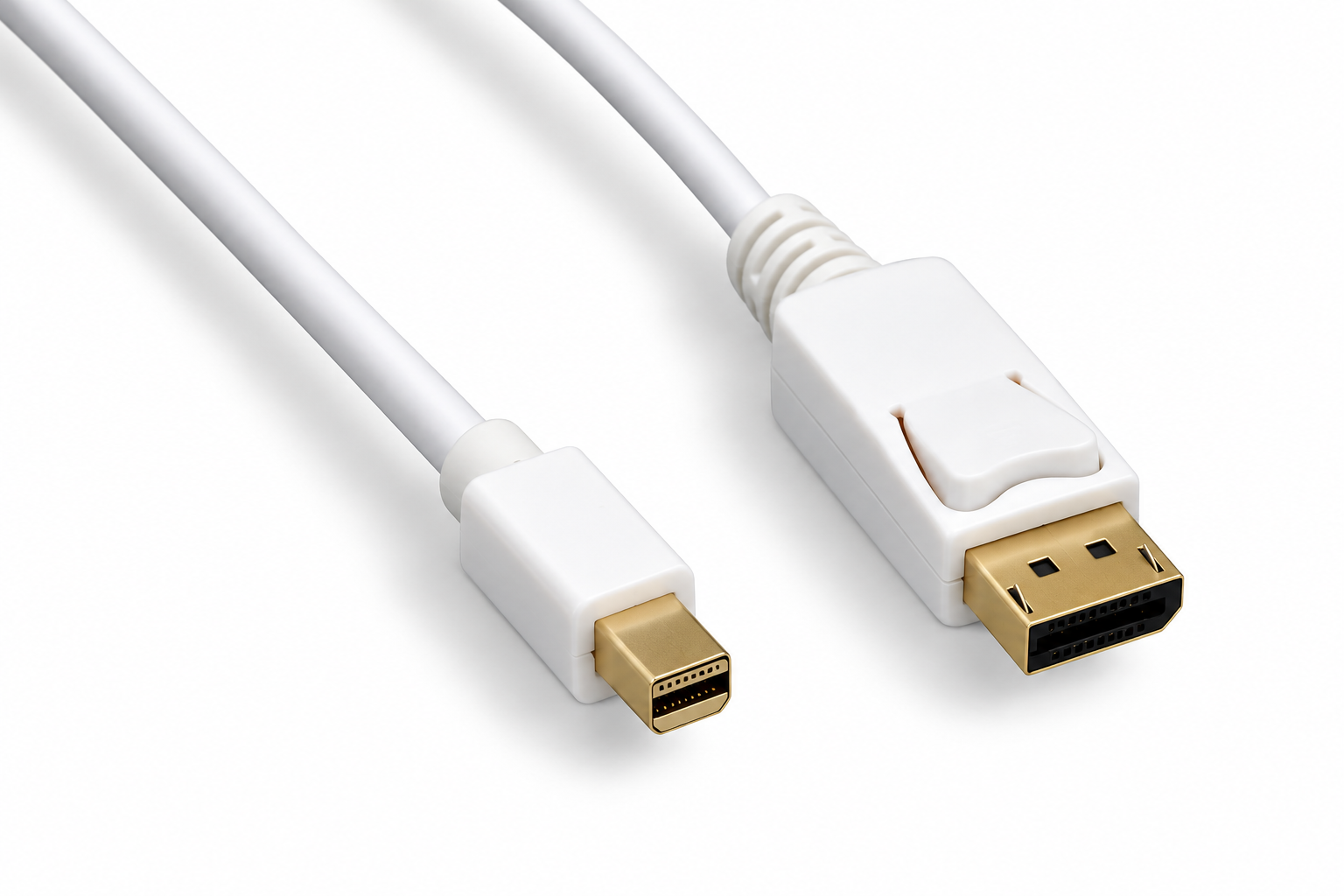
Mini DisplayPort to DisplayPort
If the computer uses Mini DisplayPort and the monitor has full-size DisplayPort, a direct cable is usually the cleanest solution.
PCCables.com carries Mini DisplayPort to DisplayPort cables in 3FT, 6FT, 10FT and 15FT lengths.


The 15FT Mini DisplayPort to DisplayPort cable supports compatible high-resolution displays and provides additional reach for desks, workstations and installed displays.
Mini DisplayPort to HDMI
For TVs, monitors and projectors with HDMI inputs, PCCables.com offers both complete cables and adapters.
The 6FT Mini DisplayPort to HDMI cable provides a direct connection without requiring a separate HDMI cable.
If you already have an HDMI cable, the Mini DisplayPort to HDMI adapter provides an HDMI female connection instead.
Audio support depends on the computer. Some older Mini DisplayPort-equipped systems transmit video but not audio, so check the computer specifications when sound is required.
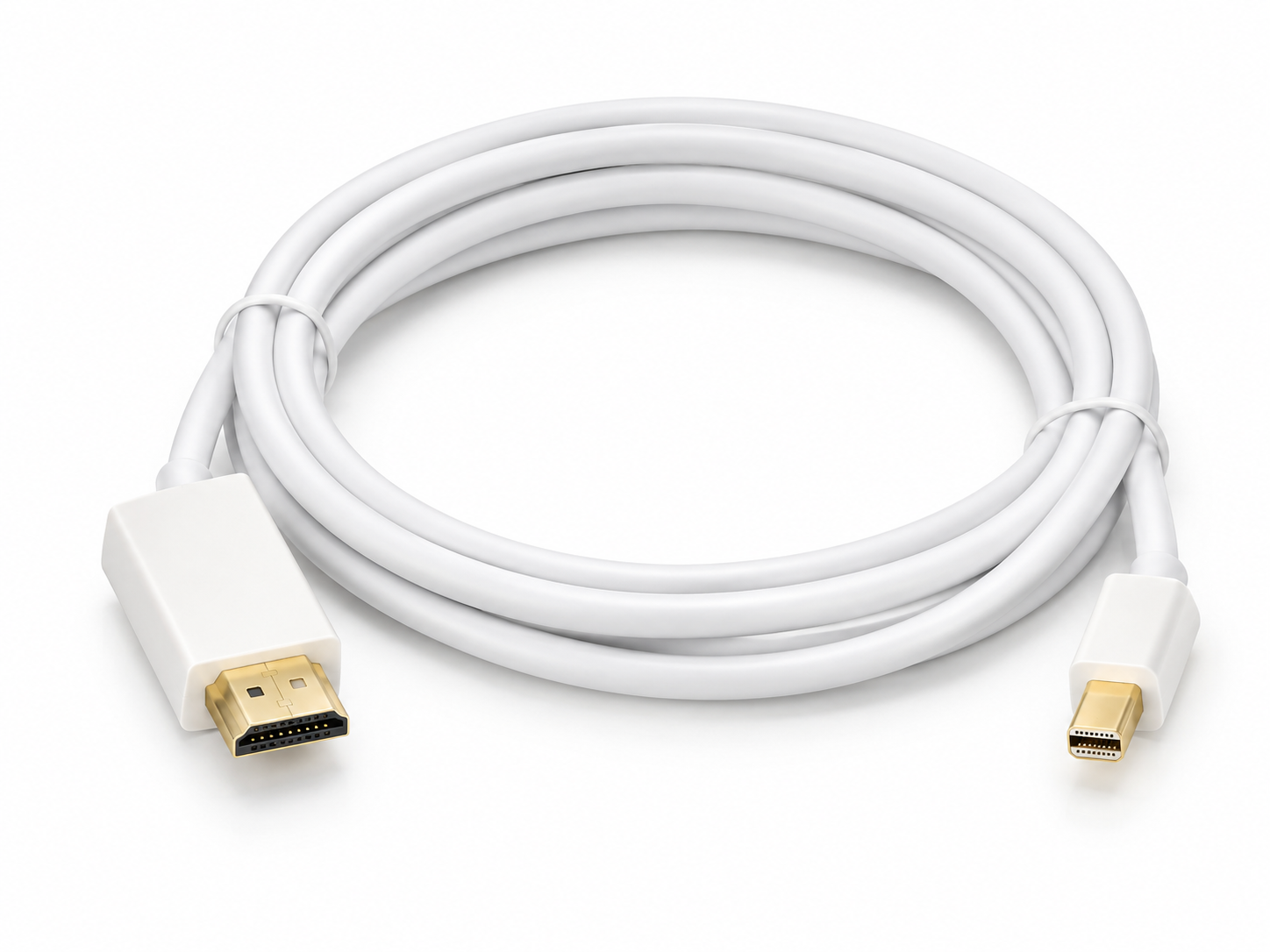
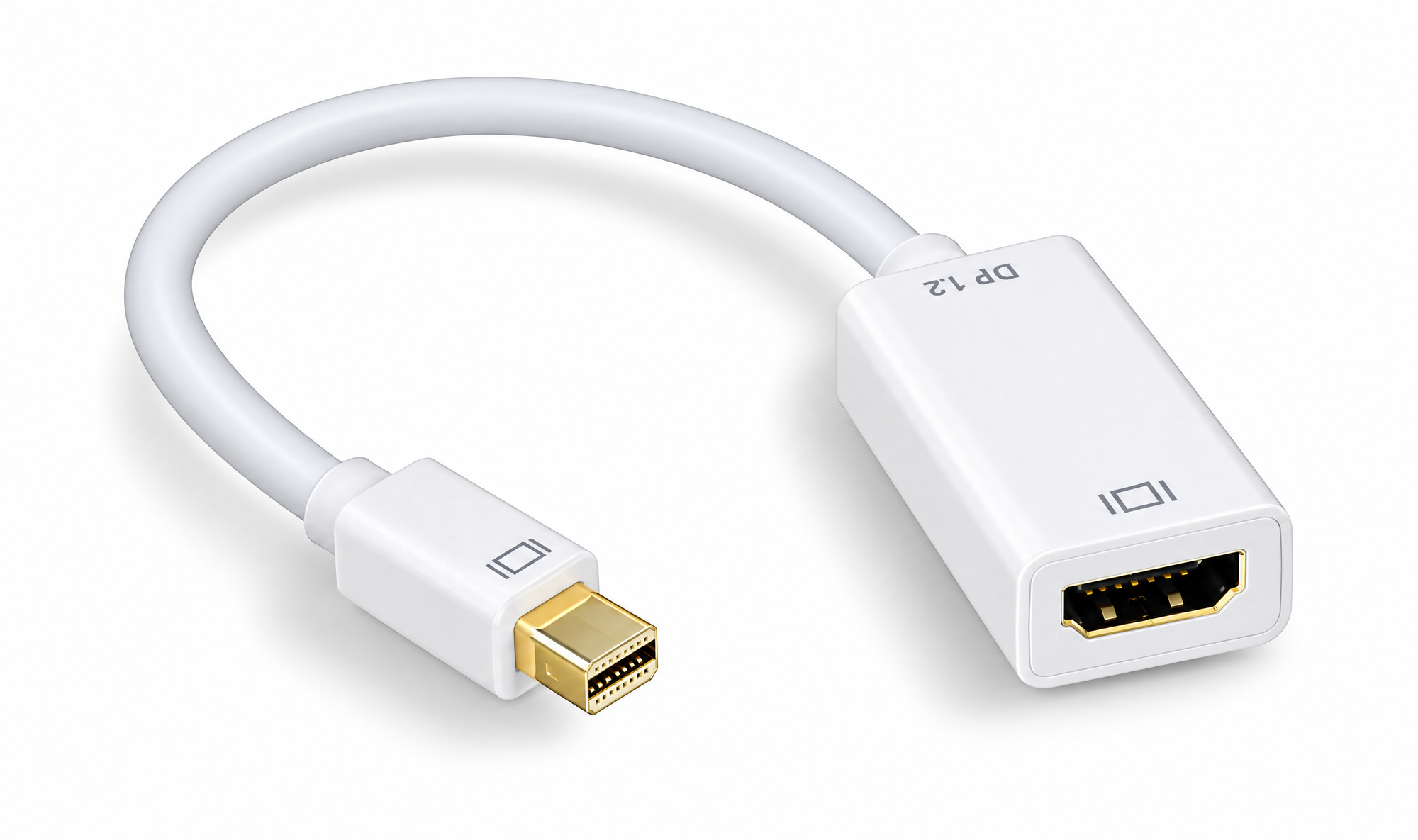
6FT Mini DisplayPort to HDMI Cable and Mini DisplayPort to HDMI Adapter
Mini DisplayPort to DVI or VGA
Older monitors often use DVI or VGA, and Mini DisplayPort adapters can help keep those displays in service.
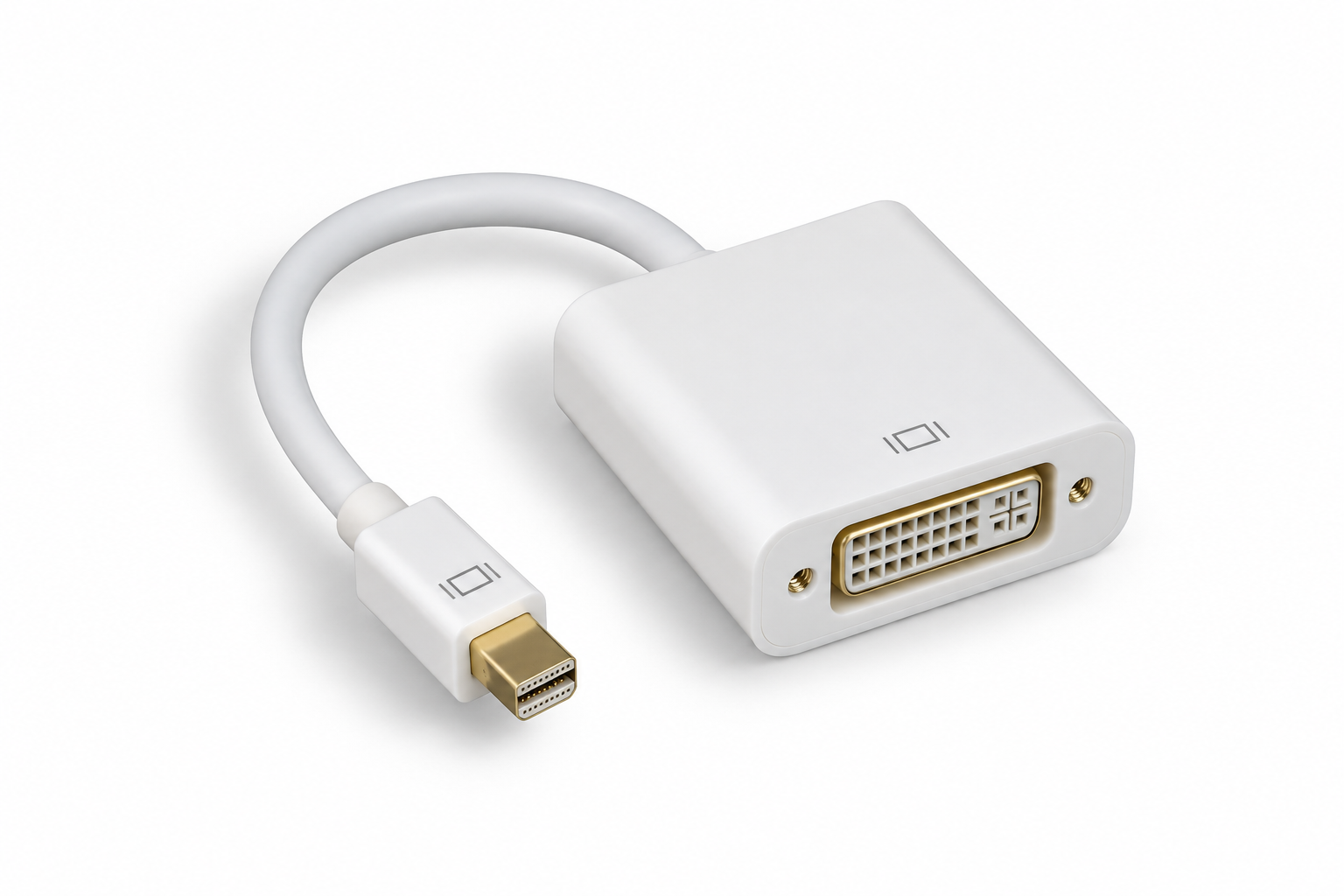
For DVI, PCCables.com carries the 6FT Mini DisplayPort to DVI cable along with Mini DisplayPort to DVI adapters.
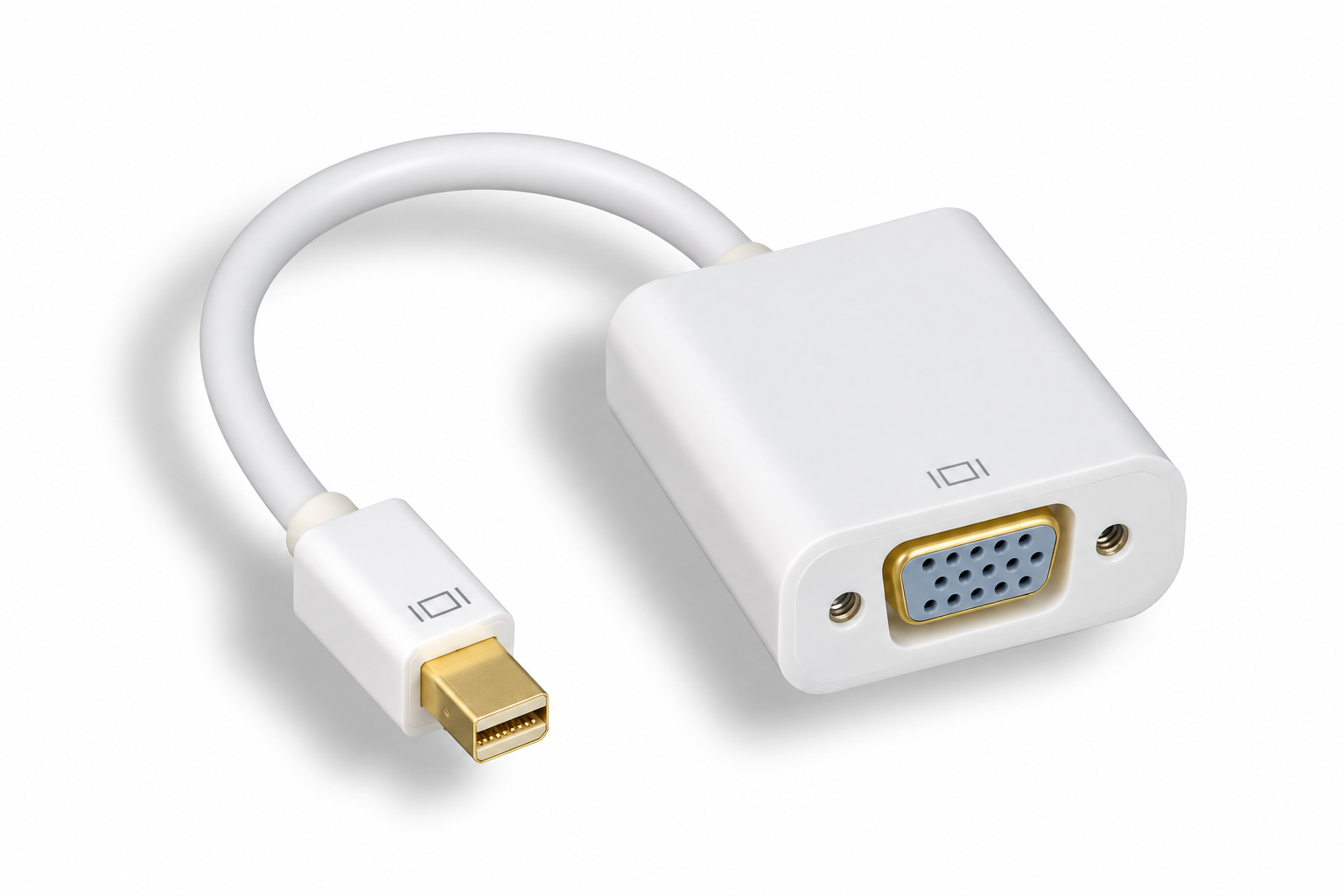
For VGA, the Mini DisplayPort to VGA adapter lets you connect an existing VGA monitor cable and supports compatible resolutions up to 1920 × 1200.
 Hunter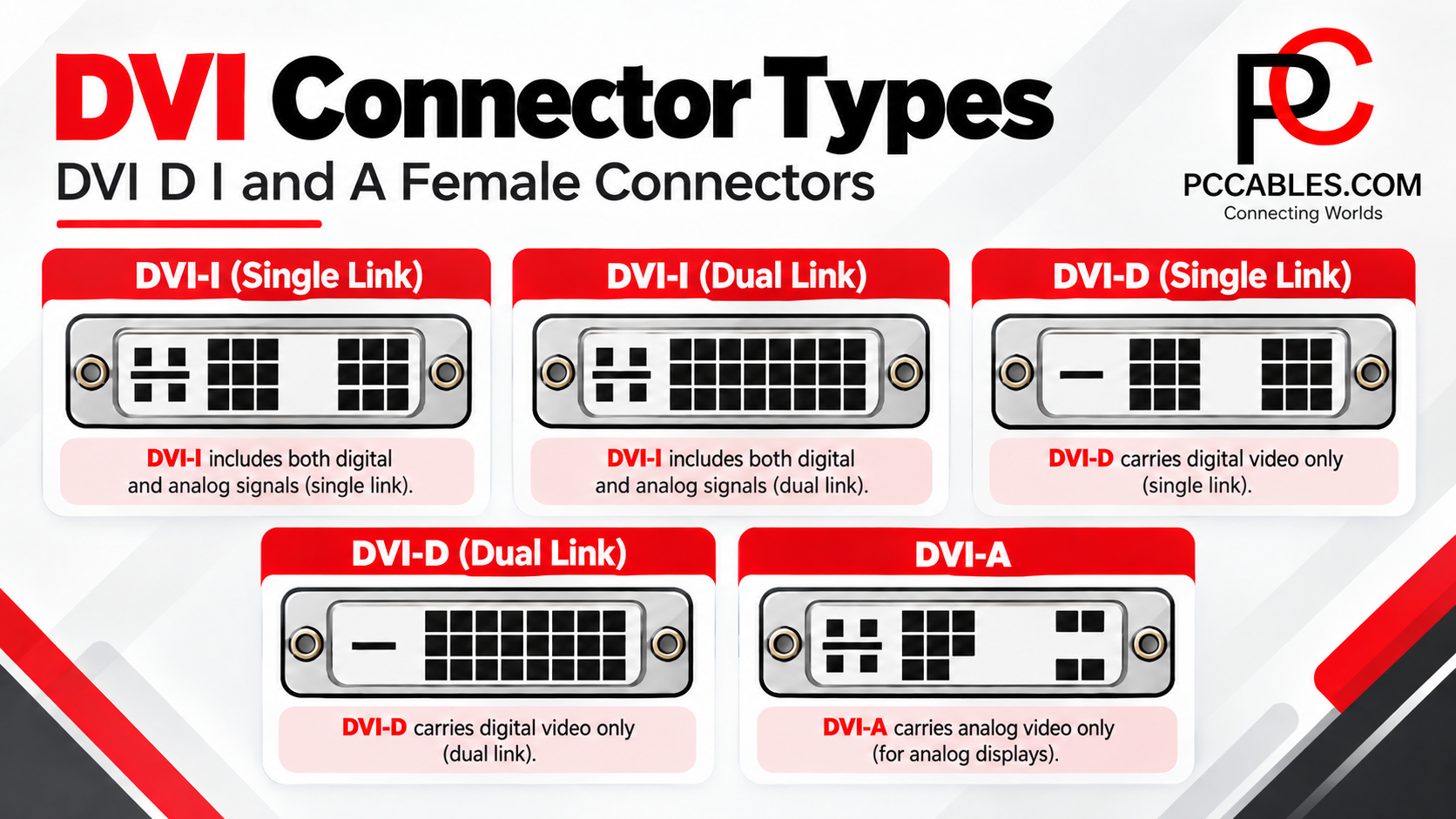
Cable or Adapter?
Choose a complete cable when you want one direct connection between the computer and display.
Choose an adapter when you already have the appropriate HDMI, DVI or VGA cable.
Before ordering, confirm:
- Whether the source uses Mini DisplayPort or Thunderbolt 1/2
- Which input the monitor uses
- The resolution, refresh rate and audio requirements
Find the Right Mini DisplayPort Connection
Mini DisplayPort may be an older connector, but many compatible computers and displays remain in service.
Browse PCCables.com’s Mini DisplayPort cables and adapters for DisplayPort, HDMI, DVI and VGA connections.
For systems using the larger connector, see our Choosing the Right DisplayPort Cable or Adapter for Your Monitor guide.


Check out our website for all your cable needs!