
TOSLINK vs Coaxial S/PDIF: Digital Audio Connections for Studios and AV Systems
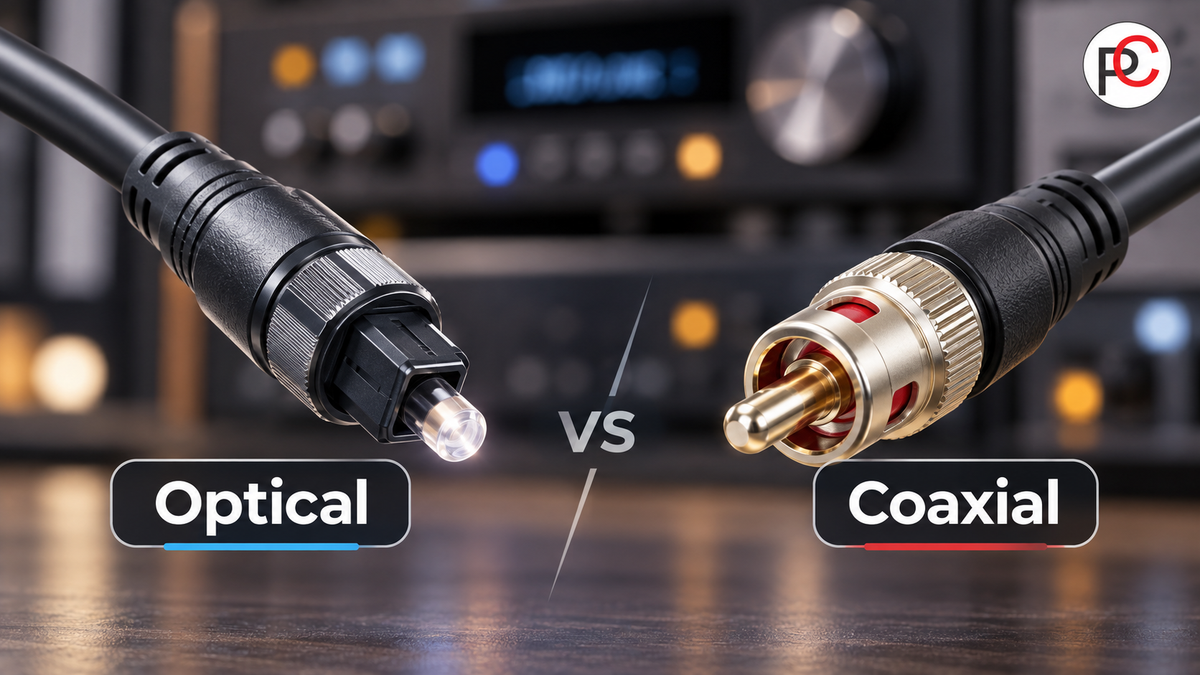
Connecting a digital guitar processor to a recording interface or routing audio to an external converter? S/PDIF connections let compatible equipment exchange digital audio without unnecessary conversion to analog and back. They can be useful links within recording, playback and monitoring setups.
PCCables.com carries TOSLINK optical audio cables and 75-ohm coaxial S/PDIF cables for compatible studio, home audio and AV equipment. Choosing between them starts with the equipment’s ports, supported audio format and installation requirements.


TOSLINK vs Coaxial: What Is the Difference?
S/PDIF stands for Sony/Philips Digital Interface. It describes the digital audio interface. TOSLINK optical and coaxial RCA are two ways of carrying that signal between compatible devices. Optical transmits pulses of light through fiber, while coaxial carries an electrical signal through copper cable.
For studio applications, S/PDIF normally carries two channels of uncompressed digital audio. Those channels might contain a stereo mix, a guitar processor’s output or two channels from an external preamp. They do not have to represent left and right speakers.
A familiar connector does not guarantee compatibility. An RCA digital audio port is not an analog line input, and an optical socket may use a format other than S/PDIF.
TOSLINK Optical Cables for Studio and AV Connections
TOSLINK provides a nonconductive audio connection between devices. That can help eliminate a ground-loop path through the audio cable, although it will not resolve every source of hum elsewhere in a system.
PCCables.com offers TOSLINK cables in 3FT, 6FT, 12FT and 25FT lengths, alongside additional metric-length options. The 6FT TOSLINK Audio Cable suits nearby equipment, while the 25FT TOSLINK Cable provides more routing flexibility.
Check the equipment manufacturer’s recommended cable length and supported sample rates, especially when planning longer optical connections.
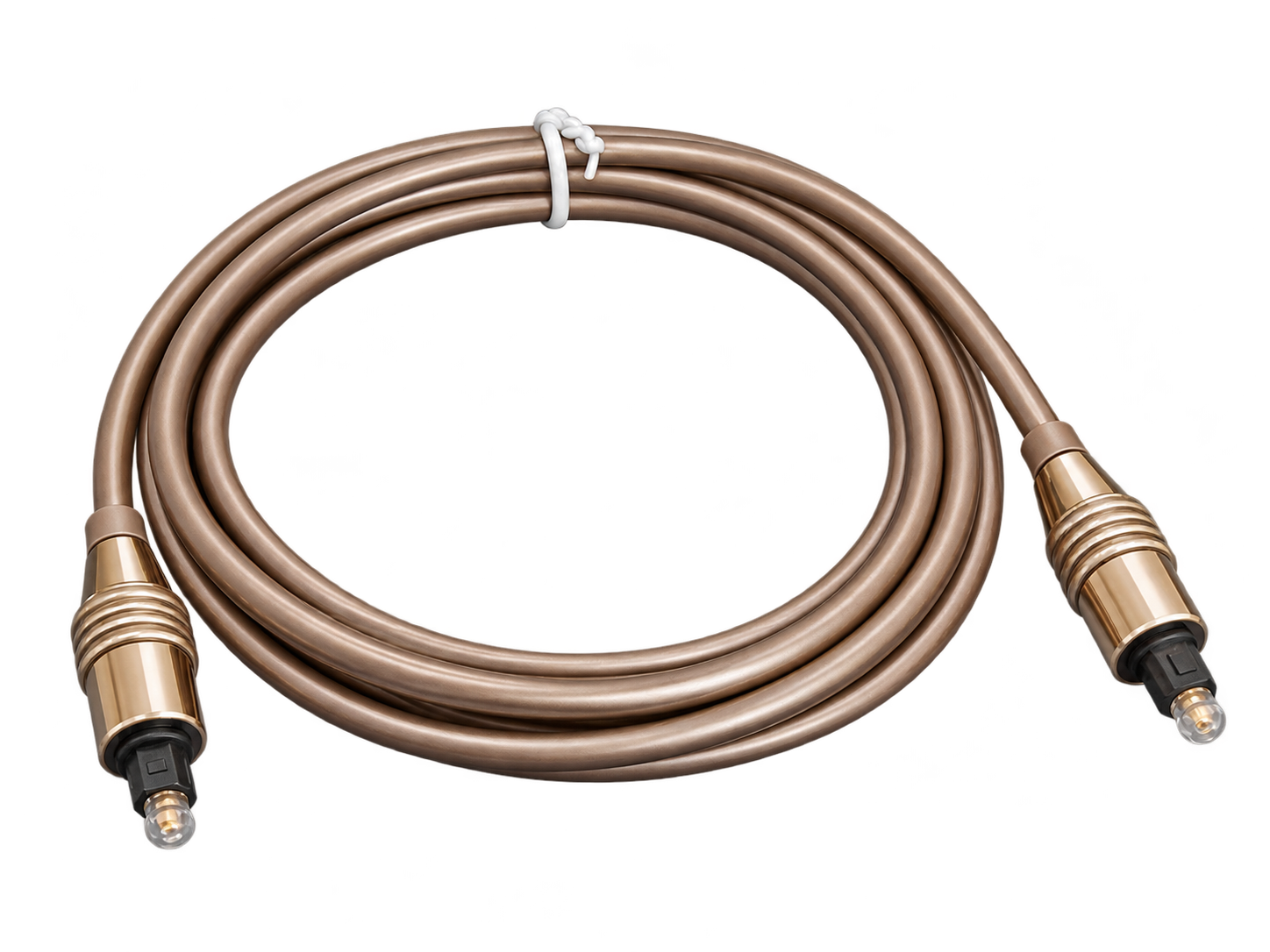
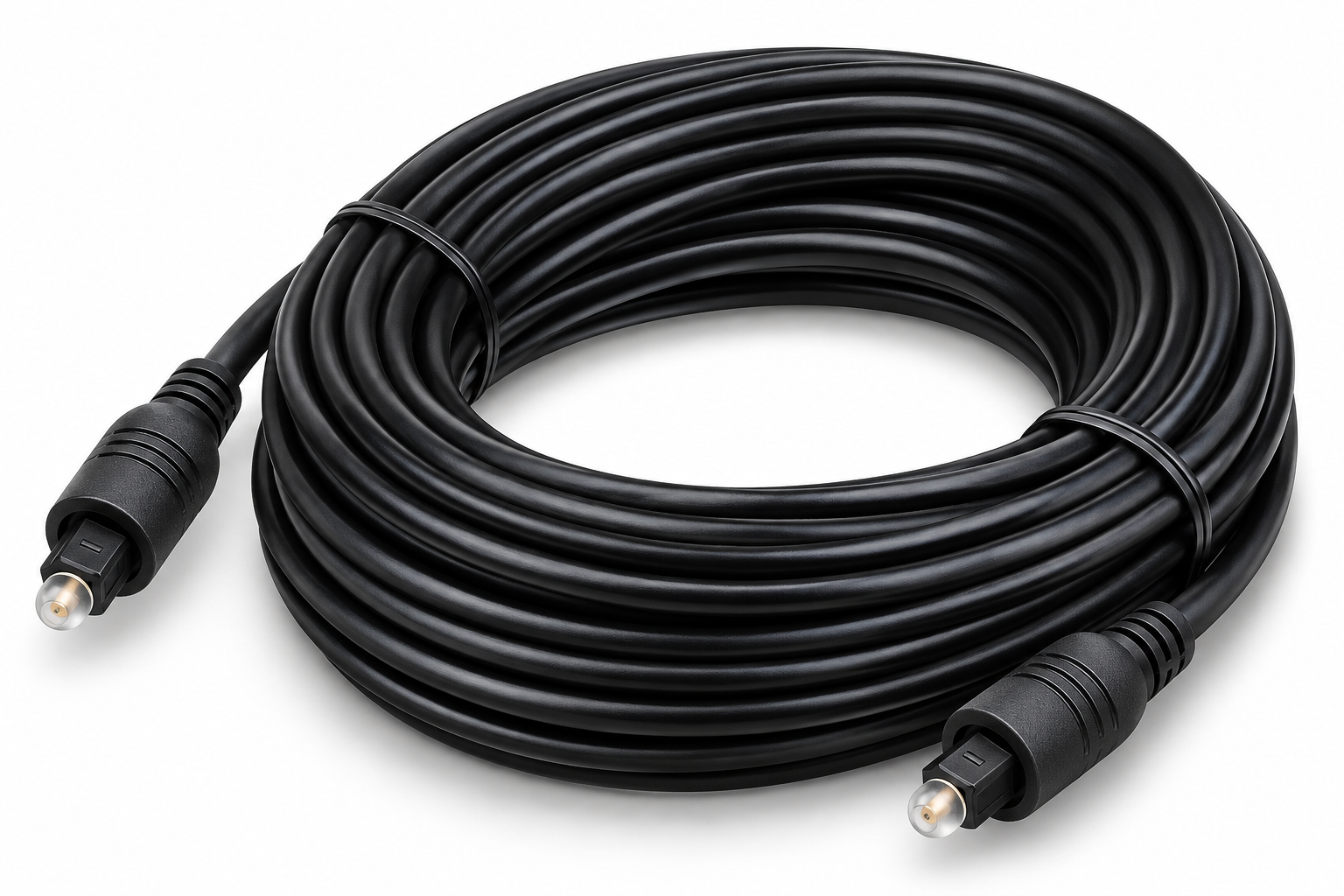
6FT TOSLINK Optical Audio Cable and 25FT TOSLINK Optical Audio Cable
Coaxial S/PDIF: Why 75-Ohm Cable Matters
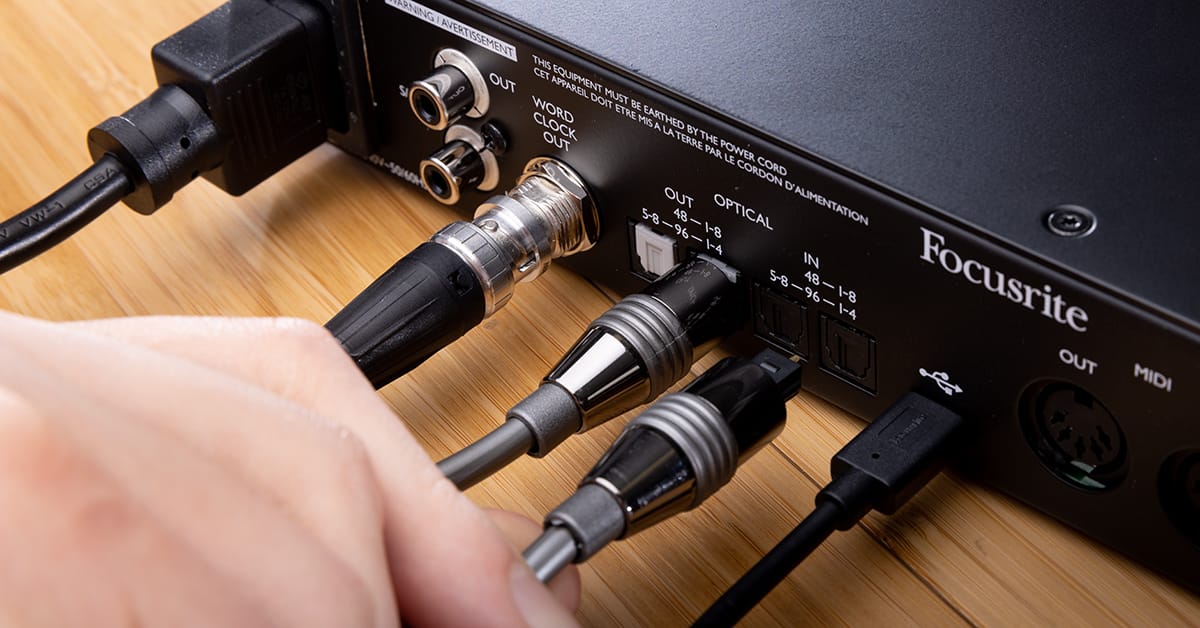
Coaxial S/PDIF uses a single RCA connection for digital audio. For example, compatible Focusrite Scarlett interfaces can receive audio from external preamps and guitar processors through their RCA S/PDIF inputs. Focusrite recommends 75-ohm cable for these connections.
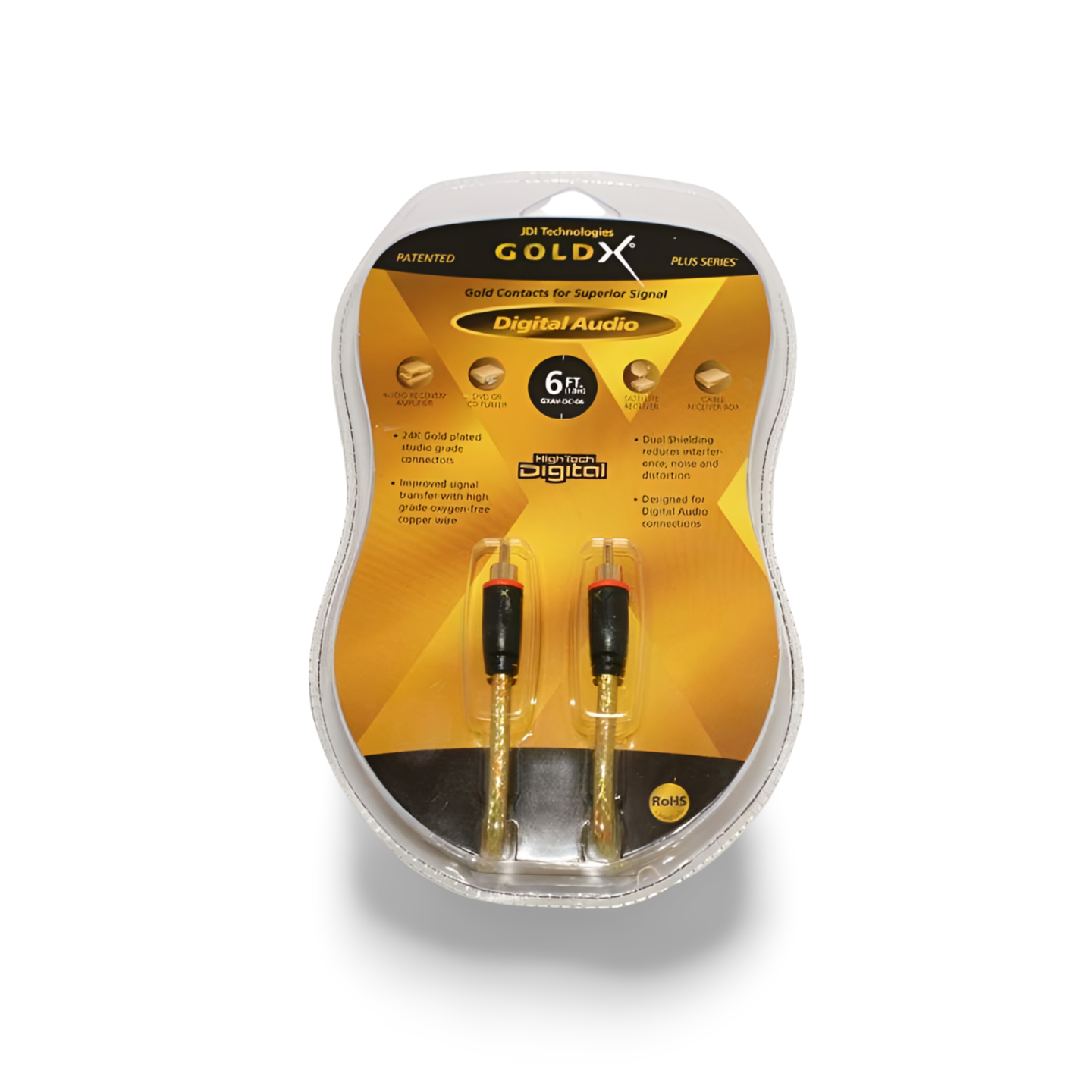
The 6FT GoldX Digital Coaxial Audio Cable uses 75-ohm RG-59 coaxial cable with gold-plated RCA connectors. It provides a connection between compatible coaxial digital outputs and inputs.
Do not choose solely by the RCA plug. An ordinary analog audio lead may work over a short distance, but it is not necessarily built to the recommended digital cable specification.
TOSLINK vs ADAT: Same Connector, Different Format
This distinction is especially important when expanding a recording interface.
ADAT Lightpipe uses the same type of TOSLINK optical cable as optical S/PDIF, but the formats are different. Changing the cable does not convert one format into the other.
| Optical Format | Typical Studio Channel Capacity |
|---|---|
| Optical S/PDIF | Two channels of uncompressed audio |
| ADAT Lightpipe | Eight channels at 44.1/48 kHz, or four at 88.2/96 kHz using compatible S/MUX equipment |
ADAT’s channel capacity depends on sample rate and equipment support. Some interfaces, including the Focusrite Scarlett 18i20, let users configure optical ports for either ADAT or S/PDIF. Both connected devices must use the same format.
For recording drums or a live ensemble, connecting a compatible multichannel preamp through ADAT can add microphone inputs to an existing interface. That is an ADAT application, not an eight-channel S/PDIF connection.
Sample Rates and Clocking: Preventing Clicks and Dropouts
Digital equipment must agree on both sample rate and clock reference. Two devices independently set to 48 kHz are not necessarily synchronized.
For a simple two-device setup, one device usually supplies the clock and the other follows the incoming S/PDIF or ADAT signal. These connections carry embedded clock information, so a separate word-clock cable is not always necessary. Follow the equipment’s instructions for more complex systems.
If you hear glitches or receive no audio, check the optical format, clock source, sample rate and synchronization indicator before replacing the cable. Focusrite specifically identifies incorrect synchronization as a cause of audible glitches or failed digital audio transfer.


Where These Connections Fit in Larger Productions
For production teams, S/PDIF is best considered a local two-channel equipment link, while ADAT supports multichannel expansion between compatible devices. Neither should be confused with a larger stage-to-console transport such as MADI, which can carry up to 64 channels.COAX
That makes these cables relevant to individual recording, processing and monitoring connections without treating them as replacements for an entire live-sound network.
Build the Right Digital Audio Connection
Choose the connection your equipment supports, then verify format, channel count, sample rate, clocking and cable length. Optical versus coaxial is a compatibility decision first, not a promise that one cable will make every system sound better.
Explore PCCables.com’s TOSLINK selection and coaxial S/PDIF cables for your next studio or AV installation. For other connections, browse our audio cables and adapters or visit the PCCables.com Blog.

See more of our blog posts here!


Check out our website for all your cable needs!