
Screw-Lock USB Cables: When a Standard Connection Isn’t Secure Enough
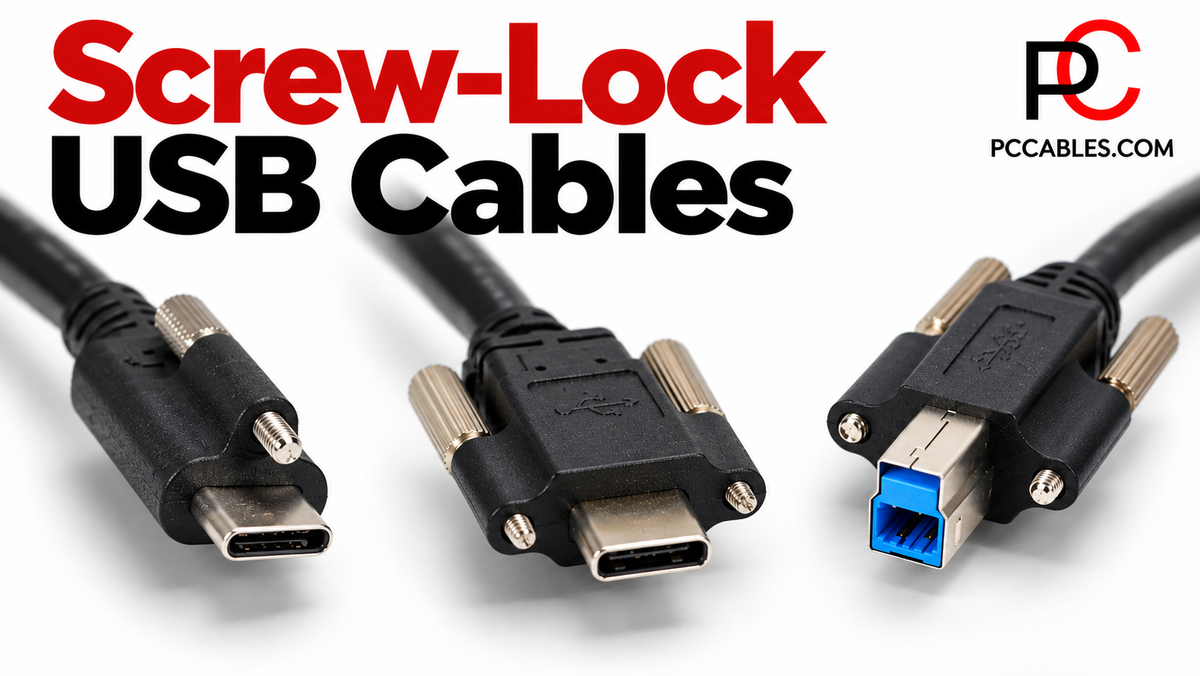
A USB connection is convenient until a cable gets knocked loose. In an equipment installation, an accidental disconnection can interrupt work or leave a device inaccessible. Screw-lock USB cables add a mechanical fastening point to help keep compatible connections seated.
PCCables.com carries USB cables with screw-lock connections, including USB-C, USB 3.0 Type-B, Mini-B and Micro-B configurations. Choosing the right one means matching both the USB connection and the equipment’s mounting arrangement.


What Is a Screw-Lock USB Cable?
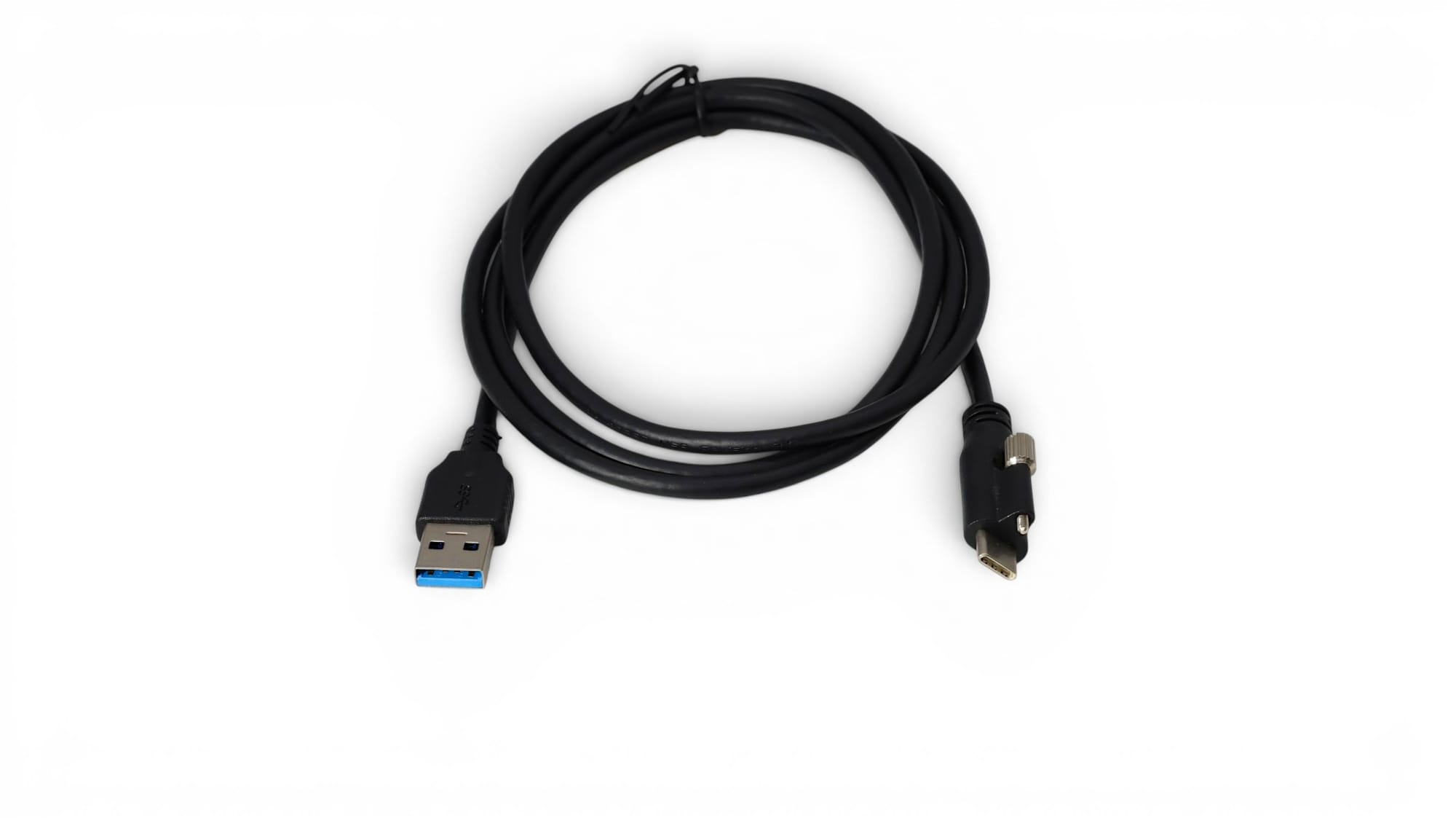
A screw-lock USB cable has one or more screws built into the connector housing. These fasten into matching threaded mounting points on compatible equipment, helping secure the connection instead of relying only on the plug’s normal retention. USB-C locking designs include both single-screw and dual-screw arrangements.
The important word is compatible. An ordinary USB port without the matching mounting points cannot provide the intended screw-lock attachment. Check the equipment’s connector layout before ordering.
Screw-lock connections are used on industrial equipment and camera systems where keeping the cable attached matters. However, a locking connector does not automatically make a cable suitable for continuous movement, robotics or harsh environments. Those applications require separate cable ratings.

USB-C Screw-Lock Cables: Single or Double Screws?
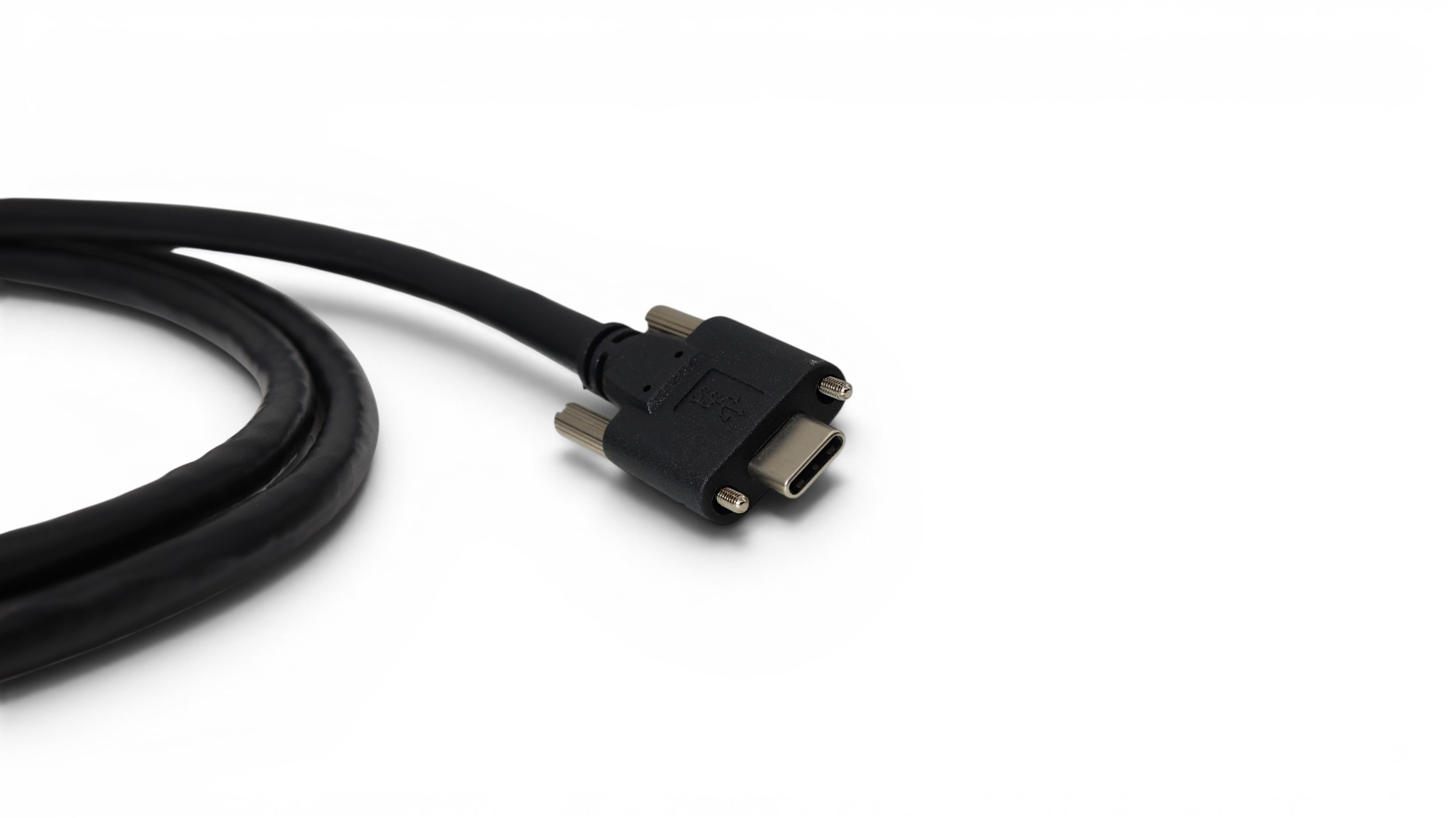
USB-C screw-lock cables offer a secure connection for equipment designed with the corresponding mounting points. PCCables.com carries several configurations rather than one universal locking cable.
The USB-A to USB-C Single Screw Lock Cable is a 1-meter USB 3.2 Gen 1 cable. For equipment with a two-screw USB-C mounting arrangement, the USB-A to USB-C Double Screw Lock Cable provides a 1-meter USB 2.0 option. More screws do not mean a higher data rate: these two products have different USB specifications as well as different mounting designs.
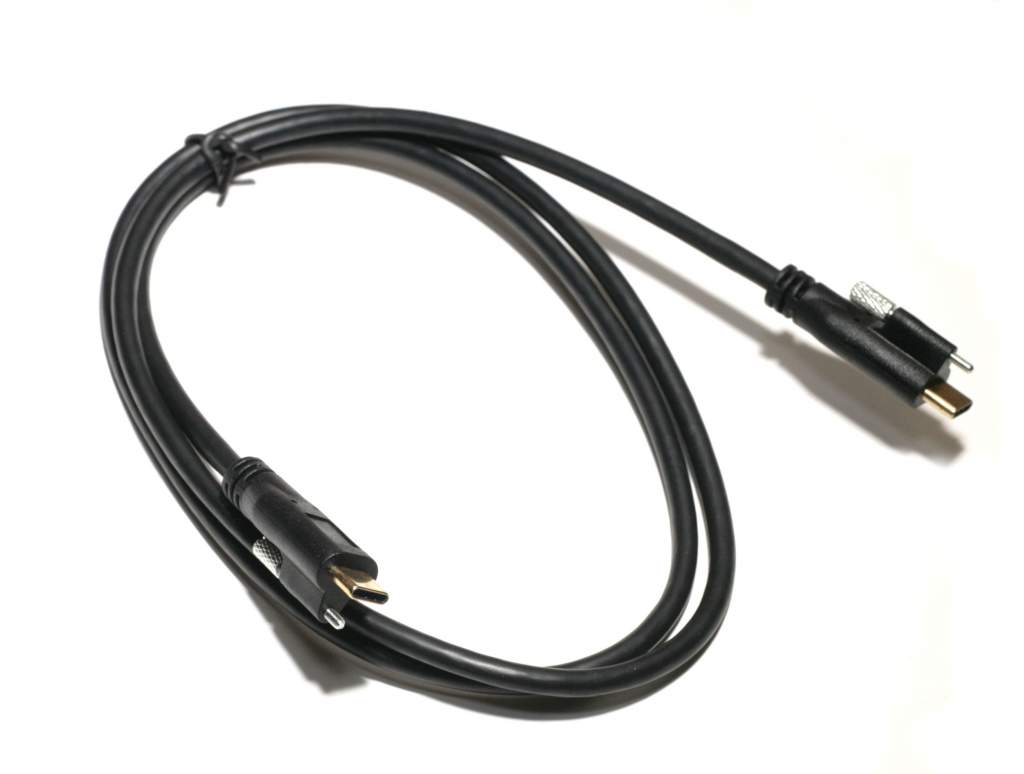
For connections using USB-C at both ends, PCCables.com offers 10Gbps single-screw-lock cables in 1-meter and 2-meter lengths. These feature a locking screw at each USB-C connector for compatible installations.
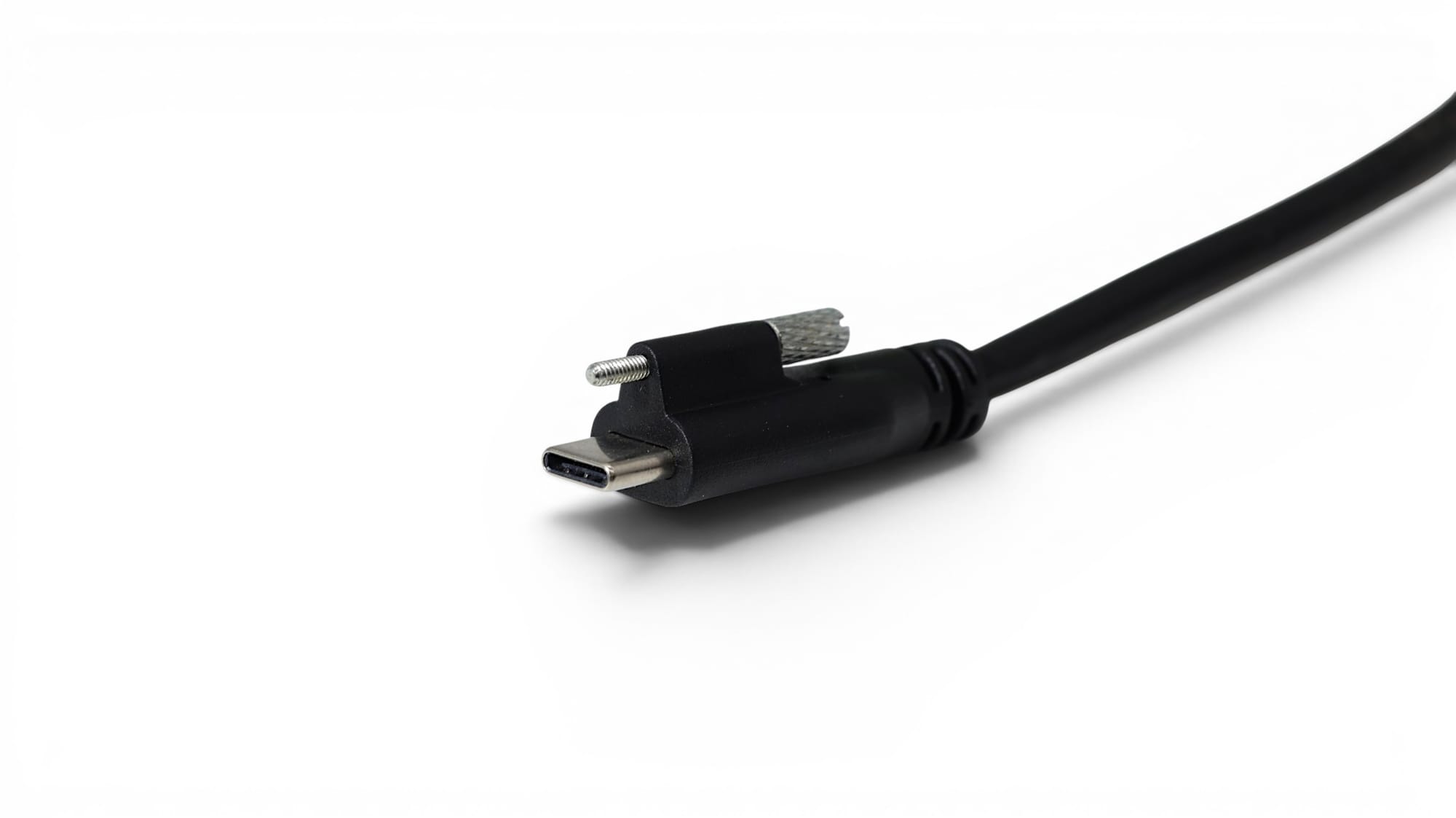
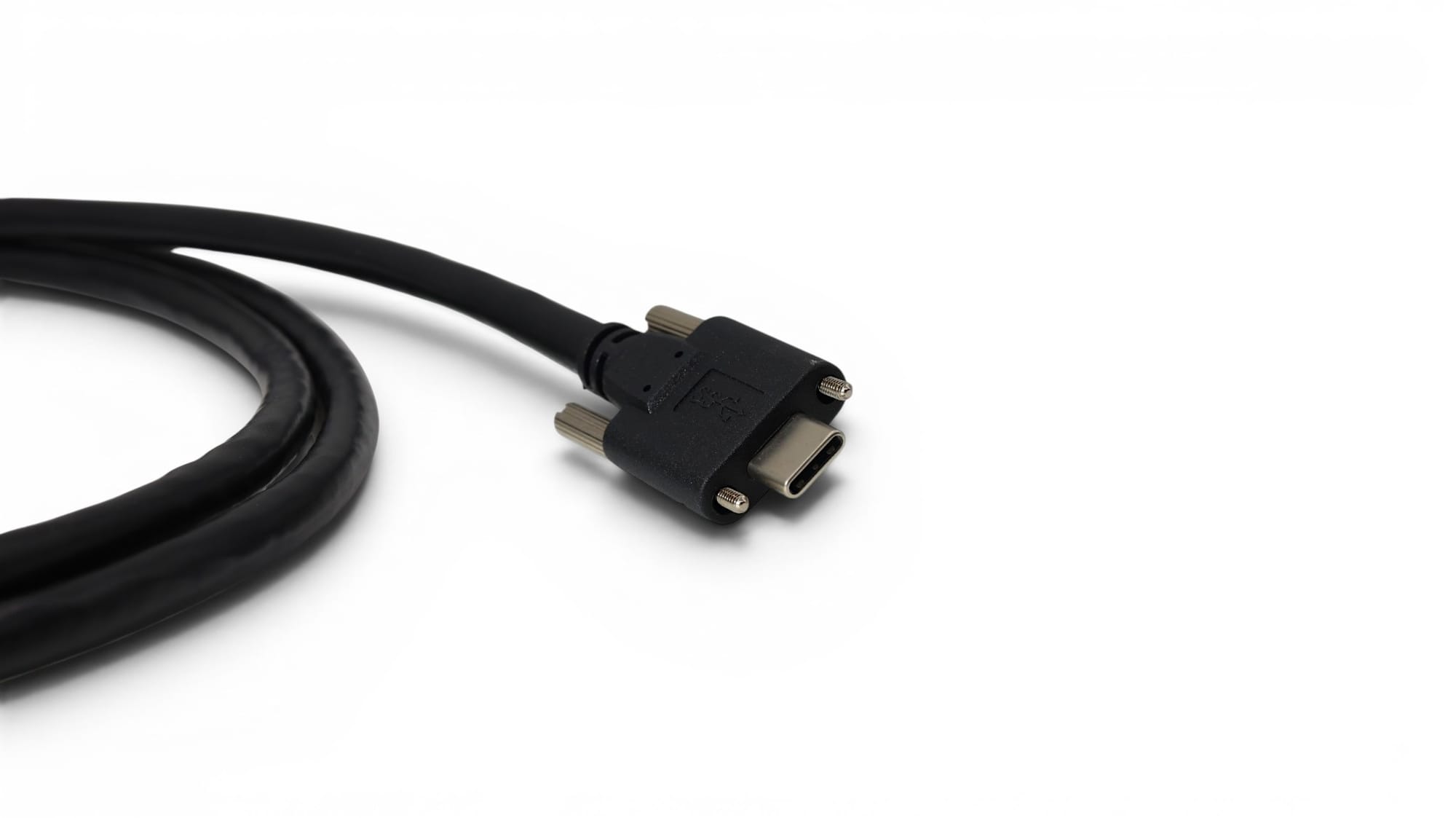
Single-Screw USB-C Connector and Double-Screw USB-C Connector
USB 3.0 Type-B Screw-Lock Cables
Not every installation uses USB-C. Equipment with a USB 3.0 Type-B connection needs the corresponding connector and mounting arrangement.
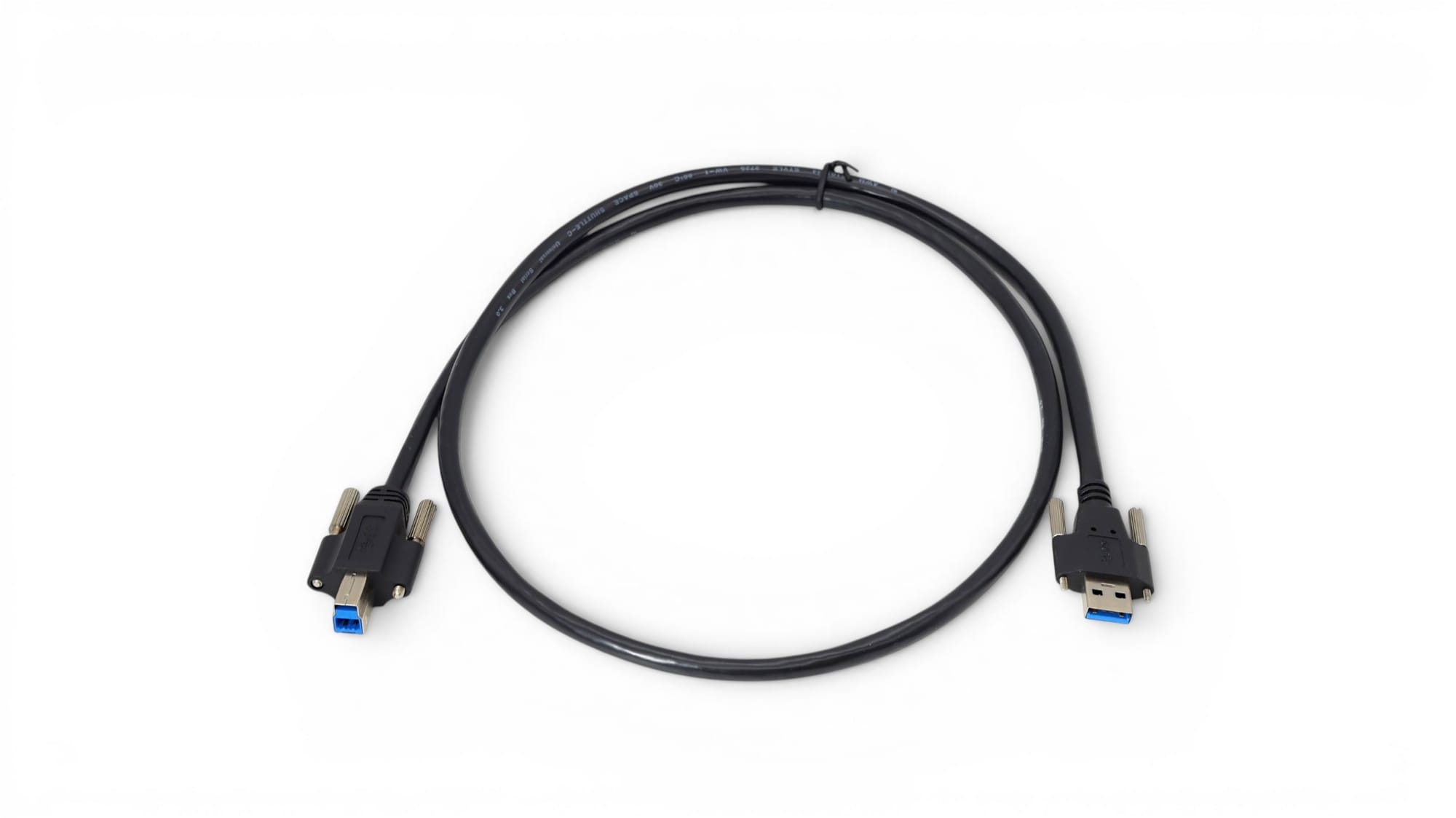
PCCables.com’s USB-A to USB 3.0 Type-B Screw Lock Cable is a 1-meter USB 3.2 Gen 1 cable. Its product photographs show locking screws at both connector ends, making the mounting requirements at the computer and device worth checking.
The USB 3.0 Type-B connector is different from the smaller USB 2.0 Type-B connector commonly found on printers. Do not select this cable simply because the equipment is described as using “USB-B.”
 Hunter
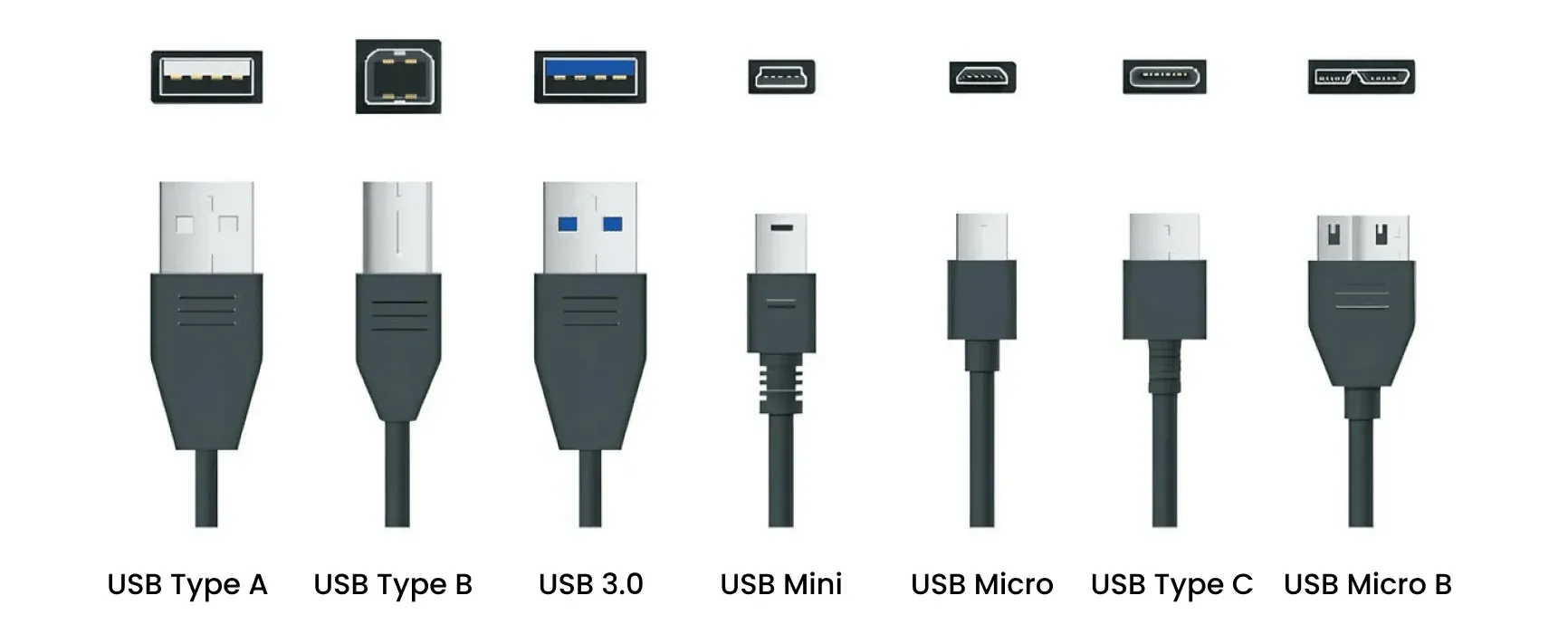
Mini-B and Micro-B Locking Cables
PCCables.com also carries screw-lock options for equipment using smaller USB connectors.
The USB-A to Mini-B Screw Lock Cable is listed as a 1.5-meter USB 2.0 cable. For compatible Micro-B connections, the USB-A to Micro-B Double Screw Lock Cable provides another 1.5-meter USB 2.0 option.
These are equipment-specific replacements, not universal upgrades for every camera or portable device with Mini-B or Micro-B. The connector and screw arrangement must both match.
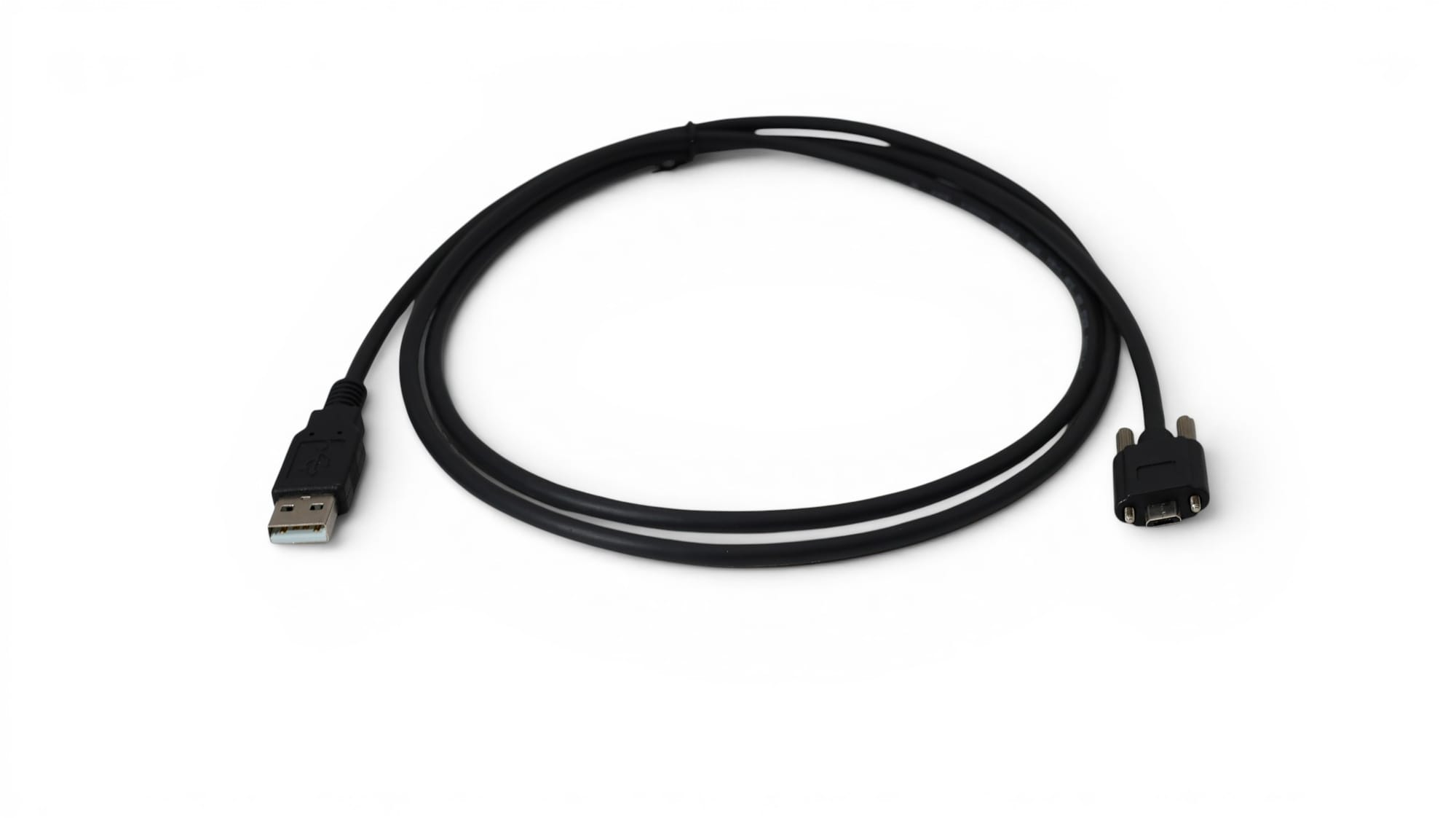
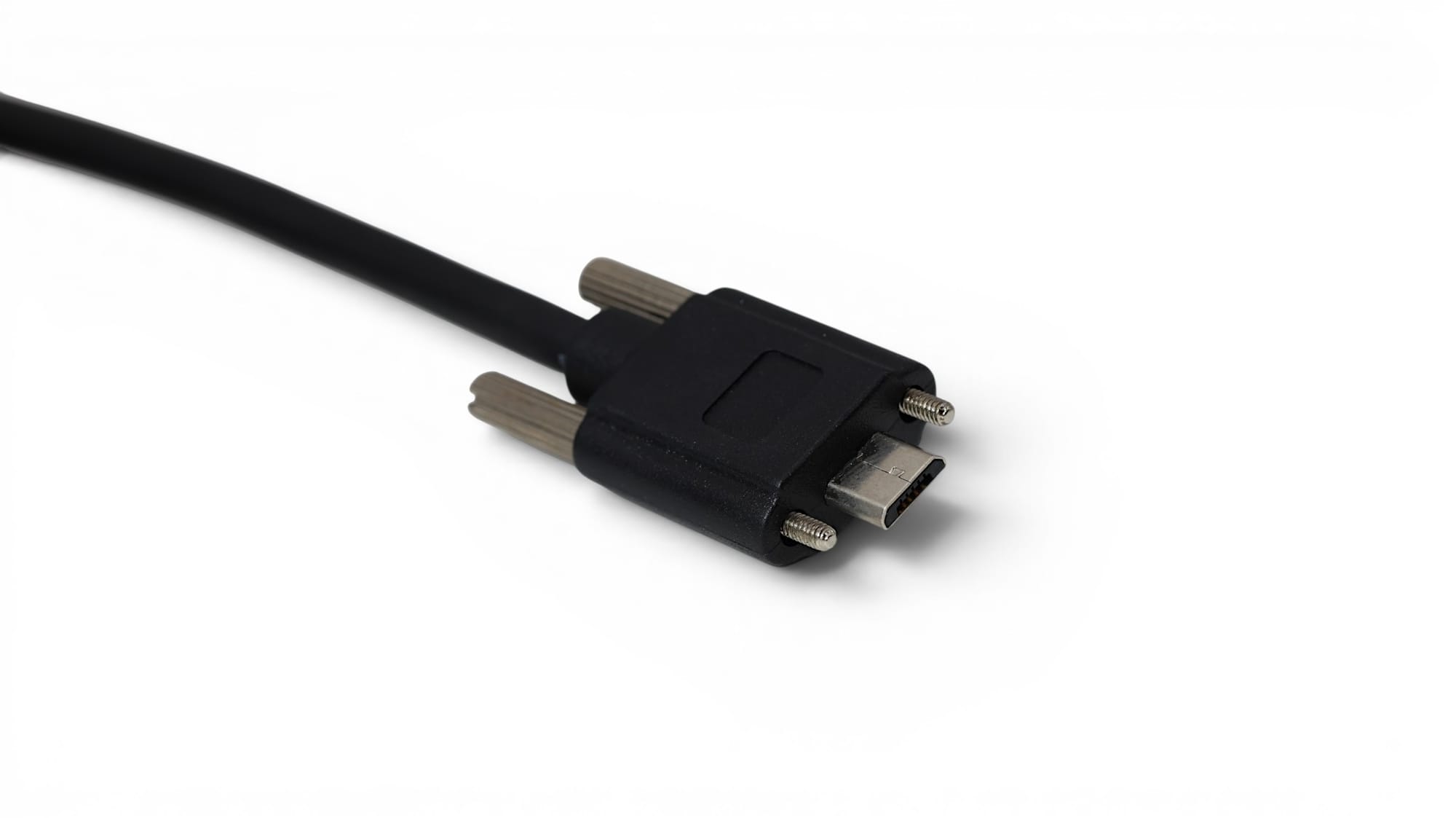
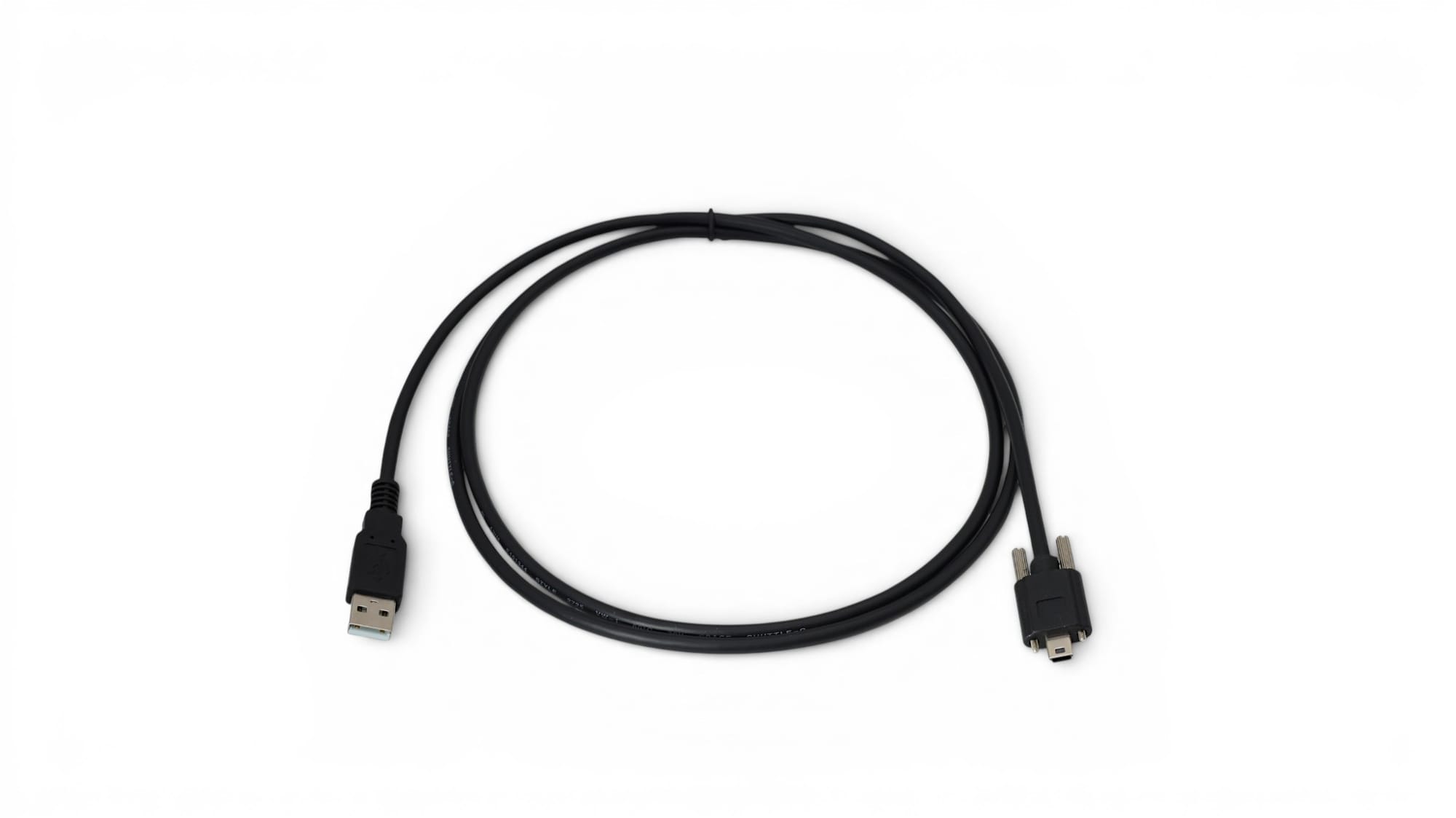
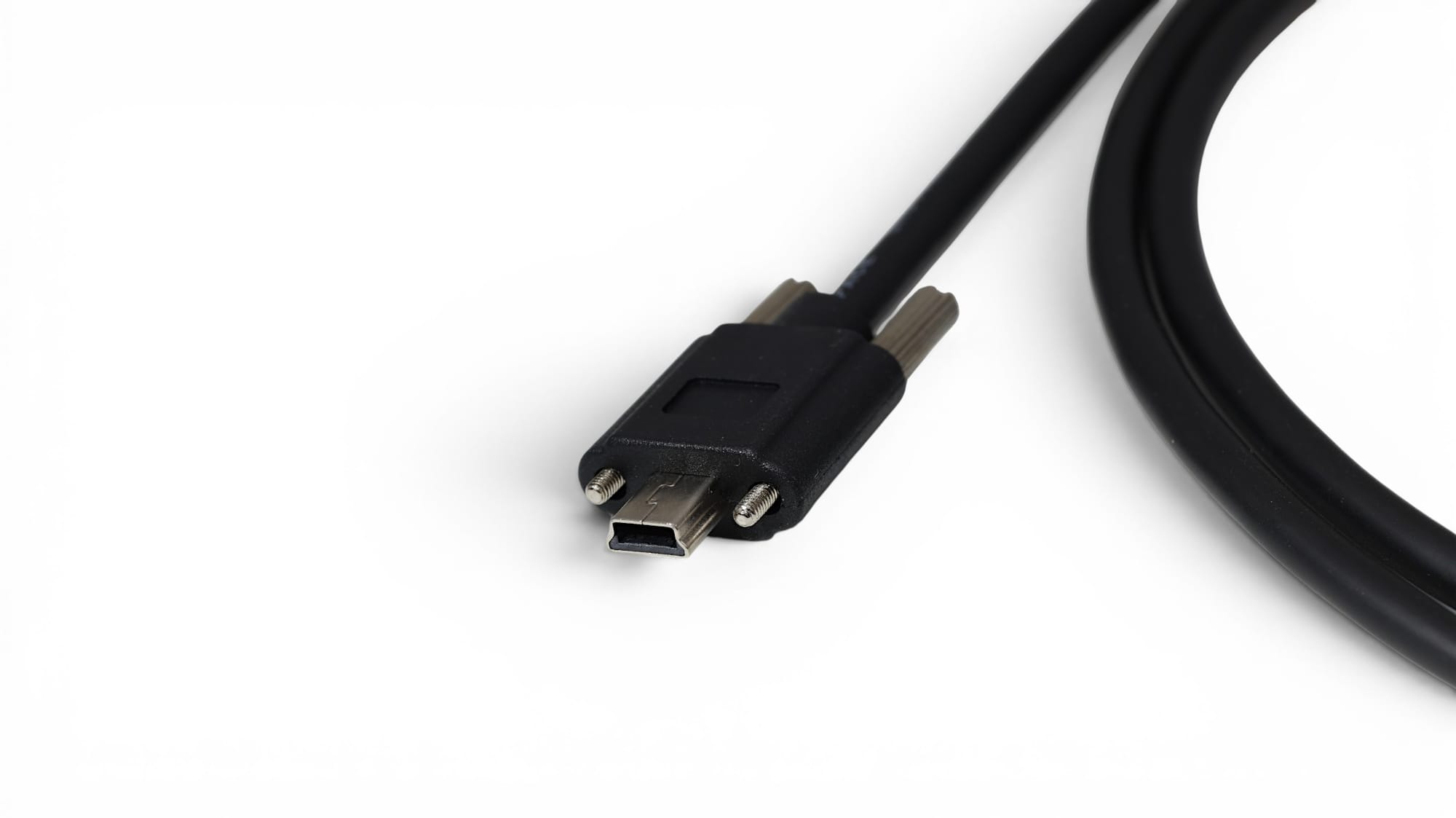
USB A to Mini-B Screw-Lock Cable and USB 2.0 A to Micro-B Screw-Lock Cable
Screw-Lock vs Panel-Mount USB: Different Jobs
Both designs can involve screws, but they serve different purposes.
A screw-lock connector secures the cable to compatible equipment. A panel-mount cable secures a USB socket to an enclosure or faceplate, making the port accessible from outside. PCCables.com’s USB 3.0 Panel-Mount Extension is an example of the latter. Mounting the socket does not itself lock an ordinary USB plug into it.

What to Check Before Ordering
Start with both connector types and the mounting arrangement. Compare the screw count, location, thread and available clearance with the equipment documentation. A matching USB plug is only part of the fit.
Next, check the required USB speed and cable length. The products above include USB 2.0, USB 3.2 Gen 1 and 10Gbps options, so locking hardware alone does not tell you the cable’s performance. For special power or installation requirements, confirm the specifications rather than assuming every industrial-style cable supports them.

Find a Secure USB Connection at PCCables.com
PCCables.com offers screw-lock USB cables for modern USB-C connections and equipment using Type-B, Mini-B or Micro-B. Browse our USB selection or follow the product links above to compare configurations.
Need help identifying the connector first? See our USB Cable Types guide, or visit the PCCables.com Blog for more connection and compatibility guides.

See more of our blog posts here!


Check out our website for all your cable needs!